Codex Workspace
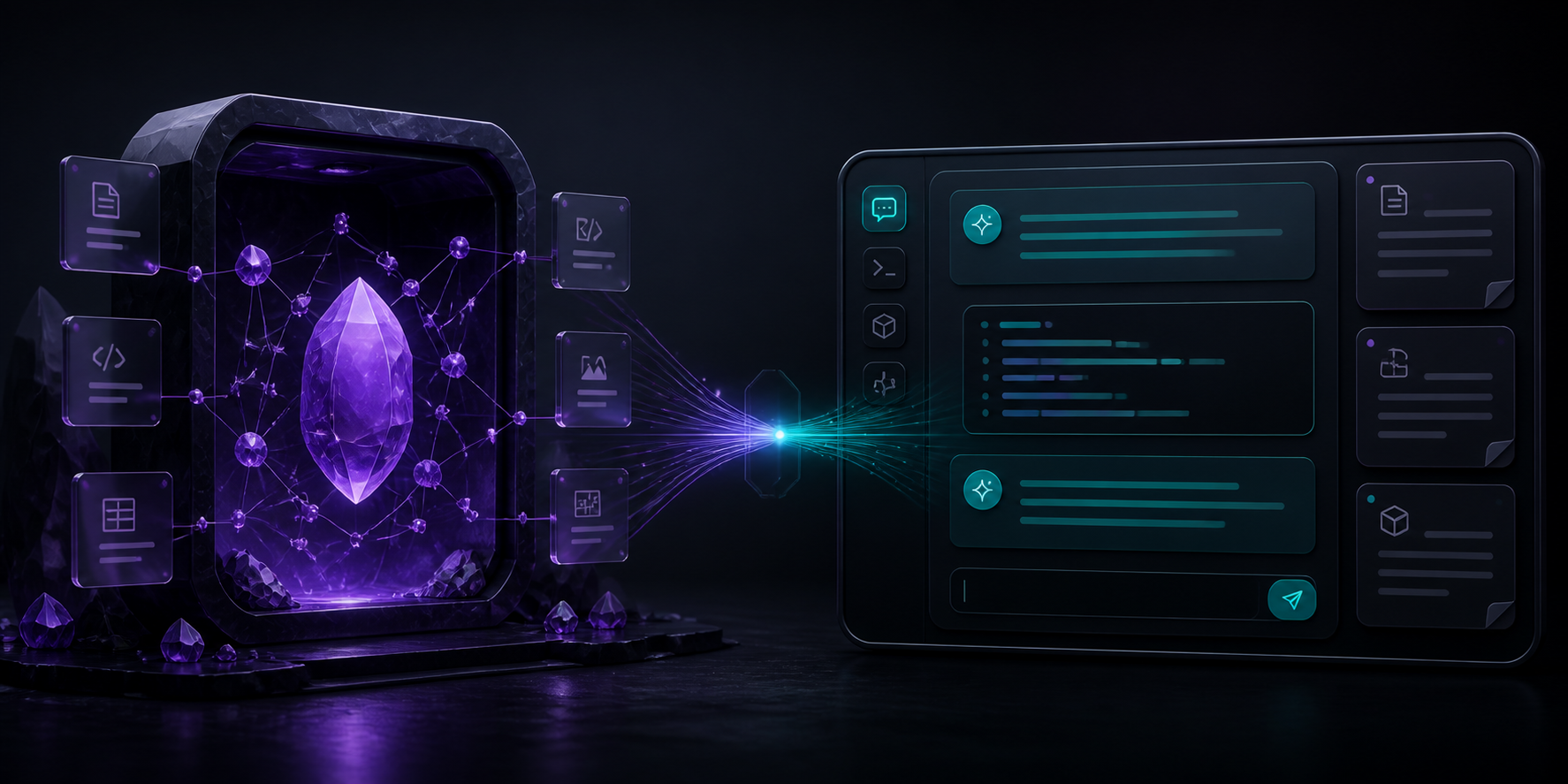
Bring your existing Codex CLI session into Obsidian — no API key, no embedded website.
English ·
繁體中文 ·
简体中文 ·
日本語 ·
한국어




> [!IMPORTANT]
> Codex Workspace is an independent community project. It is not affiliated with, endorsed by, or an official product of Obsidian or OpenAI.
## Your vault, now conversational
Click the Codex icon in Obsidian's left ribbon and a persistent conversation opens in the right sidebar. Codex runs through the CLI you already installed and signed into, with the current vault as its workspace.
Ask it to:
- organize meeting notes and create an index;
- connect related ideas across Markdown files;
- summarize a research folder and identify open questions;
- refactor frontmatter, links, and naming conventions;
- collaborate on a plan or investigate a difficult problem;
- use the skills, plugins, and MCP integrations already available to your Codex setup.
## Highlights
| Capability | What it means |
| --- | --- |
| Existing Codex login | Uses your local Codex CLI / ChatGPT sign-in. No API key is requested or stored. |
| Native side panel | Opens from the left ribbon into an Obsidian right-side `ItemView`. |
| Multi-turn sessions | Continues the same Codex session with `codex exec resume`. |
| Vault-aware work | Runs with the current local vault as the working directory. |
| Permission control | Choose read-only analysis or workspace-write access. |
| Local history | Stores the visible panel history and Codex session ID in plugin data. |
## Requirements
- Obsidian desktop 1.7.2 or newer.
- Codex CLI installed and signed in with `codex`.
- macOS or Linux for the current release. Windows support has not yet been verified.
## Install
### Public beta release
1. Download `manifest.json`, `main.js`, and `styles.css` from the [latest release](https://github.com/yamantaka520/Codex-Plugin-for-Obsidian/releases/latest).
2. Create `/.obsidian/plugins/codex-workspace/`.
3. Copy the three files into that folder.
4. Restart Obsidian.
5. Open **Settings → Community plugins** and enable **Codex Workspace**.
You can also install the repository as a beta with [BRAT](https://github.com/TfTHacker/obsidian42-brat).
### Build from source
```bash
npm install
npm run build
```
Then copy `manifest.json`, `main.js`, and `styles.css` into your vault's `.obsidian/plugins/codex-workspace/` directory.
## Use
1. Select the bot icon in Obsidian's left ribbon.
2. Enter a request in the right-side Codex panel.
3. Press Enter to send or Shift + Enter for a new line.
4. Use **Stop** to terminate the active turn or the new-chat icon to reset the conversation.
The command palette also provides:
- **Codex Workspace: Open Codex chat**
- **Codex Workspace: Start new Codex chat**
## Permissions and privacy
Codex Workspace deliberately keeps the integration small and inspectable.
- **Account required:** full functionality requires a local Codex CLI installation signed in through a supported Codex / ChatGPT login method.
- **Network use:** the plugin launches Codex CLI, which communicates with OpenAI services according to your Codex account and configuration. The plugin does not make its own OpenAI API requests.
- **Outside-vault access:** the plugin launches the configured Codex executable outside the vault. Codex CLI uses its own authentication and configuration directory. The plugin does not read or copy those credentials.
- **Vault access:** the default sandbox is `workspace-write`, limited to the current vault. Change it to `read-only` in plugin settings when you only want analysis.
- **Approvals:** `--approve-for-me` is enabled by default so non-interactive CLI turns can use Codex's automatic review. The plugin never enables `--dangerously-bypass-approvals-and-sandbox`.
- **Local data:** visible messages and the Codex session ID are stored in Obsidian's local plugin data. No client-side telemetry or advertising is included.
Before giving Codex an important editing task, keep your vault under Git or make a backup.
See [SECURITY.md](SECURITY.md) for the threat model and reporting process.
## Current scope
Version 0.3.0 is an early public beta:
- one Codex turn runs at a time;
- safe progress events are streamed into the panel without raw command payloads;
- named conversations can be switched, searched, archived, exported, and deleted locally;
- only local filesystem vaults are supported;
- the release is desktop-only;
- full GUI end-to-end verification is still in progress.
## Roadmap
See the [next-phase execution plan](docs/NEXT_PHASE.md) for milestones and acceptance criteria.
- [x] Stream privacy-preserving Codex progress and tool events into the panel.
- [x] Add multiple named conversations and history management.
- [x] Add explicit active-note and text-selection context controls with local preview.
- [ ] Show file changes with review and accept/reject actions.
- [ ] Complete Windows and independent-vault GUI test matrices.
- [x] Submit to the official Obsidian Community directory; automated review passes and manual review is open.
## Develop
```bash
npm install
npm run dev
```
Quality checks:
```bash
npm run build
npm test
npm audit --omit=dev
```
Contributions are welcome. Read [CONTRIBUTING.md](CONTRIBUTING.md) before opening a pull request.
## Official references
- [Obsidian plugin documentation](https://docs.obsidian.md/Plugins/Getting%20started/Build%20a%20plugin)
- [Obsidian Community directory submission guide](https://docs.obsidian.md/plugins/releasing/submit-plugin)
- [Codex CLI documentation](https://learn.chatgpt.com/docs/codex/cli)
- [Codex non-interactive mode](https://learn.chatgpt.com/docs/non-interactive-mode)
## License
[MIT](LICENSE) © 2026 yamantaka520