Obsidian TradingView
Open a customizable stock view powered by TradingView's free embeddable widgets.
## 🚀 Overview
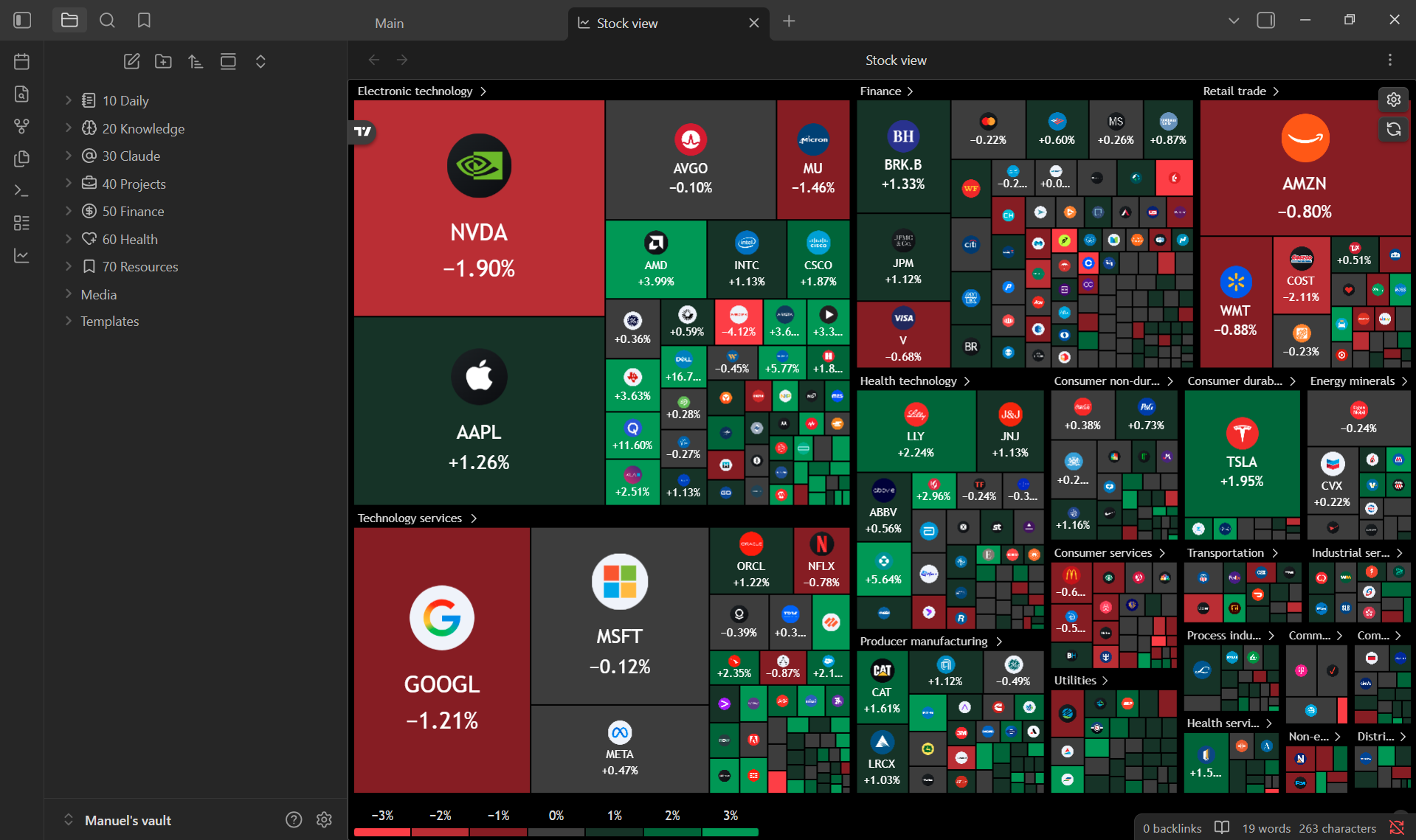
**Obsidian TradingView** adds a dedicated **Stock view** inside Obsidian where you can browse live market data without leaving your vault. The view embeds [TradingView's free widgets](https://www.tradingview.com/widget/)—charts, heatmaps, tickers, and symbol summaries—configured from a built-in settings panel.
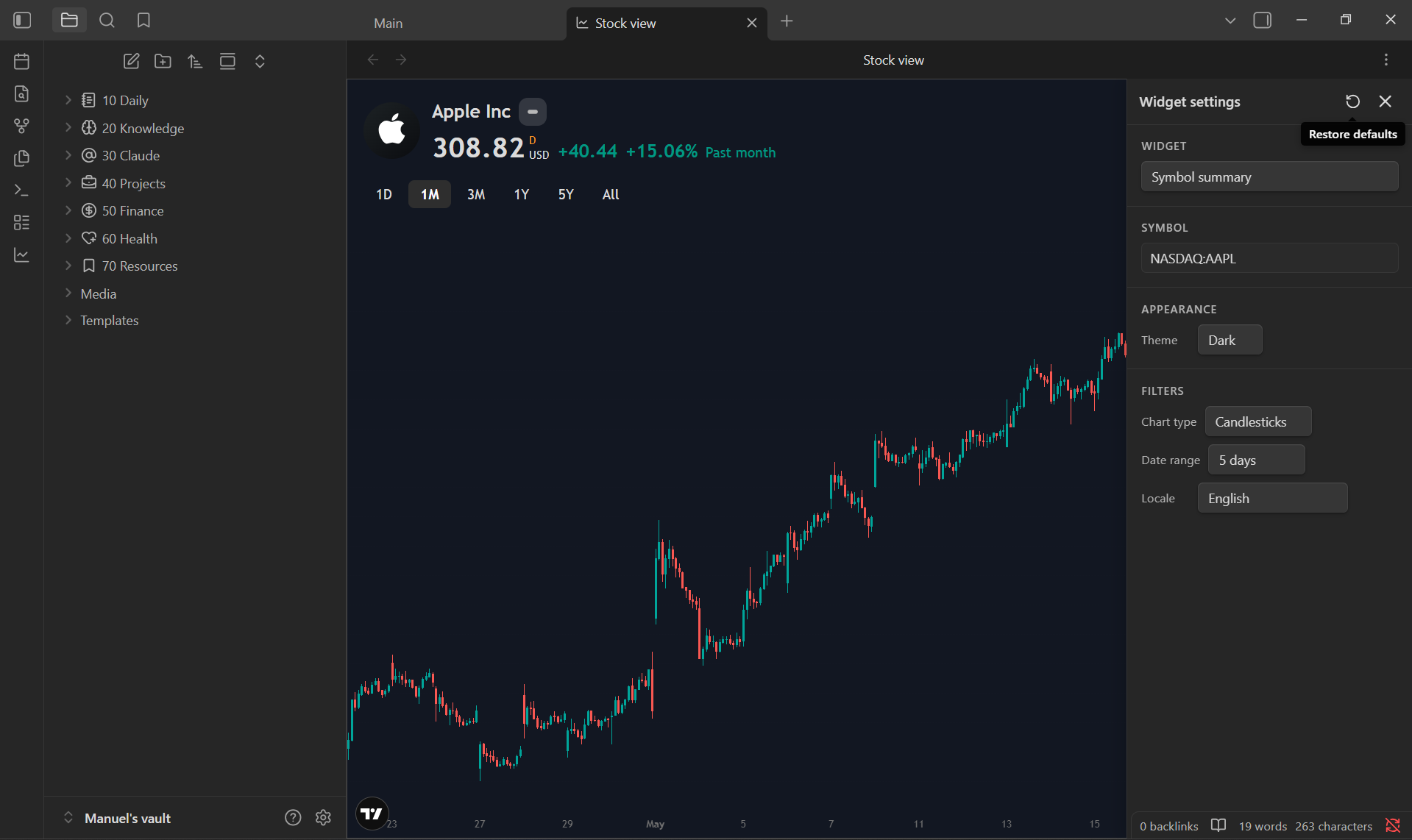
**What you can do:** You can switch between eight widget types: advanced chart, stock/crypto/forex heatmaps, ticker tape, single quote, symbol info, and symbol summary.
The plugin is **desktop only** (Windows, macOS, and Linux). It requires an active internet connection because widgets are loaded from TradingView's servers.
## 🧠 Getting Started
1. Download from **Community Plugins** in Obsidian or clone the repository inside your `~/vault/.obsidian/plugins/` folder.
2. Enable the plugin from Obsidian's settings panel.
3. Click the **line-chart ribbon icon** in the left sidebar to open the stock view. You can also run the **Open stock view** command from the command palette and assign it to a hotkey.
4. Configure default widget, symbol, and theme under **Settings → TradingView Widget**. Adjust the active widget from the gear icon inside the stock view.
## 🟡 Disclosures
This plugin loads market data and embed scripts from **TradingView** (`s3.tradingview.com` and related TradingView domains). Nothing is fetched from or stored in your vault beyond your plugin preferences.
> **Why is this needed?**
> TradingView widgets are hosted externally. To render charts and quotes, the plugin must reach TradingView over the internet. Obsidian requires this disclosure so you know when a plugin contacts third-party services.
- **Internet required** — the stock view will not work offline.
- **Third-party data** — prices, charts, and symbols come from TradingView. This plugin is not affiliated with or endorsed by TradingView.
- **No local market storage** — live data is streamed into embedded widgets; the plugin does not write quotes or history into your notes.
## 🫱🏼🫲🏼 Contributing & Support
- Found a bug? Open an issue [here](https://github.com/TheManuelML/obsidian-tradeview/issues).
- Want to contribute? Create a new pull request.




