
Whole-file team vault sync, real-time Yjs multiplayer, and zero-knowledge E2EE for Obsidian, powered by a self-hosted Synkk server.
Website · Live Docs Portal · Docs · Server repo · Latest release · Ottomate
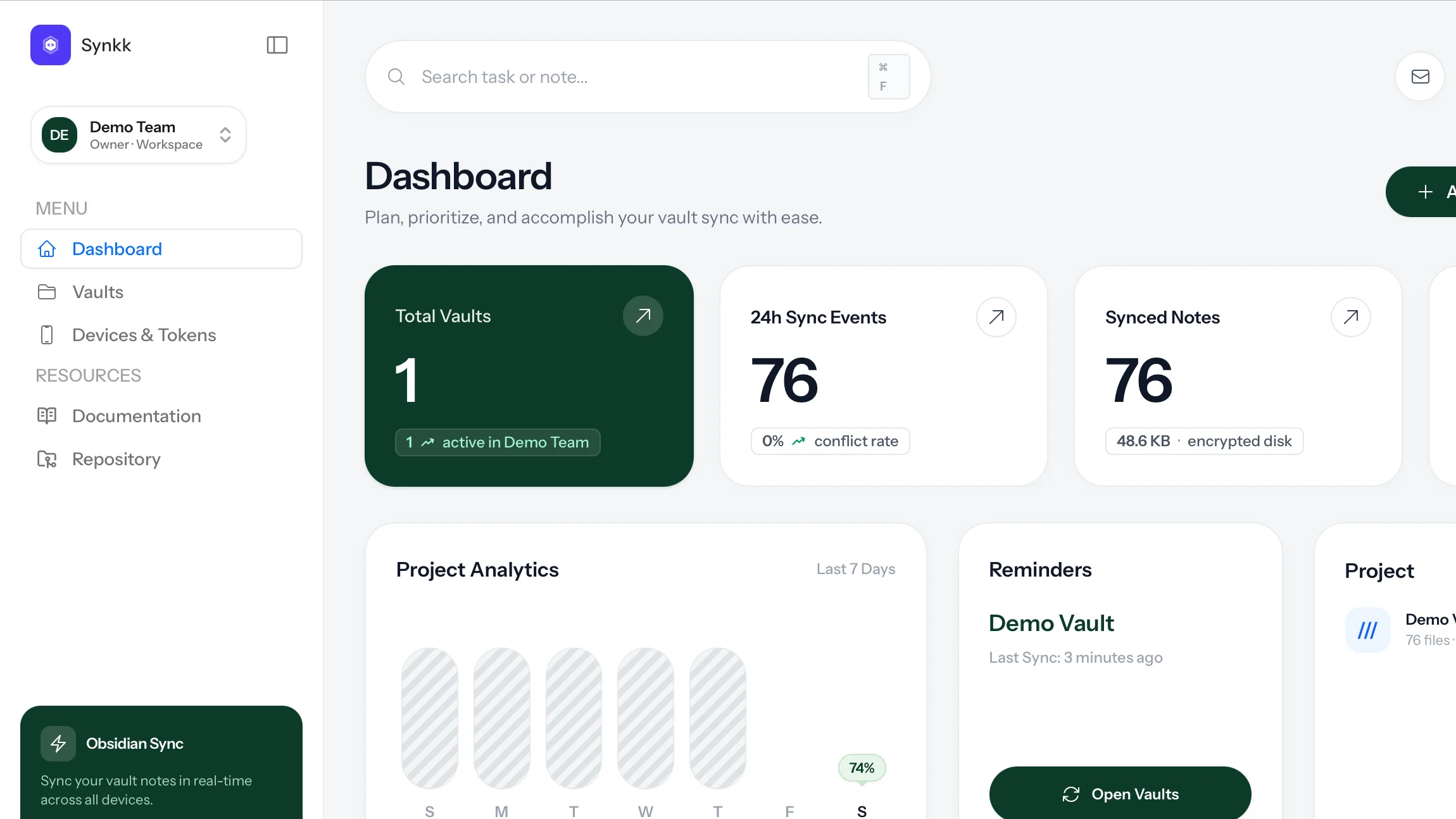 Synkk Team Vault Sync connects an Obsidian vault to a Synkk team server. It is designed for teams and individuals that need private infrastructure, member/device access control, path-specific permissions, real-time multiplayer collaboration, zero-knowledge encryption, and recoverable sync history without turning every user into a Git operator. ## Product Screens | Web Dashboard | Markdown Editor | | --- | --- | |  | 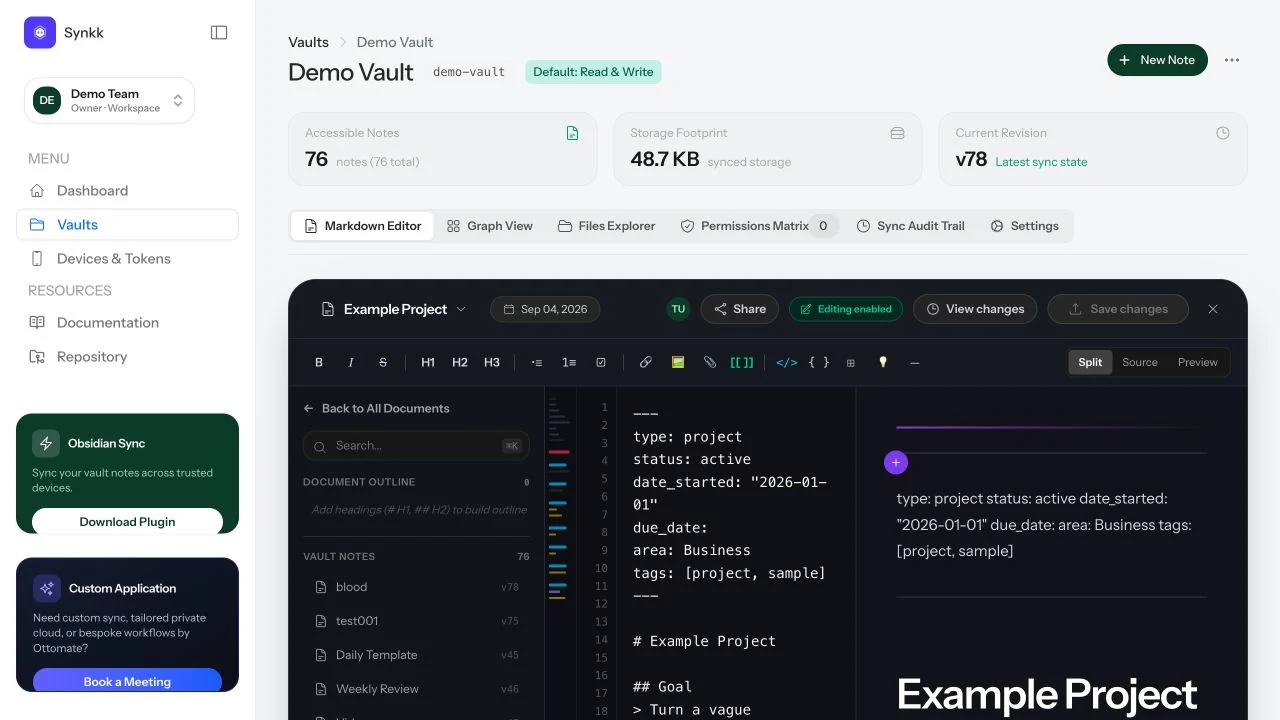 | | Graph View | Permissions Matrix | | --- | --- | | 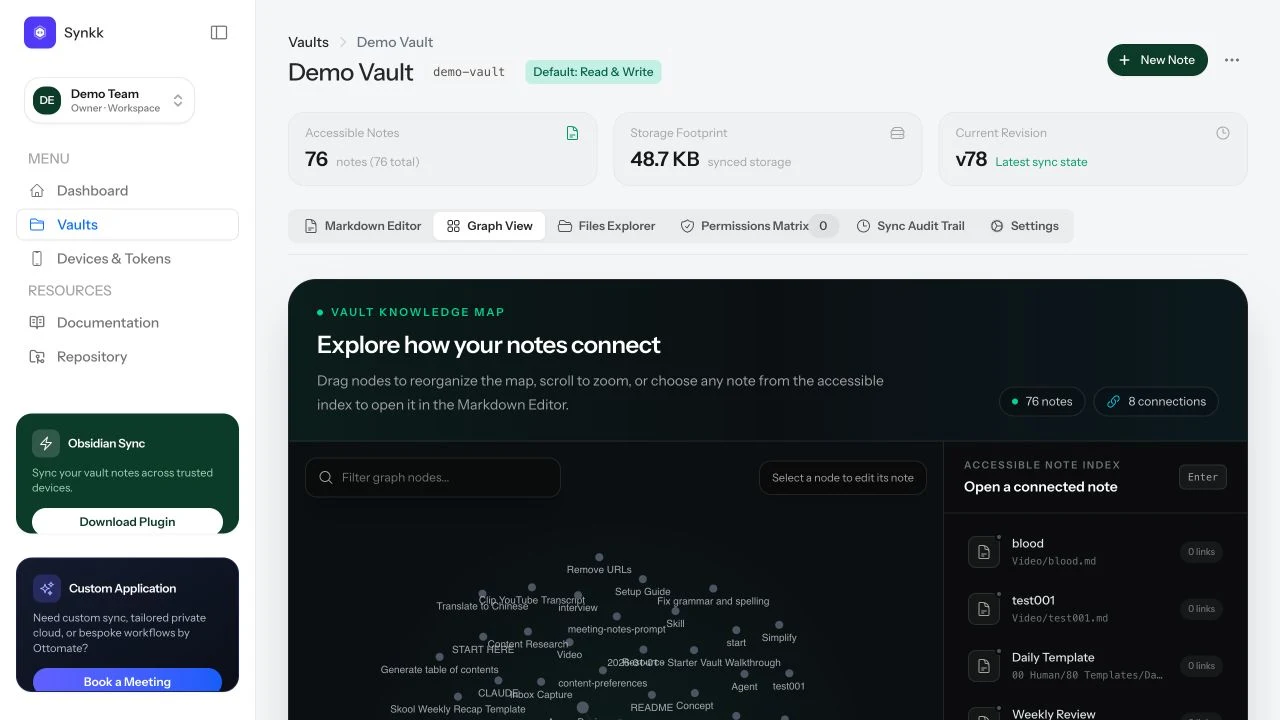 | 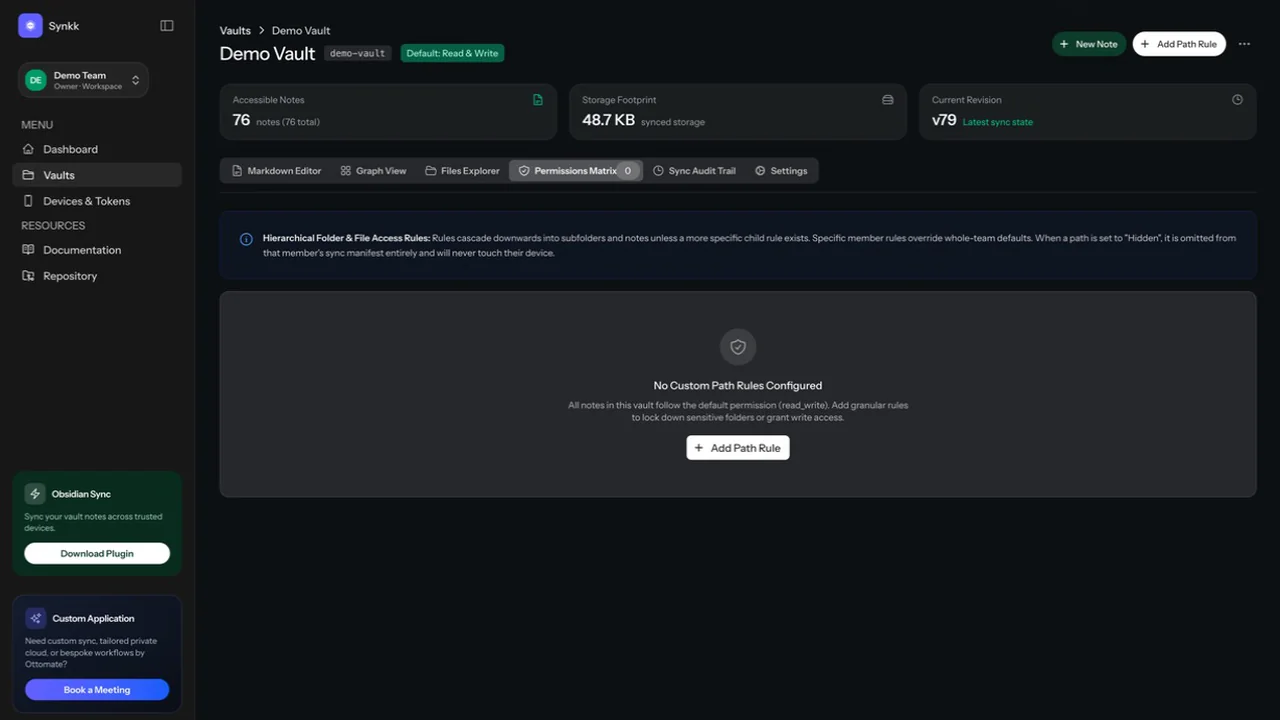 | ## Core Capabilities - **Cross-Platform Sync:** macOS, Windows, Linux, iOS, and Android support through Obsidian's plugin runtime. - **First-Sync Pre-Flight & Migration Wizard:** Built-in 4-phase diagnostic wizard that inspects local vaults prior to first sync, groups files (Markdown, Canvases, Images, Media, PDFs), sanitizes illegal cross-platform characters (`: * ? " < > | \`) with a single click, simulates quota and change counts via dry-run API, and prevents mass wipes with the 20% Atomic Safety Shield. - **One-Scan QR Pairing:** Instant device setup using the `obsidian://synkk-pair` deep link protocol. Scan a QR code in the Synkk web dashboard to connect your mobile or desktop device in 2 seconds. - **Interactive Livewire Vault Portals:** Publish your vault as an interactive web portal at `/p/{slug}` in real time with 4 design presets, instant Livewire fuzzy search, and interactive backlinks. [Explore the live Synkk Docs Portal](https://synkk.space/p/synkk-docs). - **Real-Time Multiplayer Collaboration (Yjs):** Real-time concurrent Markdown editing powered by Yjs CRDTs over Laravel Reverb, with remote awareness carets, shared undo history, and offline convergence. - **Zero-Knowledge Client-Side Encryption (E2EE):** High-entropy AES-256-GCM client-side encryption for E2EE vaults. Plaintext notes and Yjs updates never touch server disks unencrypted. - **On-Demand Ghost Files:** Dehydrate large attachments into lightweight stubs to keep mobile vaults lean, with one-click on-demand hydration. - **Access Control & Path Rules:** Scoped device tokens, team membership, and granular path-level `read_write`, `read_only`, and `hidden` permissions. - **Content Integrity:** SHA-256 content verification, atomic safety shields, deletion abort thresholds, and preserved `*.sync-conflict-*.md` backup copies. - **Selective Sync & Config:** Per-device include/exclude folder rules and optional `.obsidian` configuration syncing. - **Recoverable History:** Web Time Machine for server-side file-version rollback and recovery. ## Security & Architecture Disclosures - **E2EE Vaults:** When client-side encryption is enabled, file contents and real-time collaboration updates are encrypted and decrypted strictly on your client device using WebCrypto AES-256-GCM. The Synkk server only stores and routes opaque ciphertext blobs. For E2EE vaults, server-side search and RAG indexing are intentionally disabled to guarantee zero server knowledge. - **Standard Vaults:** For standard (non-E2EE) vaults, the server receives file contents over HTTPS so it can store, authorize, version, index for local RAG, and restore them. - **Transport Security:** Always deploy the Synkk server behind HTTPS and configure trusted reverse proxies appropriately. ## Installation & Quick Setup ### Method 1: Instant One-Scan Pairing (Recommended) 1. In Obsidian, install and enable the **Synkk Team Vault Sync** plugin. 2. In your Synkk web dashboard, navigate to **Devices -> Pair Device**. 3. Scan the generated QR code with your mobile camera or click **Copy Deep Link** on desktop (`obsidian://synkk-pair?...`). 4. Obsidian will automatically configure the server URL, scoped token, and vault bindings. ### Method 2: Manual Installation 1. Download `main.js`, `manifest.json`, and `styles.css` from the [latest release](https://github.com/tawandajosephmutsena/synk-obsidian-plugin/releases/latest). 2. Create `