# TransformPipe for Obsidian
**Turn any note into a web page in one command, and keep the same link after every edit.**
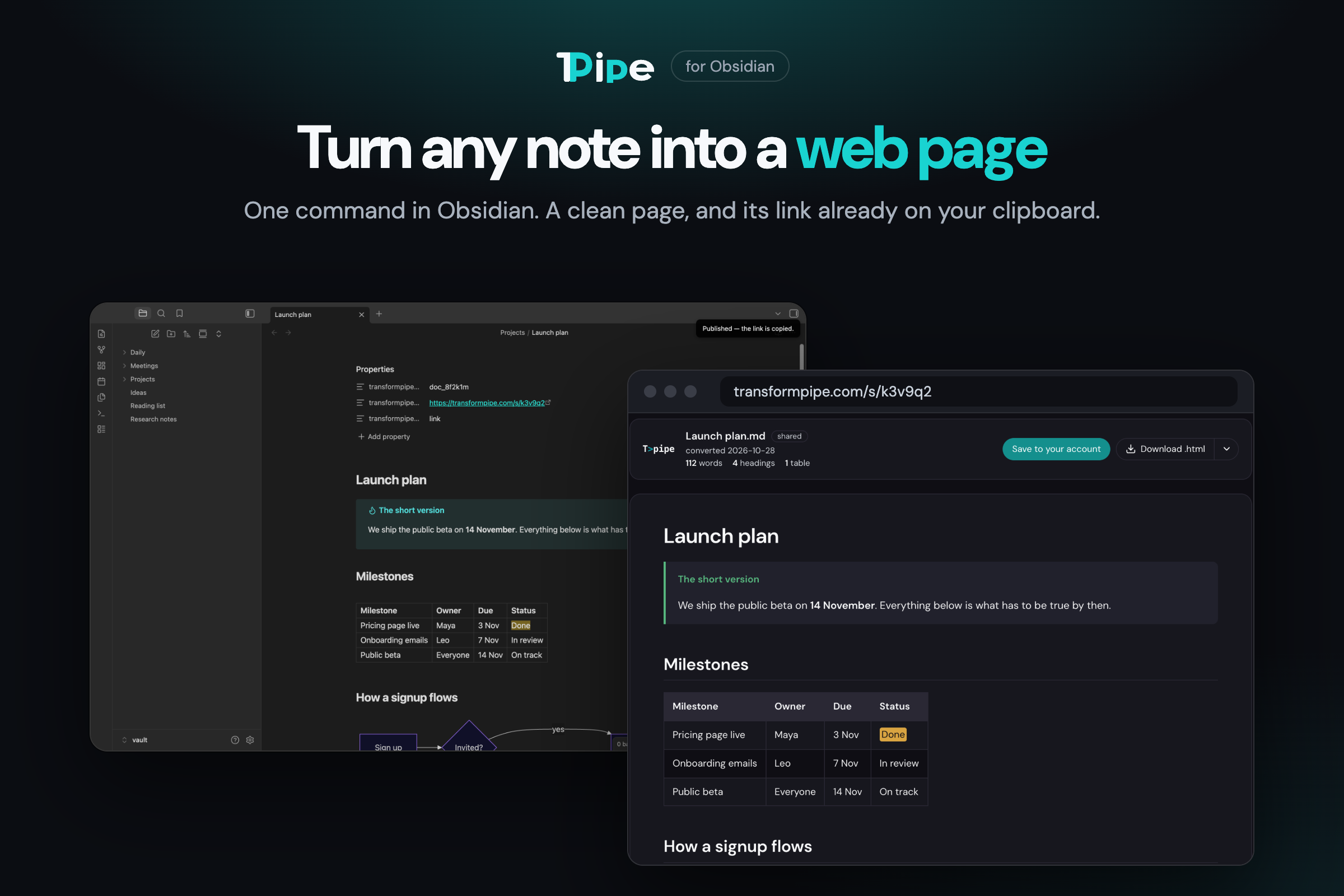
You wrote something worth sending. Now what? Screenshots crop the table. Pasted Markdown arrives as
a wall of asterisks. A PDF is out of date the moment you fix a typo.
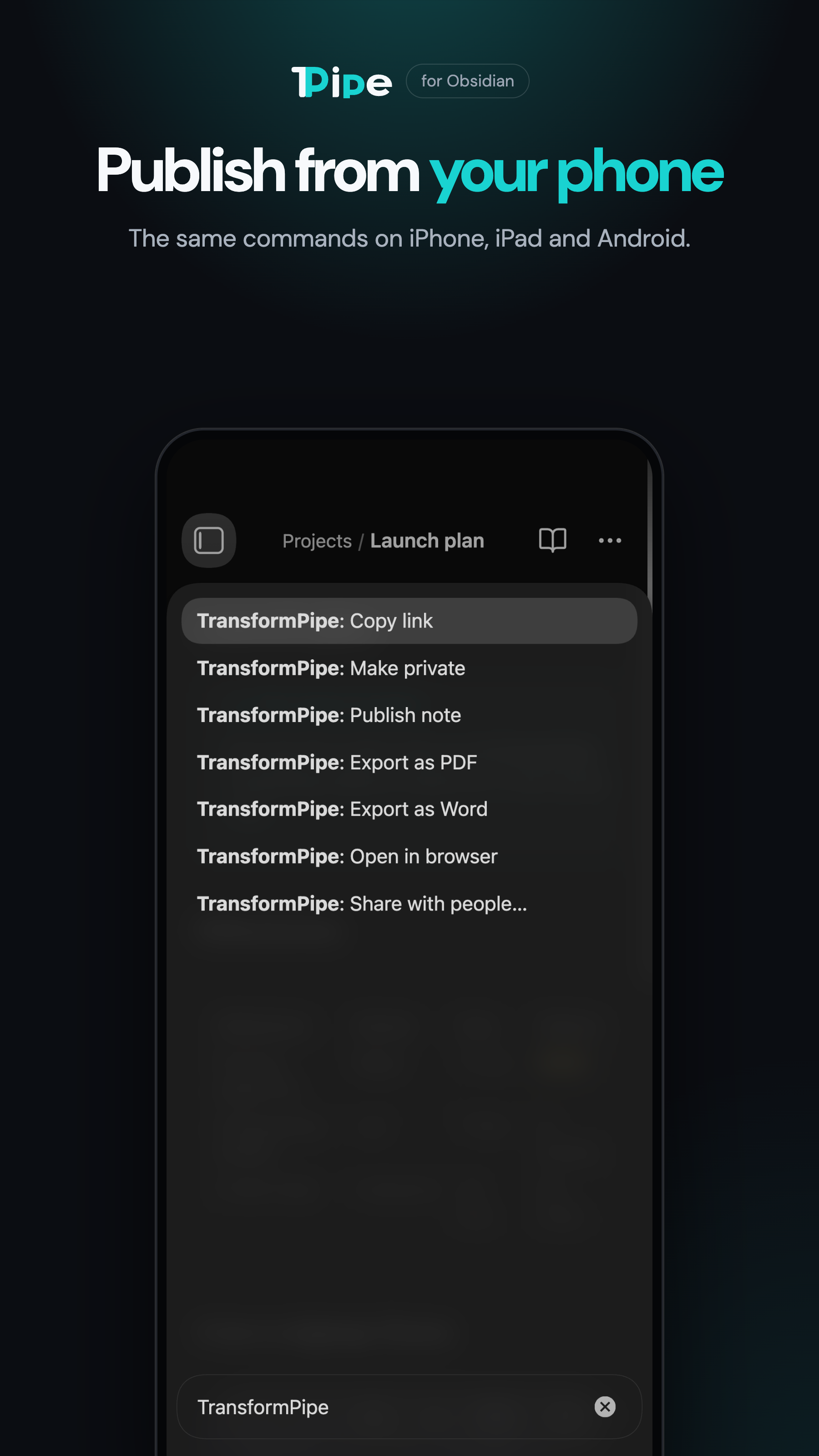
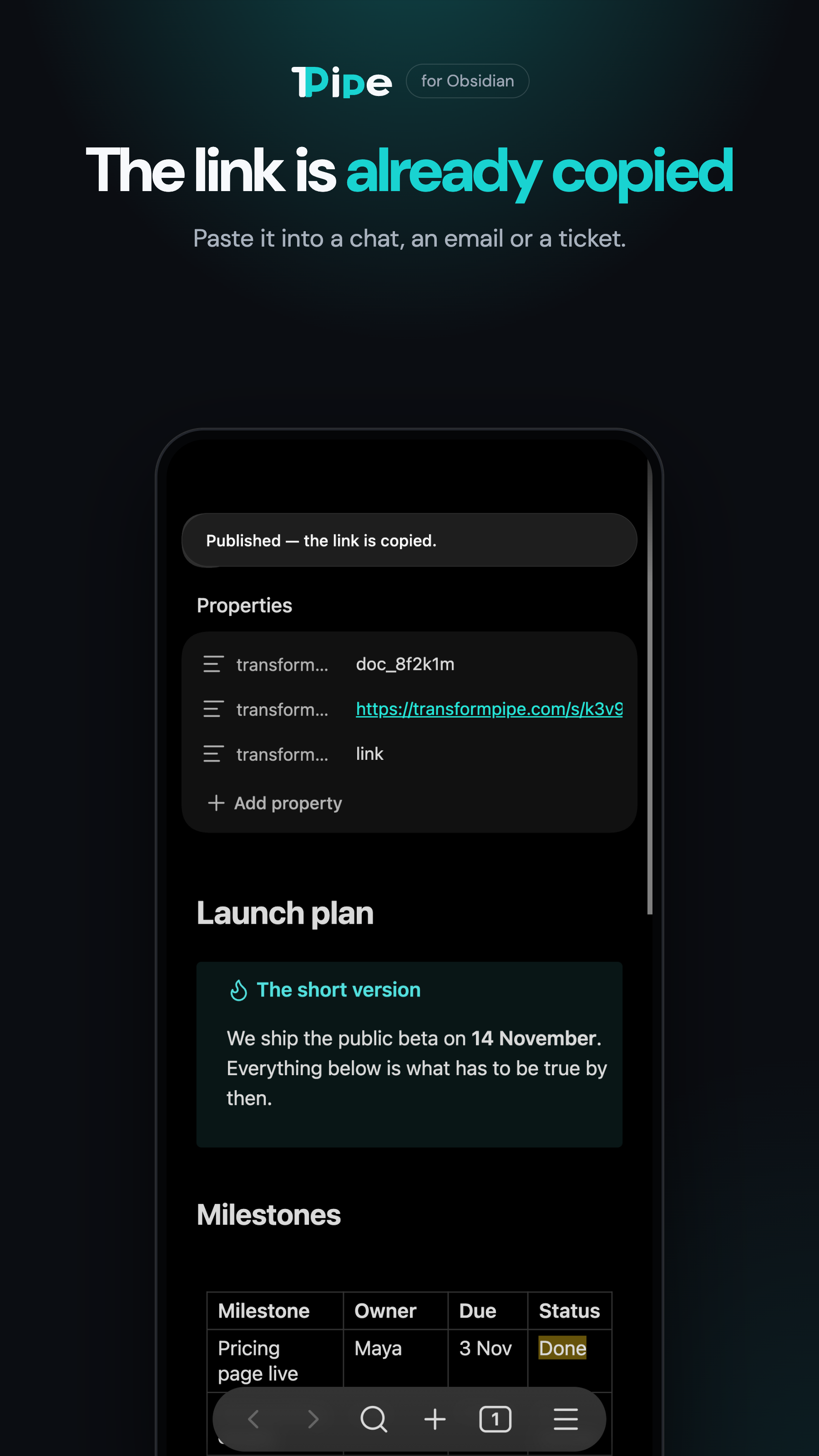
Click the TransformPipe icon in the ribbon, or run **Publish note**, instead. The note becomes a clean, readable page on
[TransformPipe](https://transformpipe.com), and its link is already on your clipboard. Paste it into
a chat, an email or a ticket.
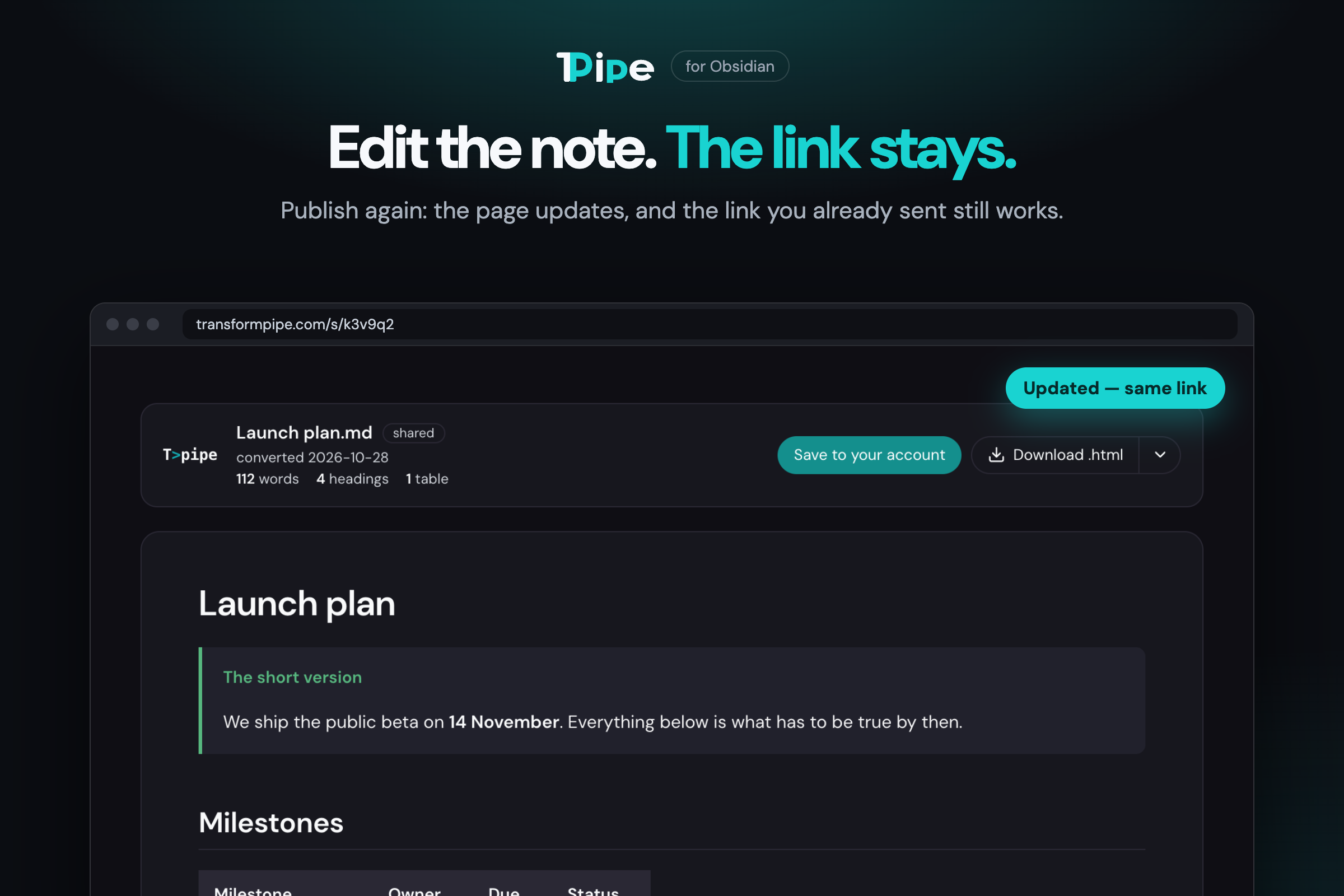
## Edit the note. The link stays.
Found a mistake after you sent it? Fix it in Obsidian and publish again. The page updates in place,
and the link people already have shows the new version. No new link to resend, no "use this one
instead". The last ten versions are kept on TransformPipe.
## It looks the way Obsidian shows it
Tables, callouts, code blocks, task lists, footnotes, highlights and **Mermaid diagrams** come out
right, on a laptop and on a phone. Pictures from your vault travel inside the page, so nothing
breaks when you move files around later.
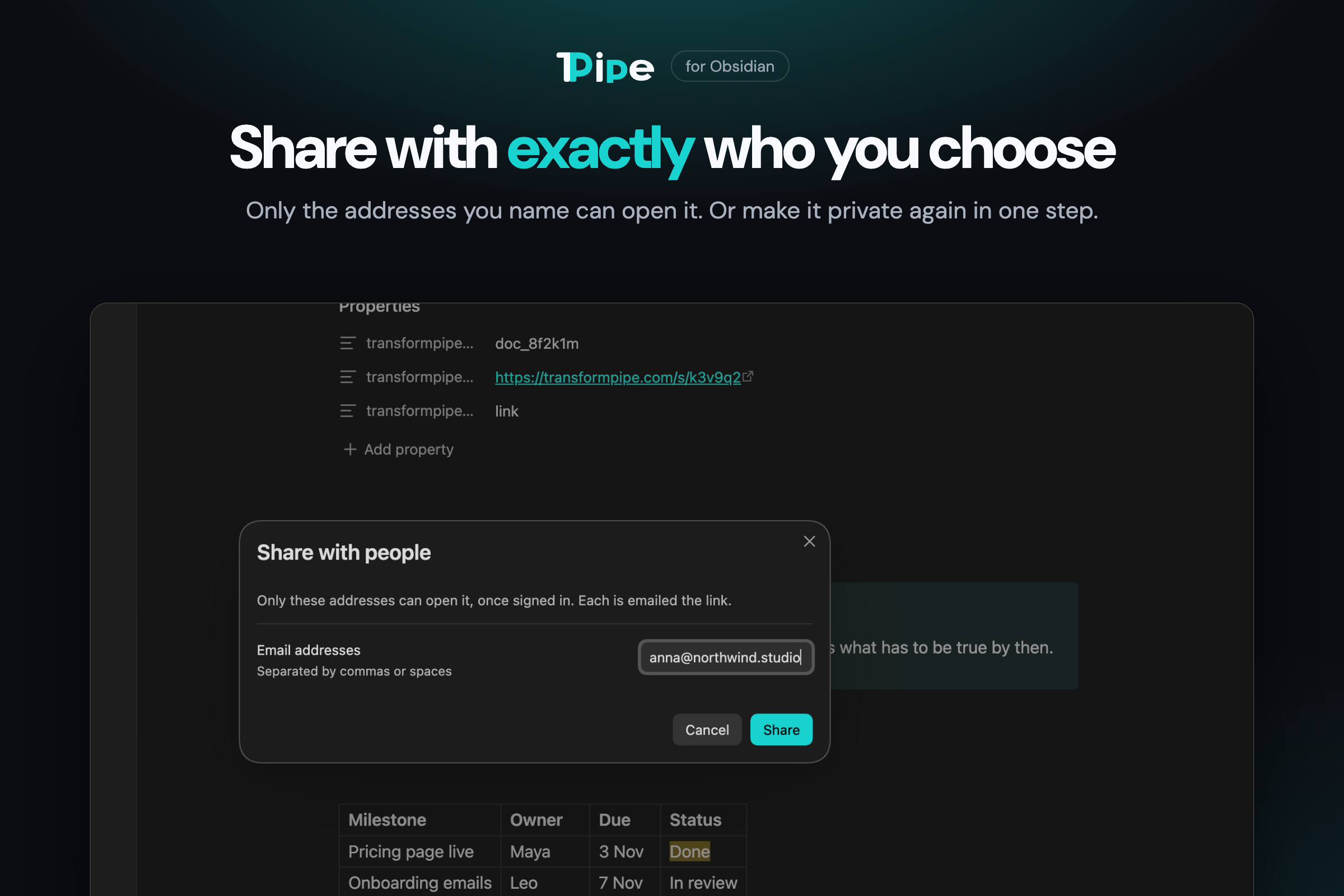
## Share with exactly who you choose
Not everything should be public. **Share with people…** limits a note to the email addresses you
name: only they can open it, and each gets the link by email. **Make private** stops sharing in one
step, and the old link stops working for good.
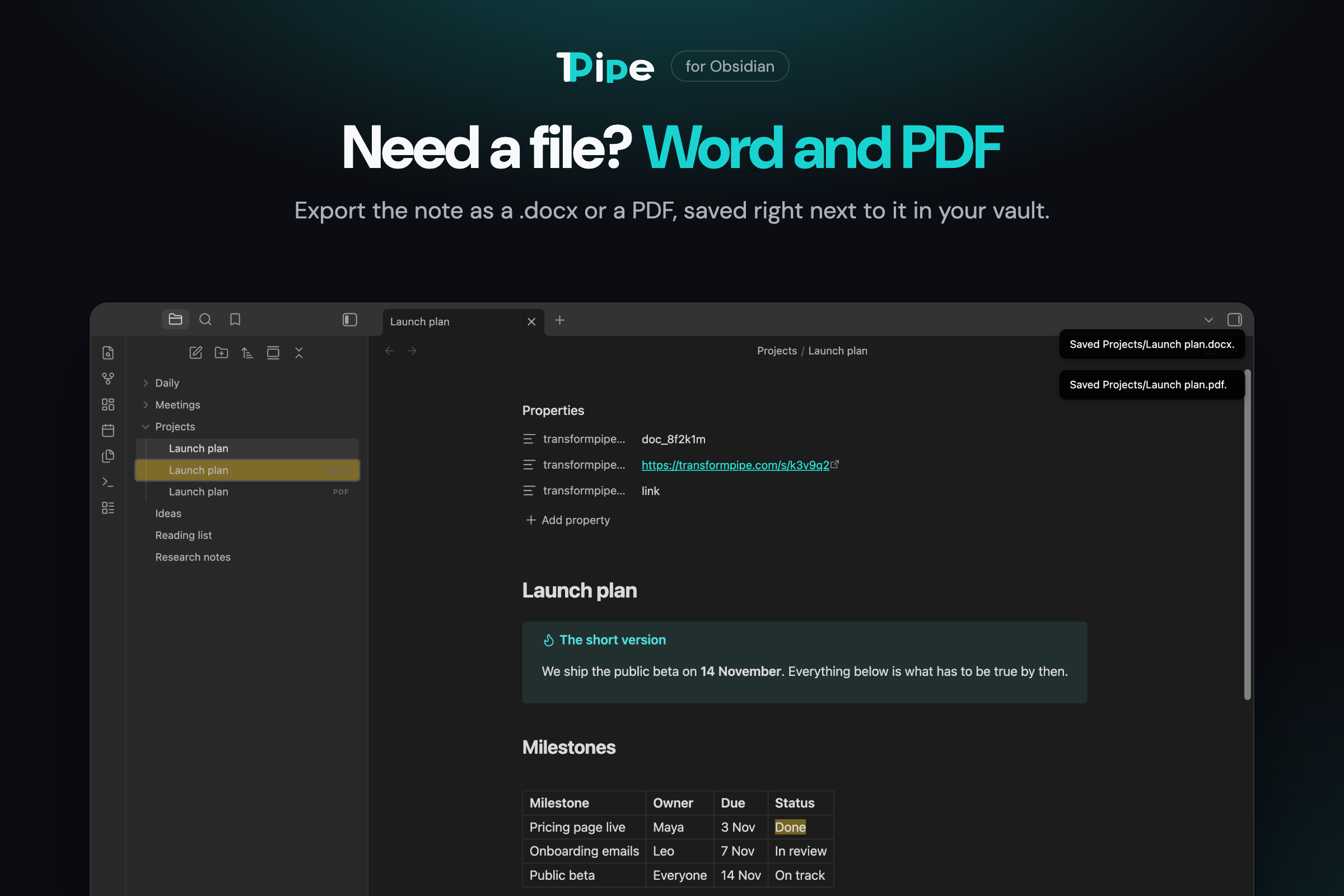
## Need a file? Word and PDF
**Export as Word** and **Export as PDF** save `Launch plan.docx` or `Launch plan.pdf` right next to
the note, built from its latest text.
## On your phone too
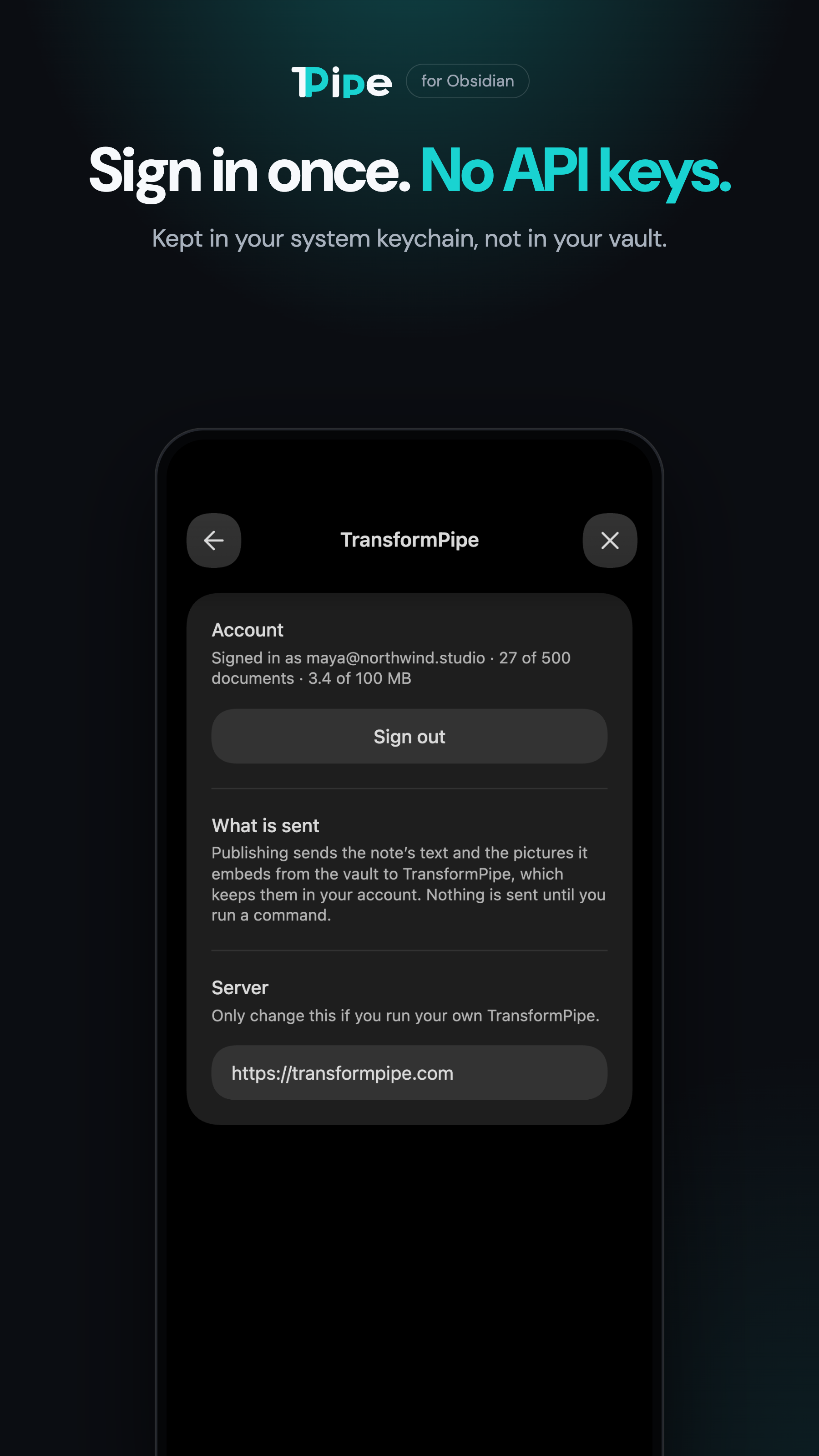
The same commands on iPhone, iPad and Android. Sign in once from the browser: no API key to copy,
and the sign-in lives in your system keychain, not in your vault.

## Commands
All of them are in the command palette; none has a hotkey until you give it one.
| Command | What it does |
| --- | --- |
| Publish note | The first time, makes a page shared by link and copies the link. After that, updates the same page; the previous text is kept as a revision on TransformPipe (the newest ten). |
| Copy link | Copies the page's link. |
| Share with people… | Shares the note with the email addresses you give instead. Only they can open it, once signed in; each is emailed the link. |
| Make private | Stops sharing. The old link stops working for good; publishing again makes a new one. |
| Open in browser | Opens the document in TransformPipe in your browser. |
| Export as Word / Export as PDF | Saves `.docx` or `.pdf` next to the note. |
The plugin remembers where a note was published in three front-matter fields —
`transformpipe_id`, `transformpipe_url` and `transformpipe_share` — and leaves them out of what it
sends.
## What is published
The note's Markdown, as Obsidian writes it: wikilinks, callouts, highlights, tables, code,
footnotes and Mermaid diagrams are all understood by TransformPipe. Pictures from your vault
(`![[picture.png]]` or ``) are carried inside the page, up to 1 MB each
and 2 MB per note; a bigger one stays a link and the plugin tells you which. A note can be up to
4 MB.
Not yet: an embedded note (`![[Another note]]`) is not inlined, and a link to another published
note does not point at its page. Both are planned.
## Sign-in
**This plugin needs a free TransformPipe account.** Open the plugin's settings and press **Sign
in**: TransformPipe's sign-in opens in your browser, and after you approve, the browser hands you
back to Obsidian. There is no API key to paste.
The sign-in is kept in Obsidian's secret storage — your system keychain — not in the plugin's
settings file, so it does not travel with your vault when the vault is synced. **Sign out** in the
same place hands it back, and it stops working on TransformPipe too. You can also disconnect
Obsidian from TransformPipe's account menu, under *MCP connector*.
Requires Obsidian 1.11.4 or later. Works on desktop and mobile.
## Network use and privacy
The plugin talks to one server, `https://transformpipe.com`, and only when you run a command:
- **Publish, Share and Export** send the note's text and the pictures it embeds.
- **Copy link** and **Open** read the document's details.
- **Settings** show the account's email and how much room is left.
TransformPipe keeps what you publish in your account until you delete it, and serves shared pages
to whoever has the link (or to the people you named). It does not read your documents or use them
to train any model. There is no telemetry and no analytics in this plugin. Details:
[privacy](https://transformpipe.com/privacy) · [terms](https://transformpipe.com/terms).
The text is not end-to-end encrypted: TransformPipe has to read a note to draw it as a page and to
build Word and PDF from it.
## Installing
From Obsidian: **Settings → Community plugins → Browse**, search for *TransformPipe*, then
**Install** and **Enable**. Open the plugin's settings and press **Sign in**.
## Development
```sh
npm install
npm run dev # rebuilds main.js on every change
npm test # the note pipeline and PKCE
npm run build # type-check and a minified main.js
```
Copy `main.js`, `manifest.json` and `styles.css` into `/.obsidian/plugins/transformpipe/`
and enable the plugin. Releases are built by GitHub Actions from a tag that matches the version in
`manifest.json`.
## License
MIT — see [LICENSE](LICENSE). Made by [Raudar Labs](https://transformpipe.com/about).