# Beautiful Mermaid Renderer for Obsidian
An Obsidian plugin that renders Mermaid diagrams with `beautiful-mermaid` SVG output and Obsidian theme variables.
Inspired by Craft's [Beautiful Mermaid gallery](https://agents.craft.do/mermaid) and powered by [`lukilabs/beautiful-mermaid`](https://github.com/lukilabs/beautiful-mermaid).
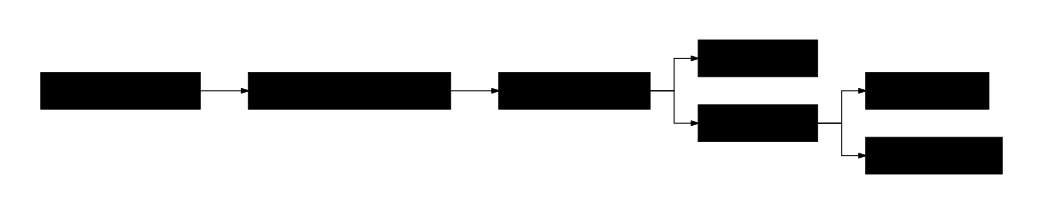
Theme-aware diagrams
|
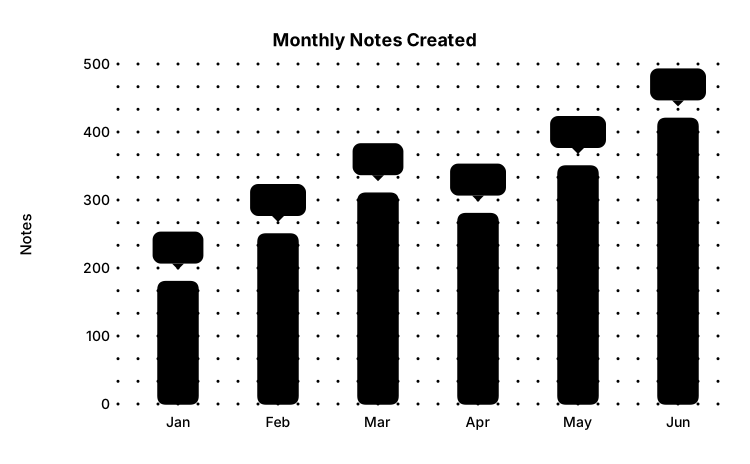
XY bar charts
|
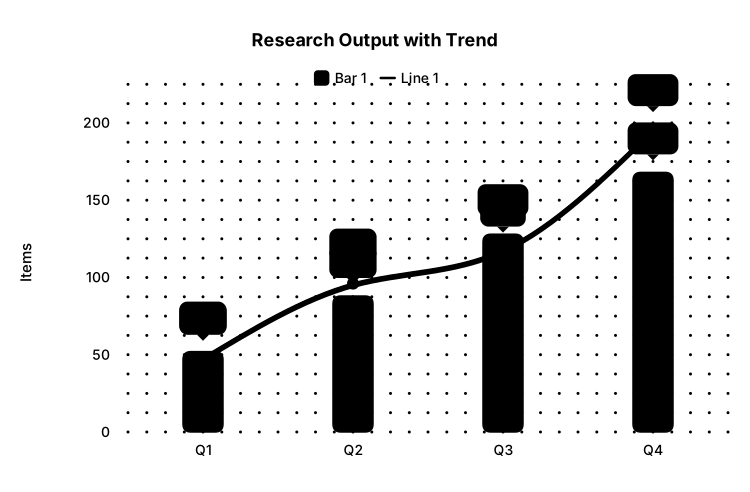
Bar + line combinations
|
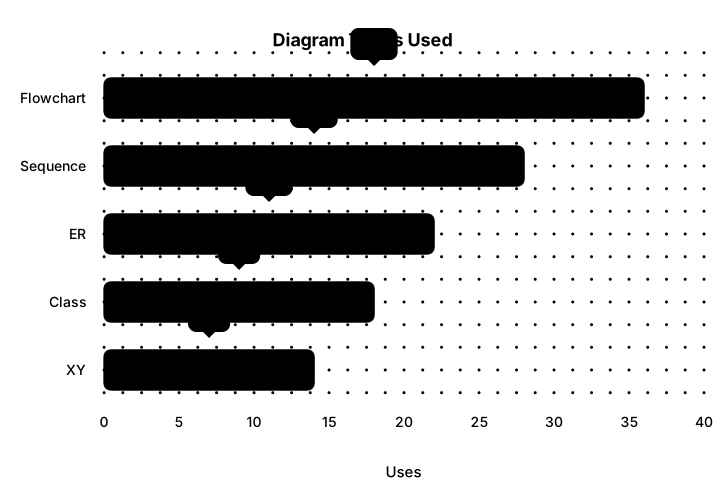
Horizontal charts
|
## Usage
Use a `mermaid` code block:
````markdown
```mermaid
graph LR
A[API emitEvent] --> B[Fanout exchange]
B --> C[Gateway session A]
B --> D[Gateway session B]
```
````
Aliases are supported:
- `mermaid`
- `mermaid-beautiful`
- `beautiful-mermaid`
- `bmmd`
## Build
```bash
bun install
bun run build
```
## Install Into A Vault
Copy these files into:
```text
/.obsidian/plugins/beautiful-mermaid-renderer/
```
Required files:
- `manifest.json`
- `main.js`
- `styles.css`
Enable **Beautiful Mermaid Renderer** from Obsidian settings.
Reading view and Live Preview are both supported. In Live Preview, move the cursor outside the code block to see the rendered diagram; use the hover **Edit** button to reveal the source again.
Inline diagrams fit to the editor width by default so the whole diagram is visible. Disable **Fit diagrams to width** in plugin settings to use readable-height scaling with horizontal scrolling.
## Preview

The preview SVGs are generated locally from Mermaid source:
```bash
bun run assets
```
## Release Files
Manual install needs:
- `main.js`
- `manifest.json`
- `styles.css`
## Development
```bash
bun run dev
```