 
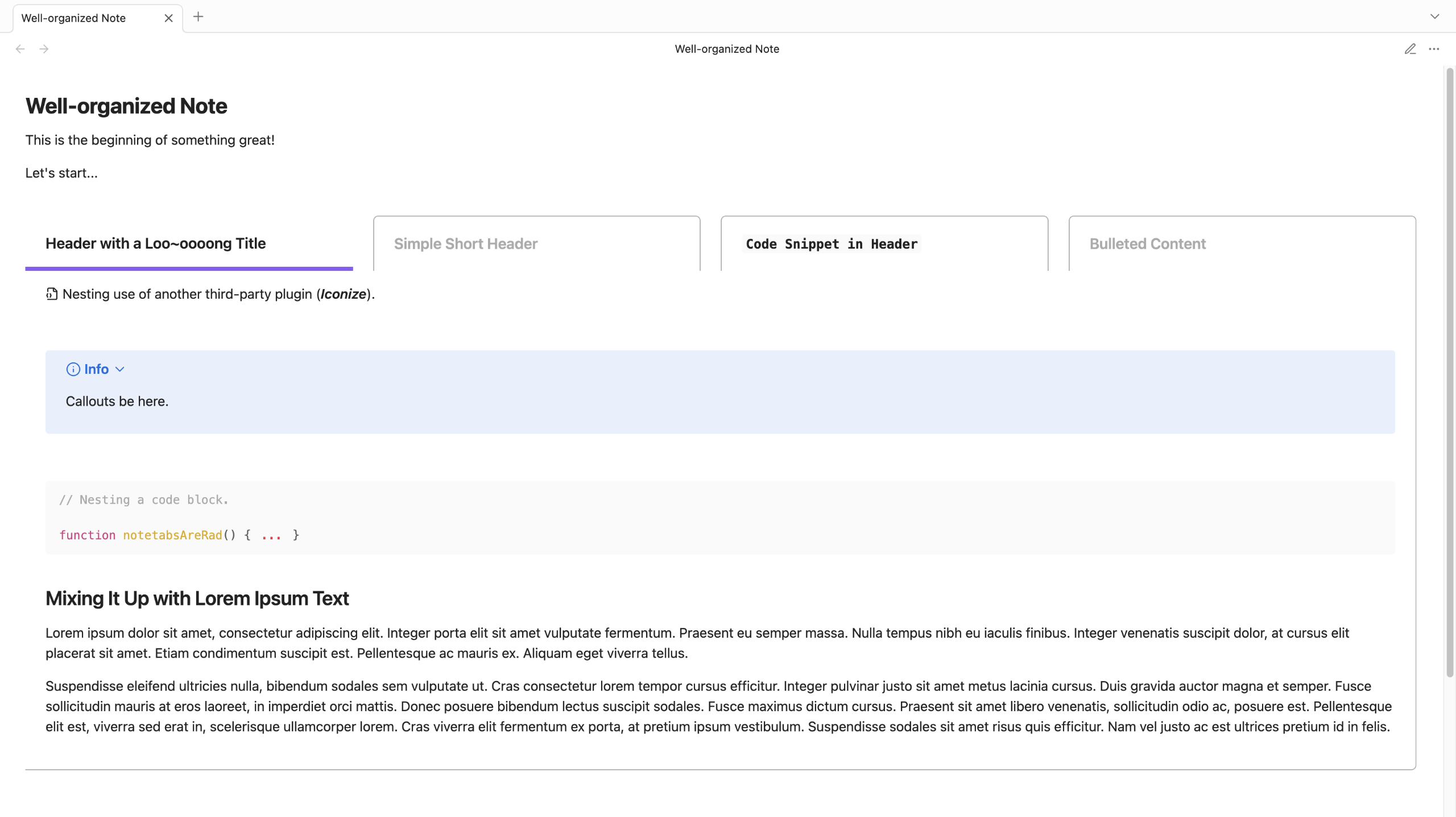
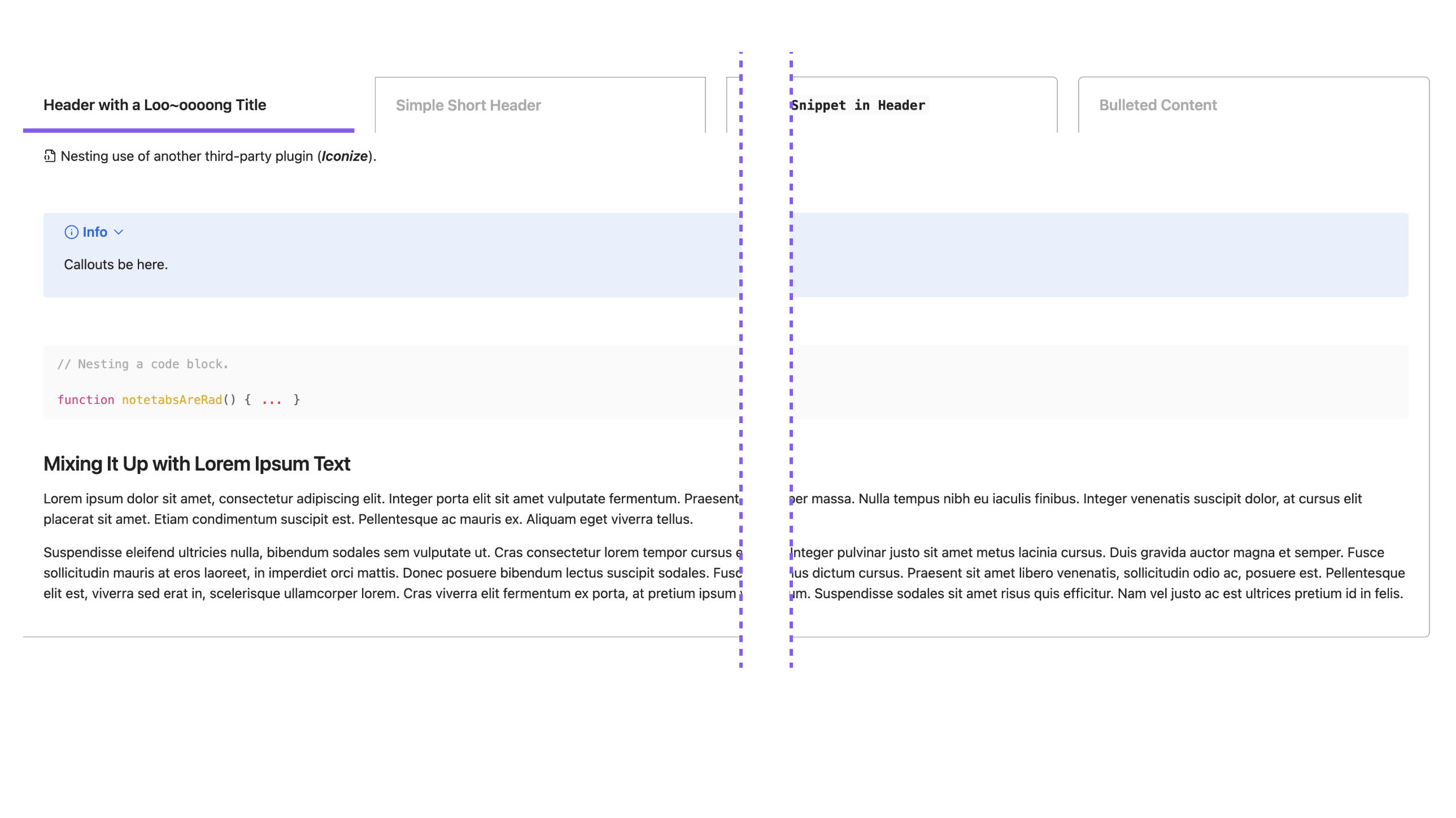
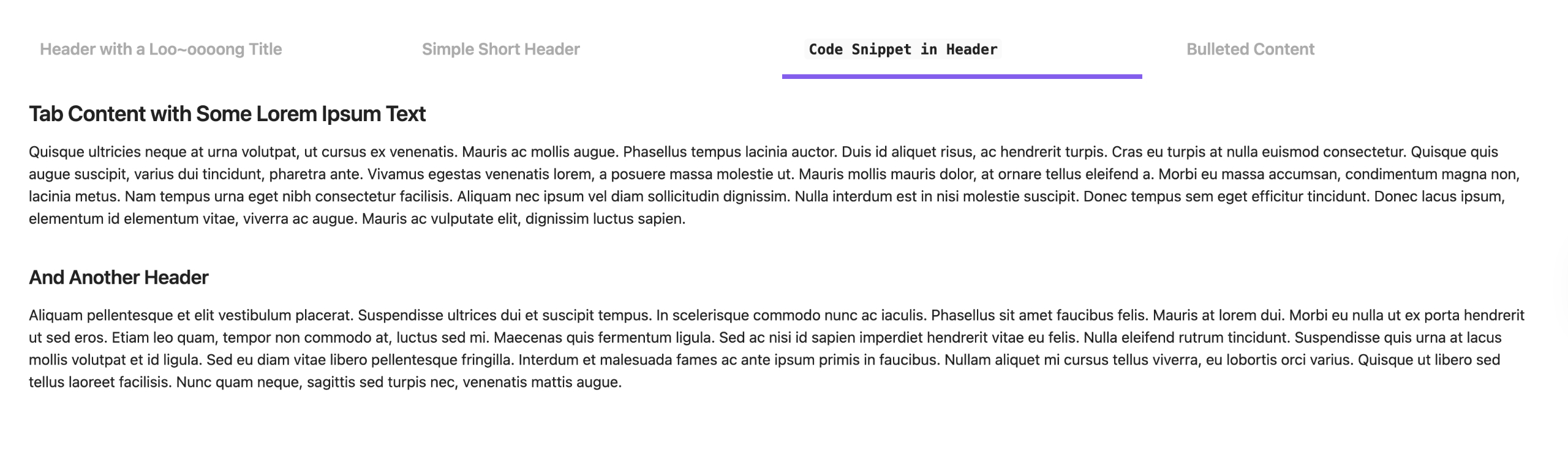
Elevate your Obsidian notes with tabbed sections. **Note Tabs** offers an intuitive way to organize your notes with a simple click. **Note Tabs** is highly responsive and compatible with most plugins and themes you choose to use with it.
> ##  Getting Started
>
> - [How to Install](#-how-to-install)
> - [From Obsidian](#from-obsidian)
> - [Manual Installation](#manual-installation)
> - [How to Use](#-how-to-insert-a-note-tabs-section)
> - [Core Features](#-core-features)
> - [Support](#-support)
> - [Known Issues](#-known-issues)
> - [Slow loading in Live Preivew](#slow-loading-in-live-preivew)
>
##  How to Install
### From Obsidian
1. Within the **Community plugins** setting, select **Browse**
2. Search for "**Note Tabs**" from the search bar of the plugin list
3. Select **Note Tabs** (by Project Free Rangers)
4. Install the plugin, then enable
### Manual Installation
1. Download the latest `obsidian-notetabs.zip` from [**Releases**](https://github.com/Project-Free-Rangers/obsidian-notetabs/releases)
2. Extract the zipped folder and copy/paste it to the `.obsidian/plugins` within your desired vault's folder structure
3. Open Obsidian and navigate to **Community plugins**
4. Enable **Note Tabs**
:tada::tada: _Happy organizing!_
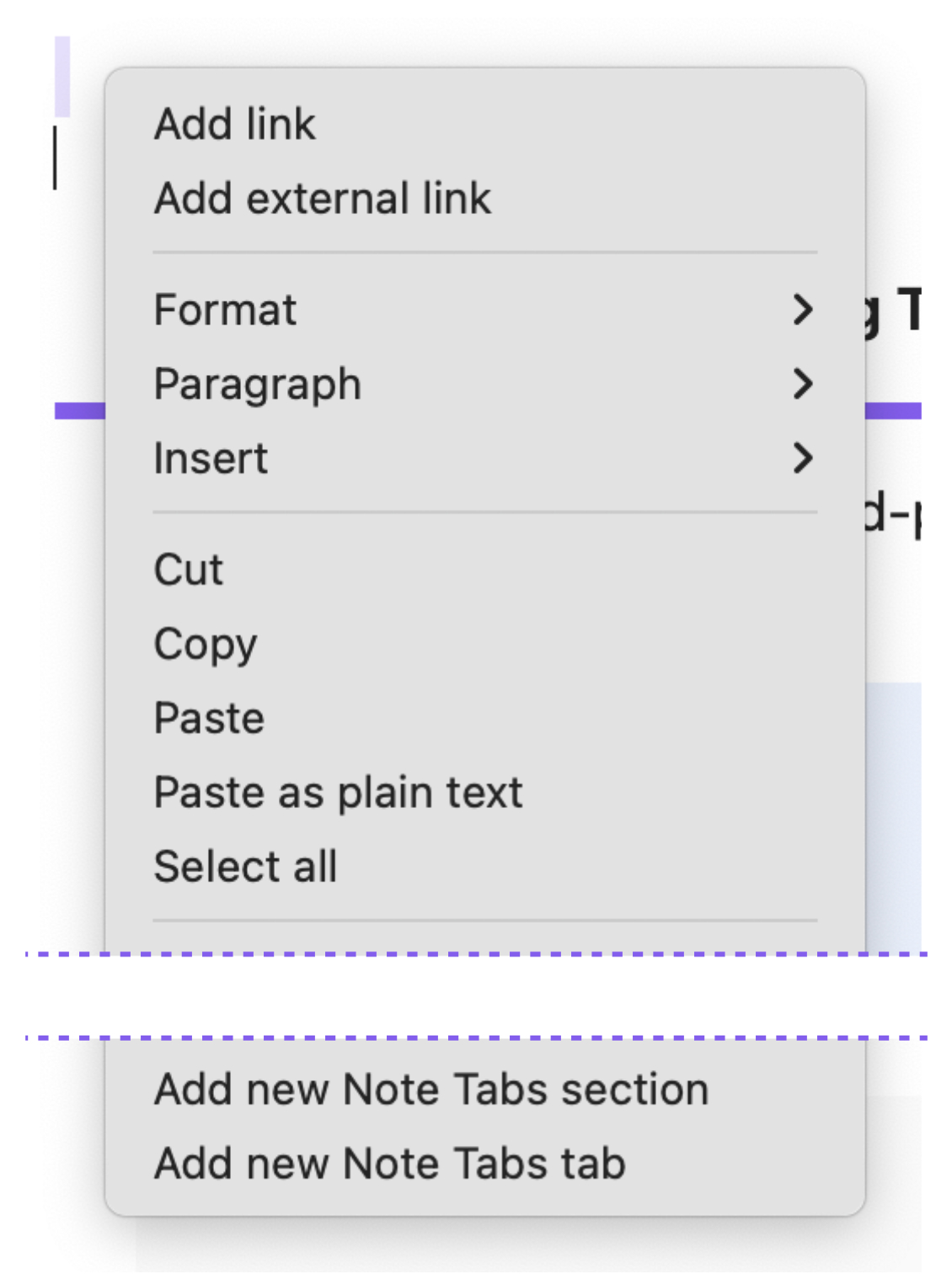
##  How to Insert a Note Tabs Section
1. Right-click in the Obsidian editor while in Edit mode
2. Select "**Add new notetabs section**" to insert an entirely new tabbed section, or
3. Select "**Add new notetabs tab**" within an existing tabbed section to add a new tab
| Context Menu Options |
| ------------- |
| |
**Example of markdown:**
```
~~~notetabs
---begintab
header: New Tab
Replace this with your tab content.
---closetab
~~~
```
##  Core Features
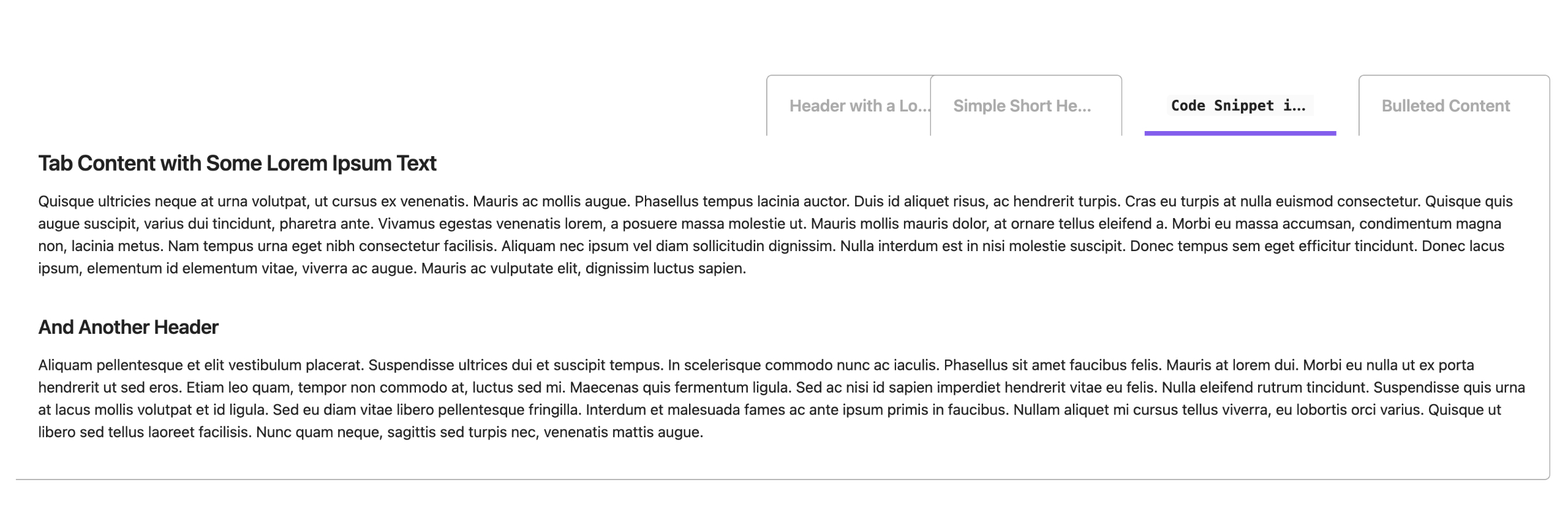
| Adaptive Tab Headers |
| ------------- |
| |
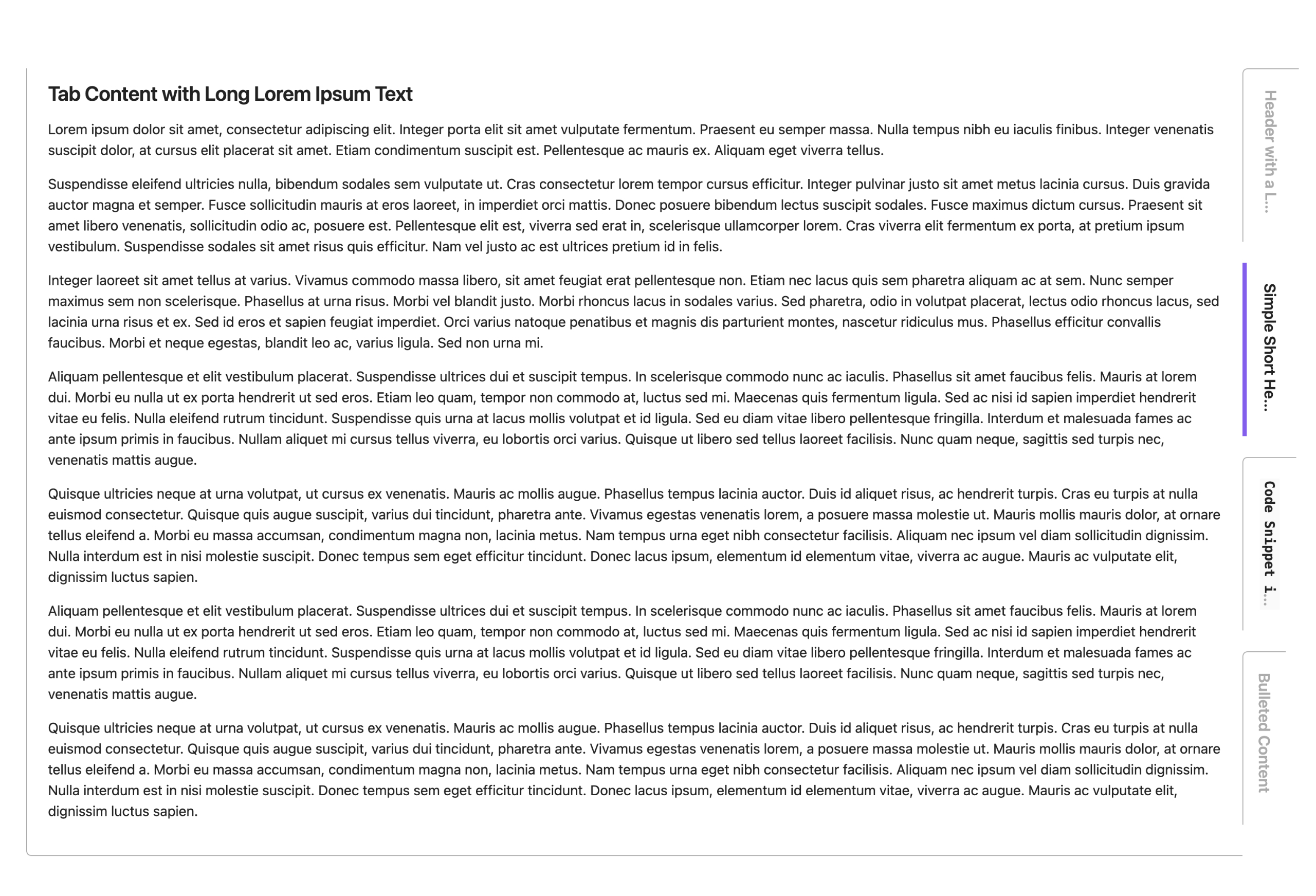
| Vertical Tab Orientation |
| ------------- |
| |
| Compact Layout Available |
| ------------- |
| |
| Optional Rounded-edges |
| ------------- |
| |
| Minimalist Style Available |
| ------------- |
| |
##  Support
**Project Free Rangers** is the free-spirited brainchild of me ([Jheanell Elliott](https://github.com/jaemega)). I'm an artist, mentor, and software architect by trade. When I'm not wrangling teams or large projects, I like to cobble together nifty side projects that I think are rad and provide them for free.
If you like any of the fun projects I develop and want to say an extra thank you:
##  Known Issues
### Slow loading in Live Preivew
In some vaults, Live Preview may take a second or two to render **Note Tabs** properly. This is not a bug with **Note Tabs**, but rather, a quirk of Live Preview when dealing with certain markdown. [See forum discussions here.](https://forum.obsidian.md/search?q=live%20preview%20slow%20render)
This slow rendering doesn't happen often and will resolve itself once Obsidian triggers its own Live Preview rerender.
---
---
> **Credits:**
> - _**Note Tabs** tab logo :copyright: 2026 Jheanell Elliott (Project Free Rangers)_
> - _Icons courtesy of [Lucide](https://lucide.dev/)_

 |
**Example of markdown:**
```
~~~notetabs
---begintab
header: New Tab
Replace this with your tab content.
---closetab
~~~
```
|
**Example of markdown:**
```
~~~notetabs
---begintab
header: New Tab
Replace this with your tab content.
---closetab
~~~
```
 |
|
 |
|
 |
|
 |
|
 |
|
