IMA Share Sync

English · 简体中文

Keep it handy

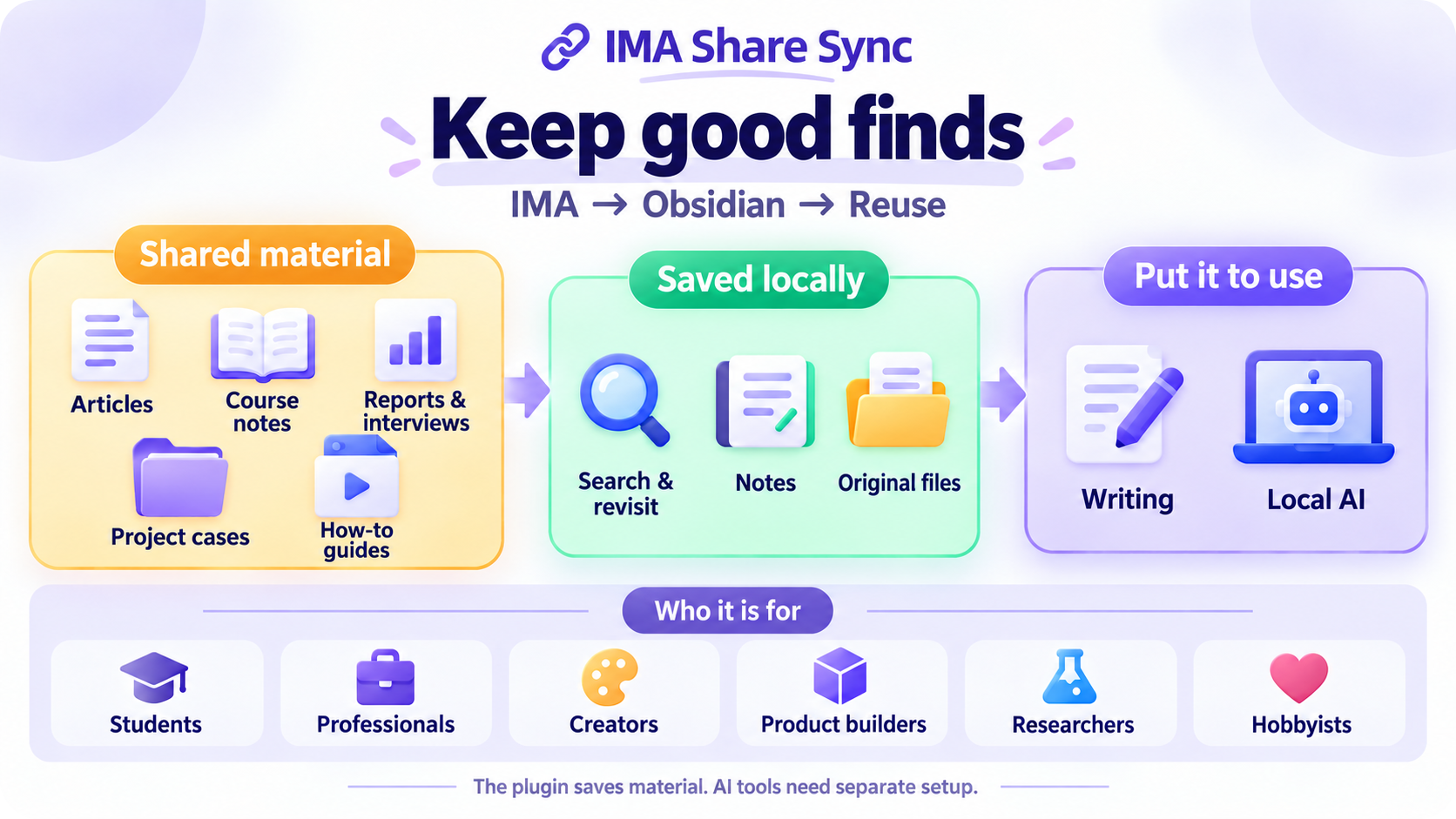
Save articles and files shared through IMA as notes and files in Obsidian.
Find them when you need them. Use them when you write.

Community listing →

Manual setup · Download files

Windows 10+ · Obsidian 1.11.4+ · Installed and signed-in IMA desktop

Version 0.3.6 is released. Install from the Community listing, or follow the guide for manual installation.


Who it helps · What it does

--- ## Who it helps Keep useful material on your computer for learning, work, and writing.

Save shared material to your computer, then use it for learning, work, and writing.

> The plugin saves material. AI tools for organizing or analyzing it need separate setup. ---

Follow an industry: Reports, Company notes, Interviews, Evidence.

### Industry research **For**: People studying industries, companies, and changes over time. **For example**: Save reports, company analyses, and interviews. Compare viewpoints and check the original source. ---

Study and learn: Course notes, Articles, Study notes, Key ideas.

### Study and learn **For**: Students, exam candidates, and anyone learning a new skill. **For example**: Keep handouts and learning articles together, with fewer places to search when you study. ---

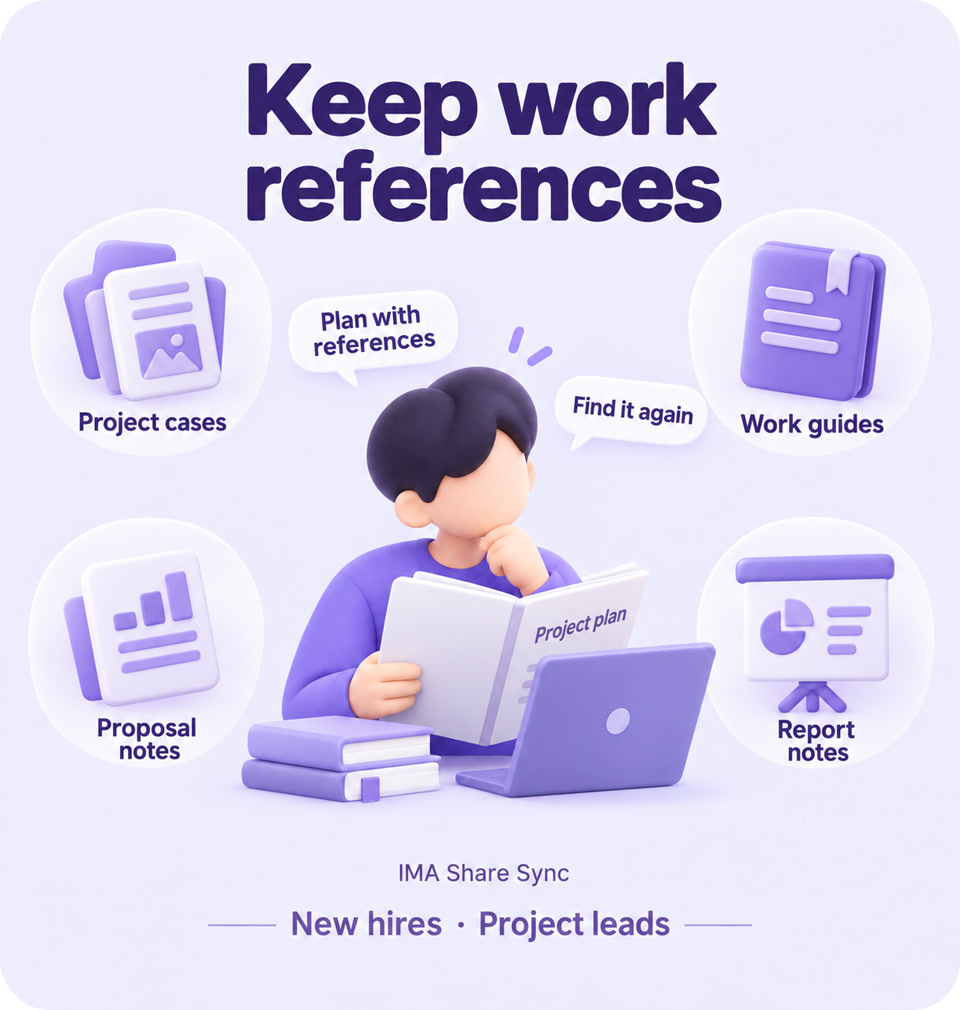
Keep work references: Project cases, Work guides, Proposal notes, Report notes.

### Work references **For**: New hires, project leads, and anyone writing proposals. **For example**: Save examples and guides from colleagues. Find them again for your next proposal or presentation. ---

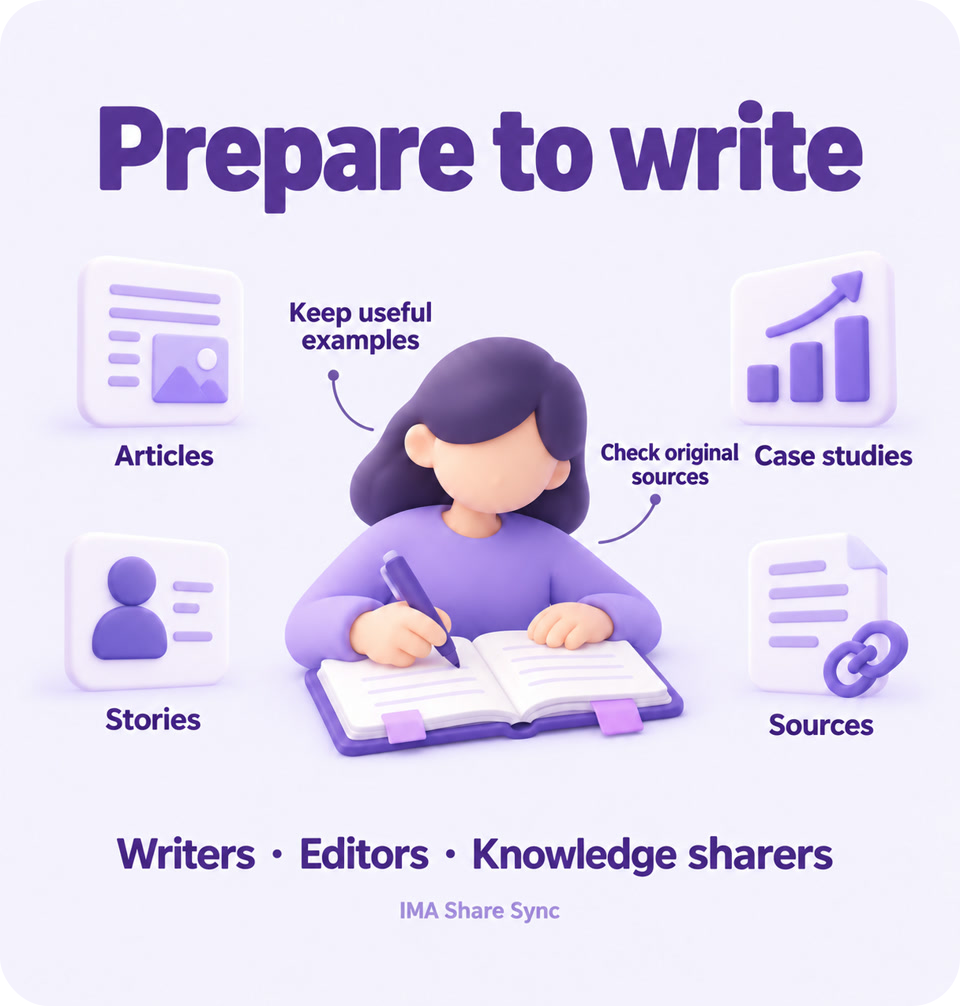
Prepare to write: Articles, Stories, Case studies, Sources.

### Writing material **For**: Writers, editors, and people who share what they know. **For example**: Keep articles and personal stories for your next piece. Find the source when you need to cite it. ---

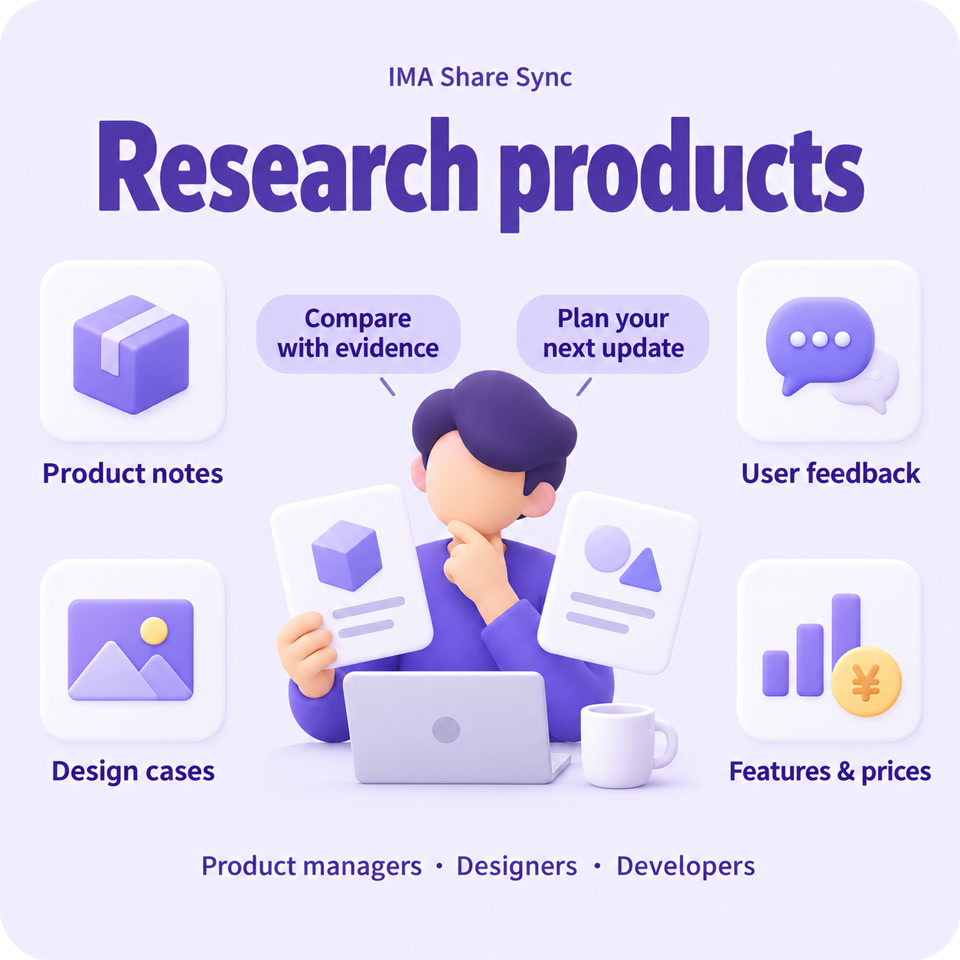
Research products: Product notes, User feedback, Design cases, Features & prices.

### Product research **For**: People who build products, design, or develop software. **For example**: Keep product details, user feedback, and design examples together to compare features and prices. ---

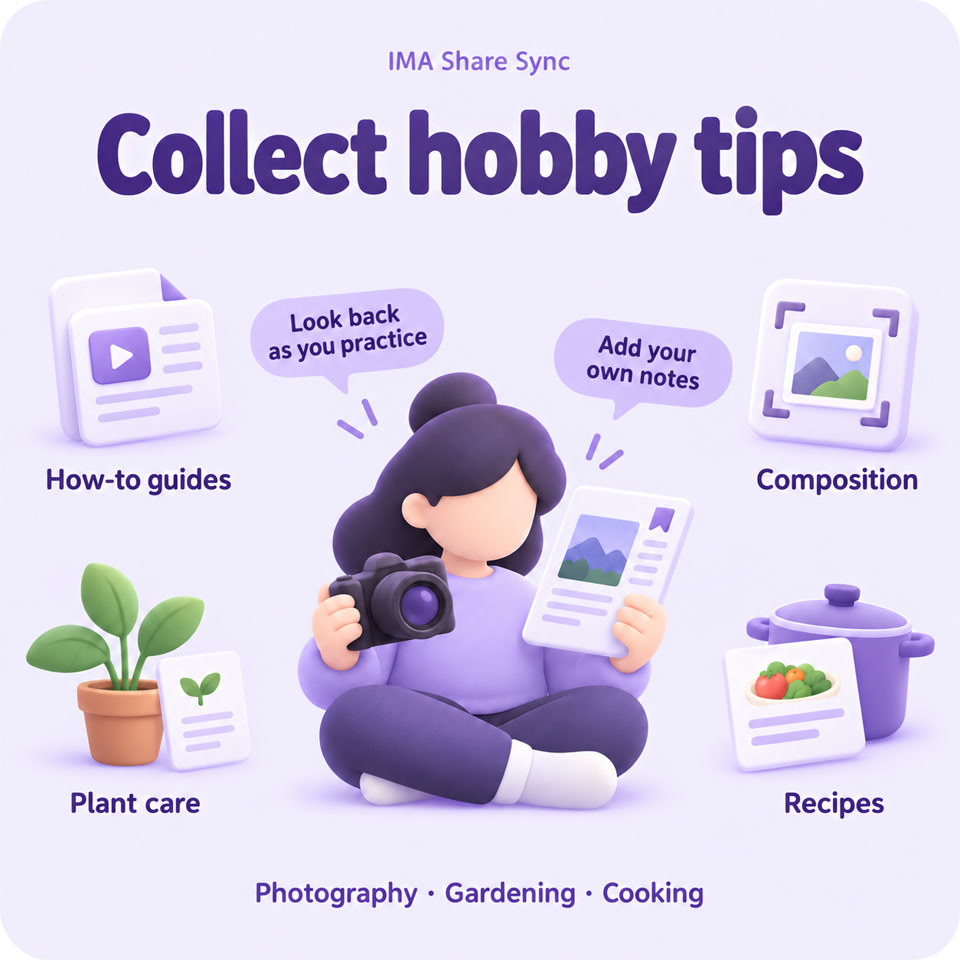
Collect hobby tips: How-to guides, Composition, Plant care, Recipes.

### Hobby tips **For**: People who enjoy photography, gardening, or cooking. **For example**: Keep tutorials, plant care tips, and recipes handy as you practice. Add what you learn along the way. --- ## What it does Open a group to see what you can do.
Save material · 4 features **Save articles** Save IMA articles you are allowed to keep as Obsidian notes. Search, annotate, and read them alongside your other notes. **Keep originals** Keep PDFs, images, and supported audio or video originals using the downloads available in IMA. **Choose material** Start with 1–30 recent items, widen the search, or filter by title. Each batch has a saving limit. **Keep folders** Keep the original folder names. Include subfolders and limit how many folders and levels to search.
Organize notes · 5 features **Make notes** Turn existing PDF text into notes, with optional links to the original. Scans get a notice; text inside images is not read. **Fill missing notes** Add missing notes for PDFs you have already saved, without downloading the files again. **Skip saved articles** Articles recognized as already saved are skipped by default, reducing duplicate copies. **Protect notes** Files with the same name are not replaced by default. Turning PDFs into notes also preserves notes made outside this plugin. **Check files** Check whether a PDF can be read. If it is damaged or access is restricted, see the reason.
Everyday controls · 4 features **Control saving** Start manually or save when Obsidian opens. Delay or cancel an automatic start, or stop a save already in progress. **Review results** See which articles were saved and whether each save worked. Find the matching record if something goes wrong. **See progress** Follow saving progress. Choose result reminders, notices on icons, or desktop notifications. **Choose language** Use Chinese or English for settings, or follow Obsidian's language. Some sidebar text and messages are still in Chinese.
--- ### Start collecting Keep your next good find on your own computer. **[Community listing →](https://obsidian.md/plugins?id=ima-speed-sync)** · [Manual setup](https://github.com/oooing/ima-share-sync/blob/main/docs/GUIDE.md)