# 🍬 Tab Candy 🍬
**A customizable new tab screen and tab navigation utilities for [Obsidian](https://obsidian.md) — backgrounds, quotes, search, better tab cycling, and more.**
[](https://github.com/lvnacy-notes/tabcandy/actions/workflows/ci.yml)
[](LICENSE)

## What is this?
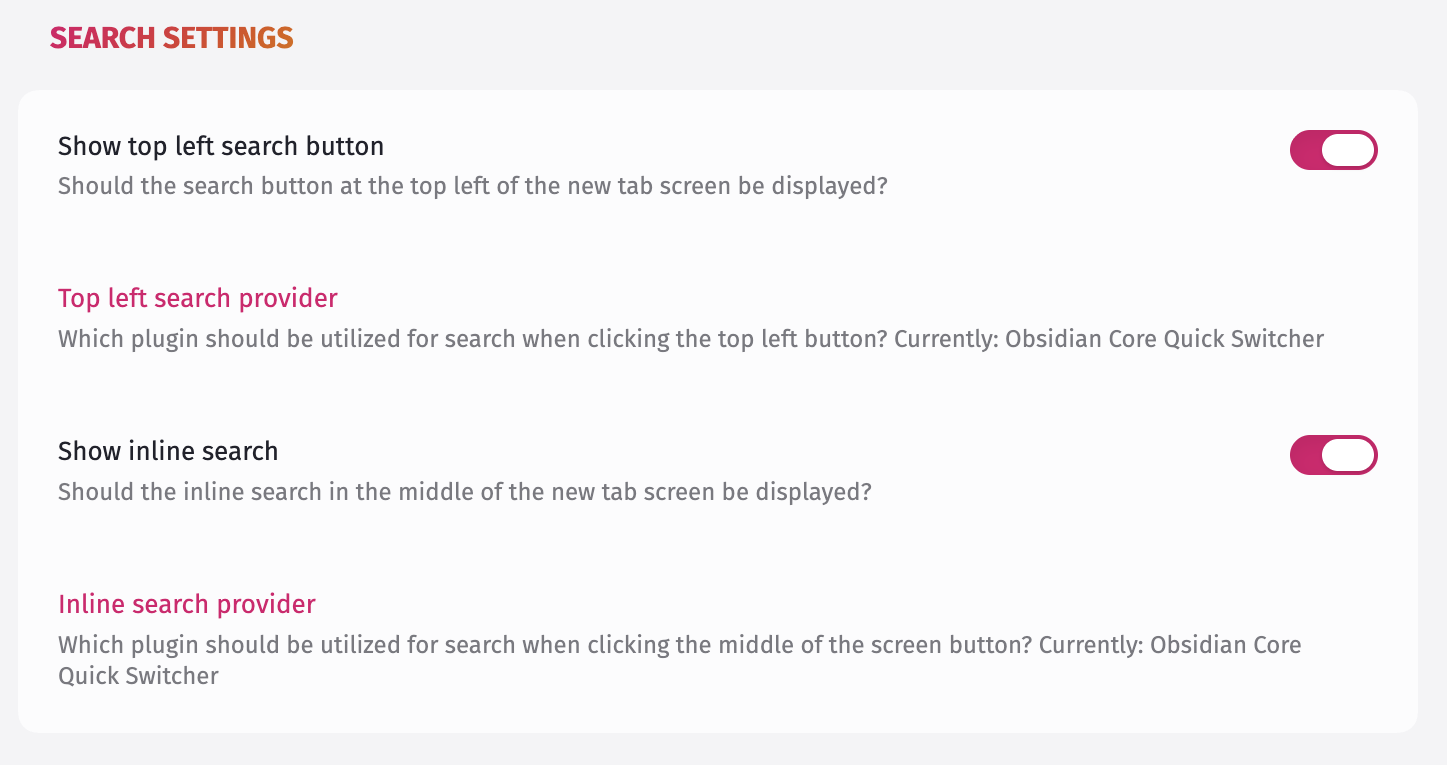
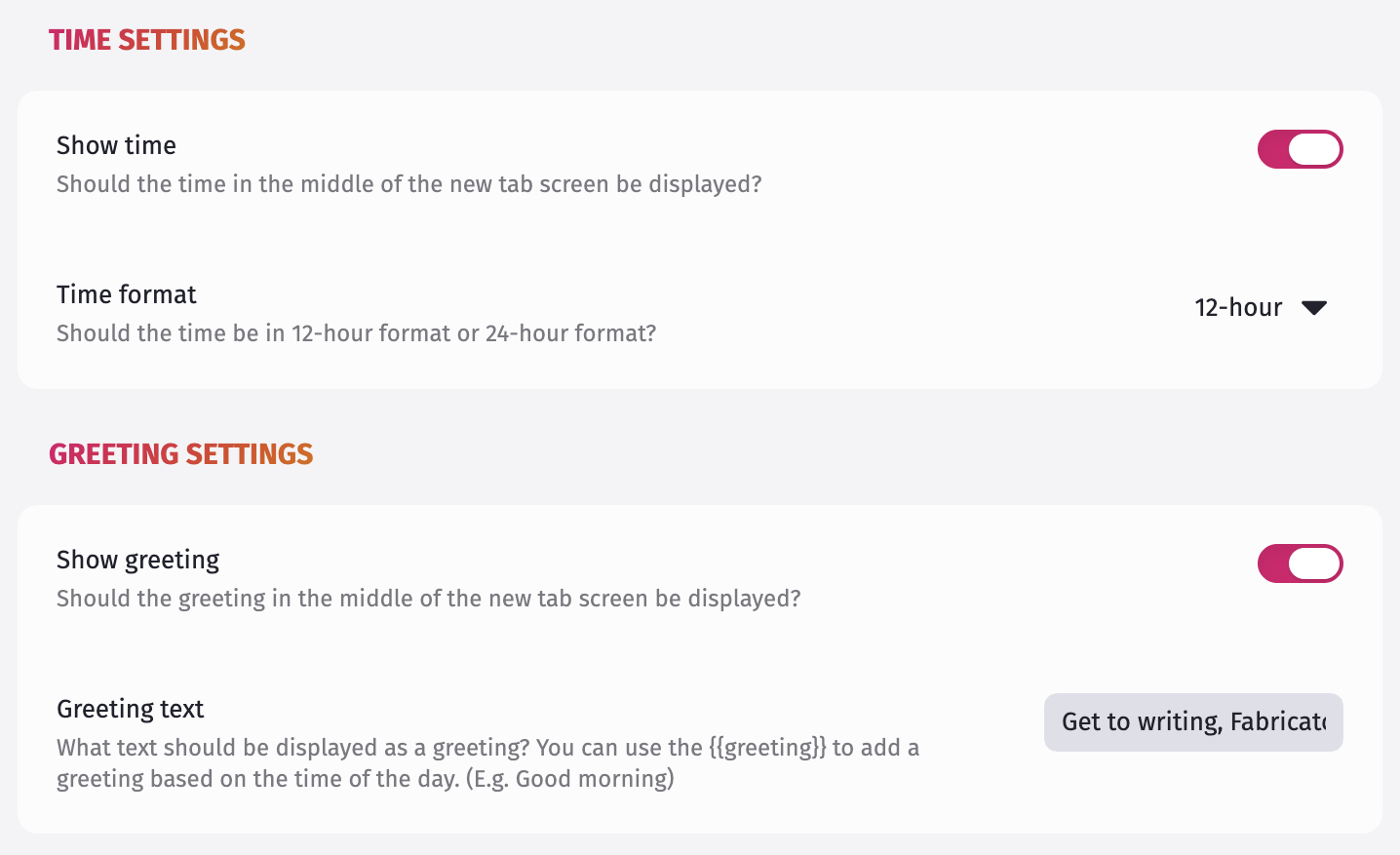
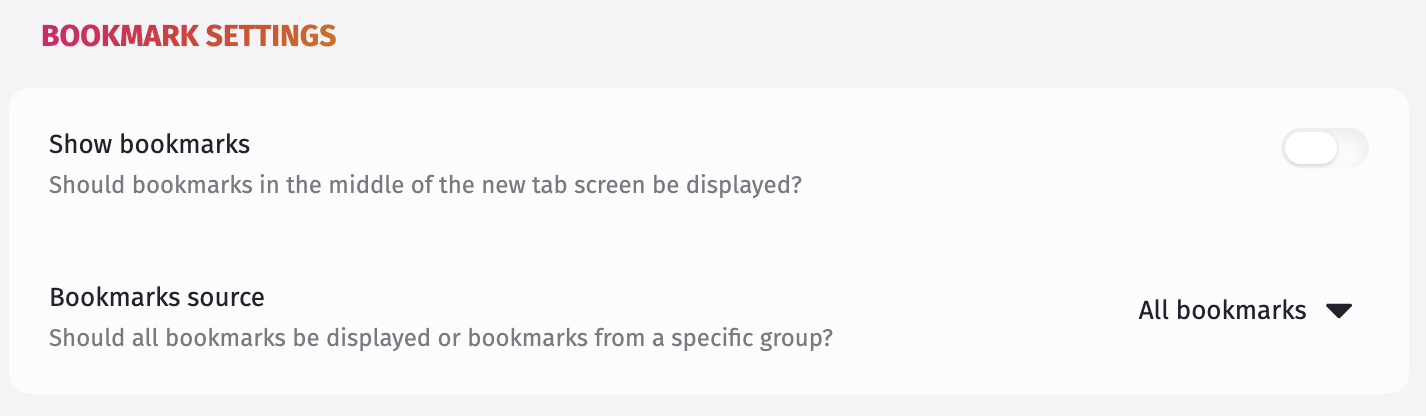
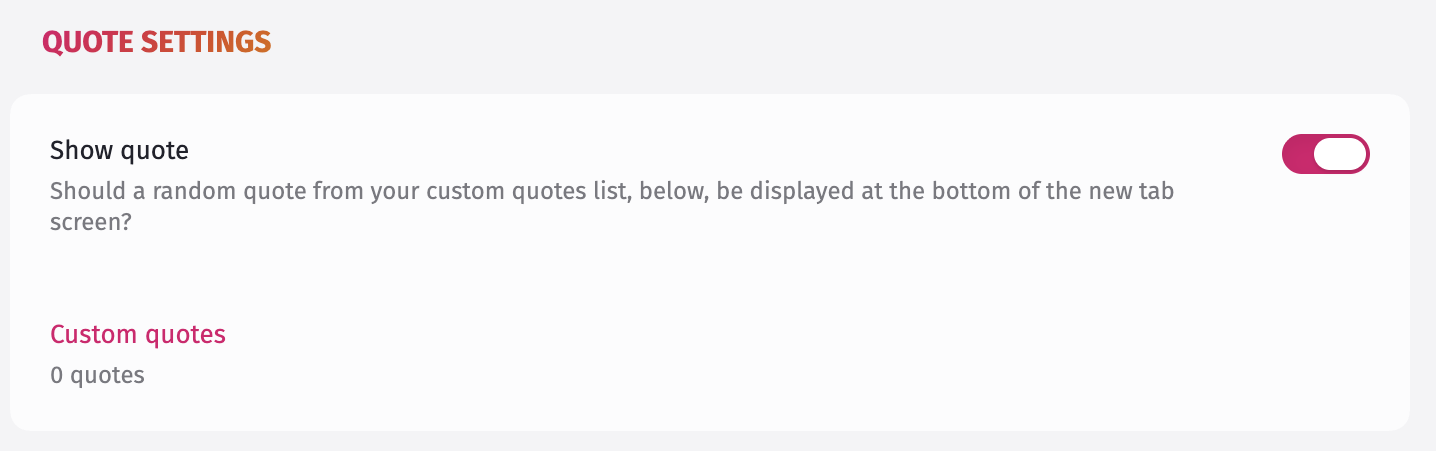
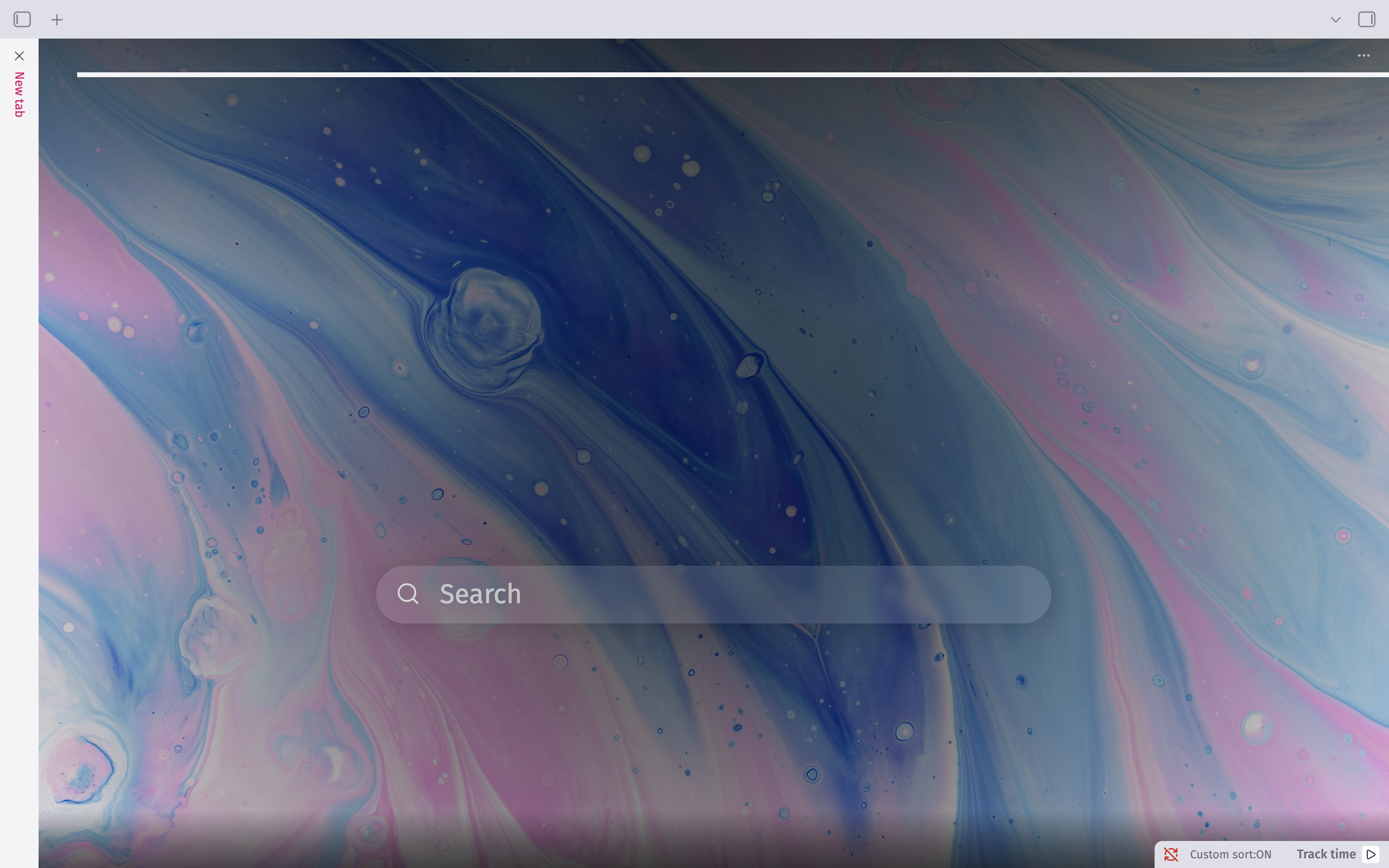
Tab Candy turns Obsidian's blank new-tab screen into something worth looking at: a background image, the time, a greeting, quick search, your recent files, your bookmarks, and a quote, all in one customizable view. And now with a host of tab navigation utilities included, Tab Candy has a little bit of sugar for everyone.
Some background: Tab Candy is an **evolution** of [Beautitab](https://github.com/andrewmcgivery/obsidian-beautitab) — not a continuation of it. Tab Candy started as a fork, but the codebase has since been rebuilt from the ground up: modernized against the current Obsidian API, made to work properly on both desktop and mobile, backed by an actual automated test suite, and given a CI pipeline that gates every change. What you're looking at today shares Beautitab's spirit and its original idea, but very little of its original code.
> [!NOTE]
> **A word of thanks.** None of this exists without Andrew McGivery's original work on Beautitab — the concept, the settings-first design philosophy, the whole idea of what a "pretty new tab" could be for Obsidian. Building something fun enough that someone else wants to keep it alive for years afterward is its own kind of success. Thank you for making Tab Candy possible in the first place. 🙏
## Features
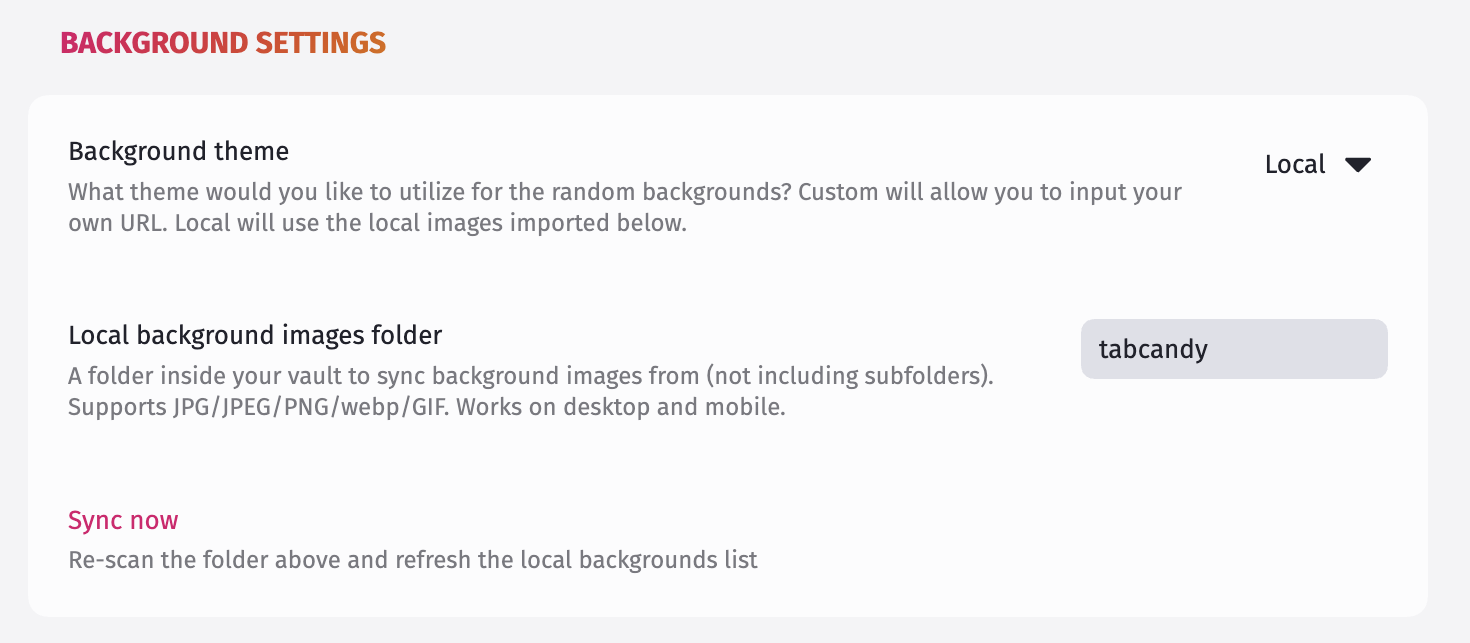
Tab Candy's settings are split across two pages — **Function** (behavior: search, time, greeting, recent files, bookmarks, quotes) and **Design** (background and style) — to keep things easy to find as the settings list grows.
### Open automatically on new tabs
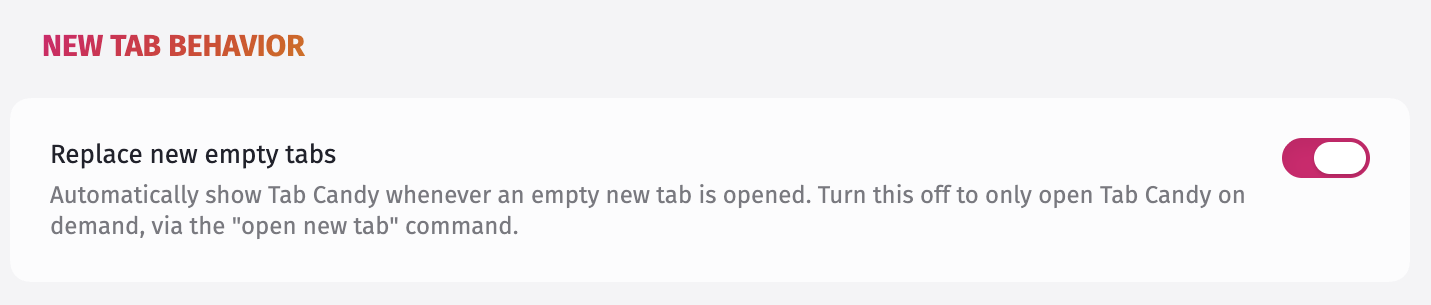
By default, opening a new empty tab in Obsidian shows Tab Candy automatically. If you'd rather trigger it manually instead, that's a setting too — either way, the **Open new tab** command in the command palette always works.