Zhihu Feed
Browse Zhihu in Obsidian and save questions, answers, articles, and pins as Markdown notes.
[中文](./README_ZH.md) | English
## Features
- **Browse Zhihu**: the sidebar offers Recommendations, Following, Hot list, and Recent browsing feeds, and can open user profiles, questions, collections, and columns. Go back one level, refresh the current page, and keep list scroll positions.
- **Read and save**: answers, articles, and pins open in a dedicated reader tab with an adjustable body width. Save to Markdown in one click; updating an existing file keeps its path and custom frontmatter.
- **Import content**: paste a link to import a single post, or batch import with queue progress and retries for failures.
- **Quick access**: pin frequently used profiles, collections, questions, columns, and posts, with type filters, drag-to-reorder, and bulk link adding.
- **More**: Zhihu links in your notes open inside the plugin; the status bar shows the current document's type and statistics; refresh existing Zhihu Markdown to sync the latest content.
## Before you start
- Obsidian desktop `1.13.0` or later
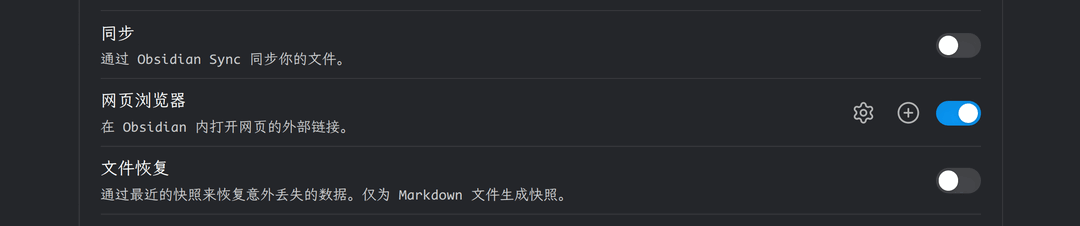
- Enable **Web viewer** under **Settings → Core plugins**
- Sign in to Zhihu before browsing, reading, importing, or refreshing content