
# OWiki Sync
Multi-device sync plugin for Obsidian
[](LICENSE)
[](https://github.com/johnhom1024/owiki-sync/releases)
Sync notes across devices · Your notes only travel through your own server · Offline changes are never lost · Desktop & mobile
**[OWiki server](https://github.com/johnhom1024/owiki)** ·
**[Quick start](#-quick-start)**
English · [中文](README.zh.md)
---
> [!WARNING]
> **Experimental software**: both this plugin and the OWiki server are in an early experimental stage. The sync logic has not been validated at scale, and edge cases **may cause note data loss or corruption**. **Back up your vault before connecting** (keep a full copy independent of the sync pipeline). **We are not responsible for any data loss caused by using this plugin** (see the [MIT LICENSE](LICENSE)).
## ✨ Features
- **Realtime multi-device sync** — save on one device and every other device gets it within 2 seconds; edits, renames and deletes all follow along
- **Only changed files transfer** — untouched notes don't move a byte; zero traffic when devices match
- **Conflicts never lose content** — if two devices edit the same note, mergeable changes merge automatically; the rest are saved as `xxx.conflict.md` copies — your local file is never silently overwritten
- **Offline changes are never lost** — changes made while disconnected are stored locally and delivered on reconnect
- **Per-device identity** — new devices join via PIN and can be unbound whenever you like
- **Single-device mode** — when only one device is allowed to write, the others enter an observing state: connected and readable, but not writable; flip it back and they resume instantly
- **Attachments sync too** — images and other attachments travel along with your notes
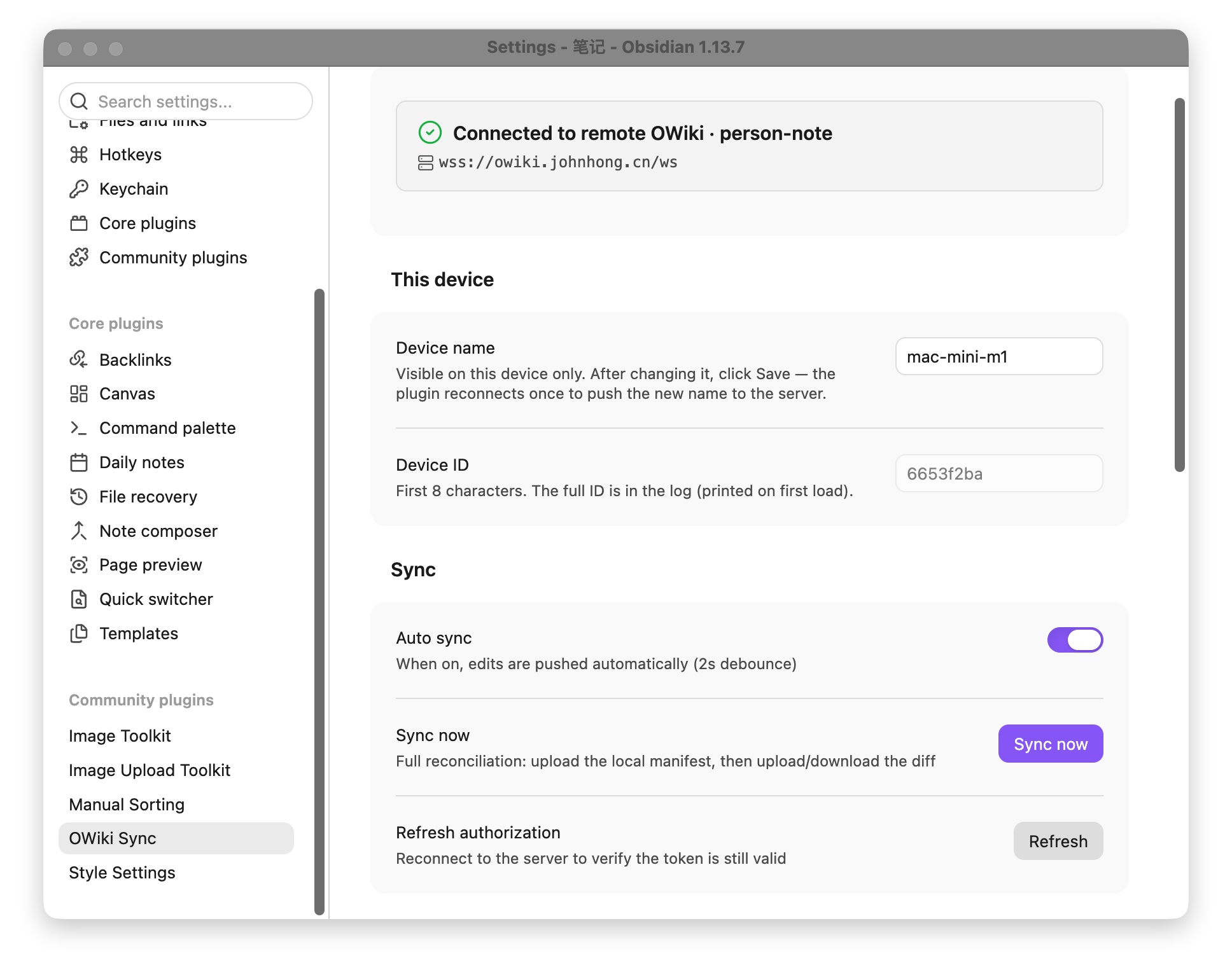
- **Desktop & mobile** — the status bar shows connection state live, and the sidebar icon triggers a manual sync in one click
## 🚀 Quick start
Three steps: deploy the server → install the plugin → connect.
### 1. Deploy the OWiki server
This plugin ships without a server. Deploy [OWiki](https://github.com/johnhom1024/owiki) first (one container or a single binary):
```bash
docker run -d --name owiki \
-p 8787:8787 \
-e OWIKI_TOKEN=