# Arena Browser
Browse your vault with Are.na inspired channels and blocks - a visual interface to reference and organize files.
## Preview
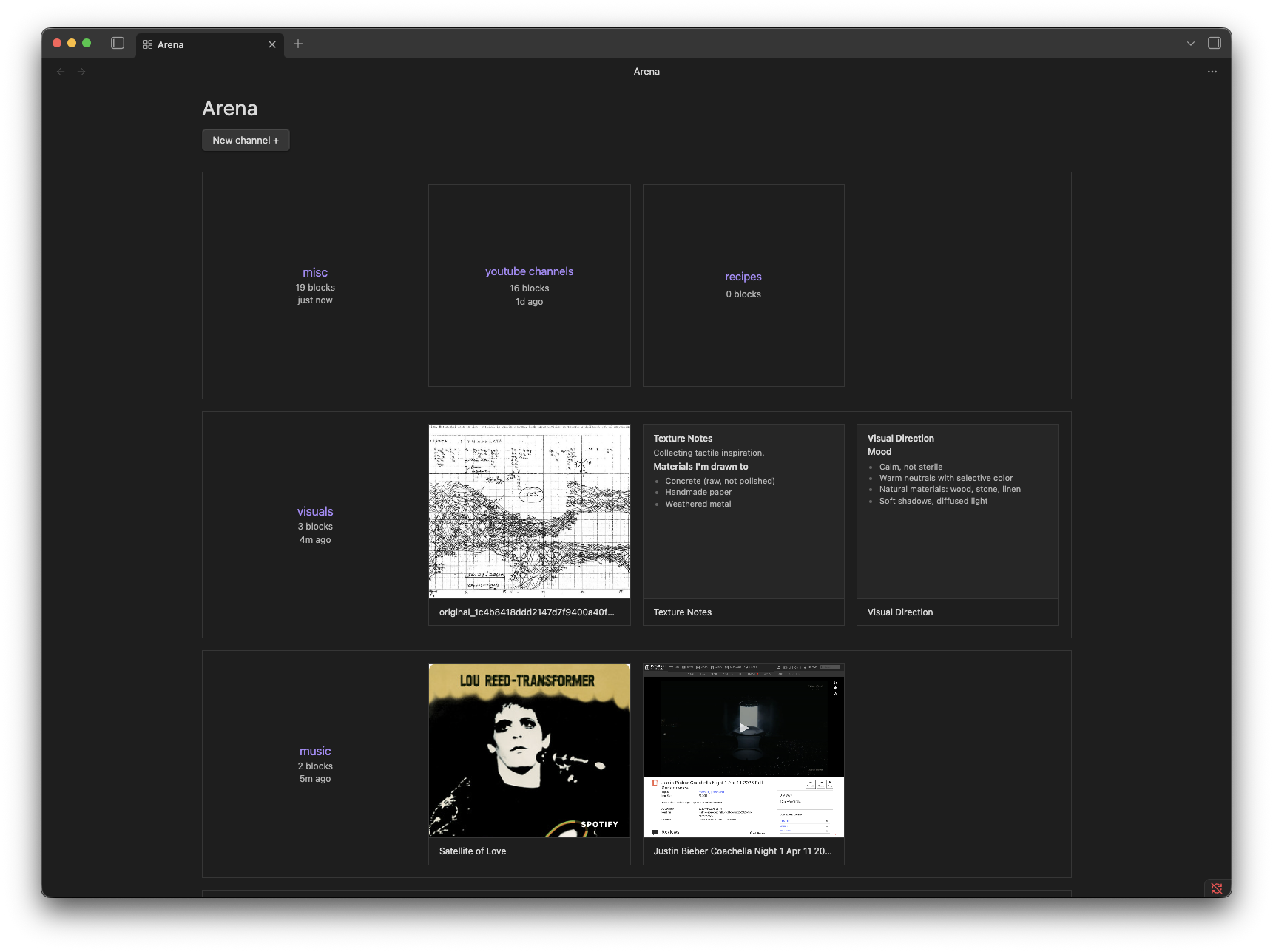
Desktop View
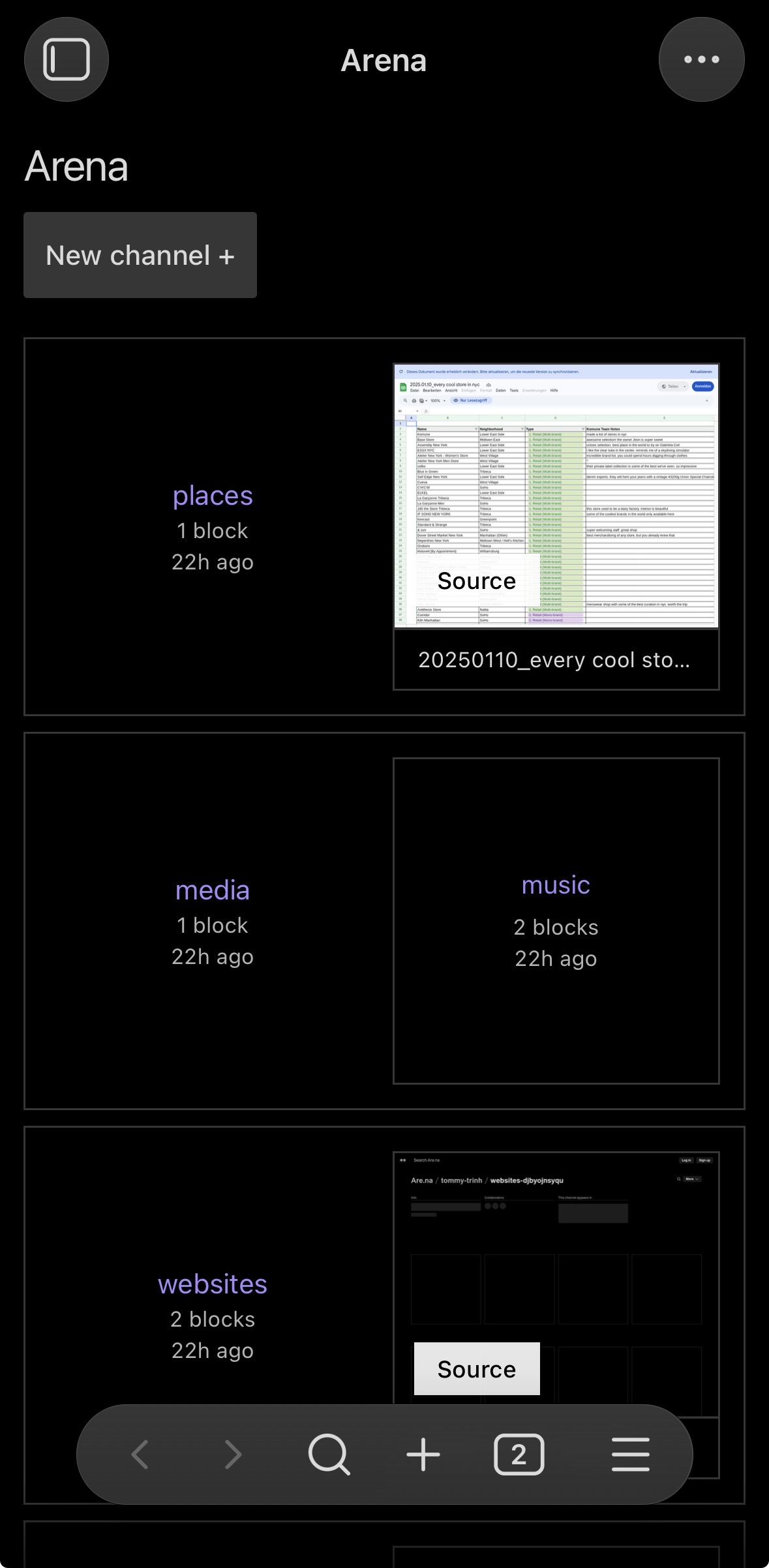
Mobile View
## Features
- Subfolders become **channels**, files inside them become **blocks**
- Images render as thumbnails, markdown files show text previews, everything else shows a filetype badge
- Drag files from Finder or your desktop directly into a channel
- Drag blocks between channels to reorganize
- Right-click channels and blocks for additional actions
## Installation
You can install the plugin via the Community Plugins tab within Obsidian. Search for "Arena Browser."
To install manually, copy `main.js`, `styles.css`, and `manifest.json` into your vault at `.obsidian/plugins/arena-browser/`, then enable the plugin in Settings → Community Plugins.
## Usage
After enabling the plugin, click the grid icon in the ribbon or use the Command Palette → **Open Arena browser**.
- **Create a channel**: Click **+ New channel** or use Command Palette → _Create new channel_
- **Add blocks**: Drag files from Finder or your desktop into a channel
- **Move blocks**: Drag blocks between channels in the browser
- **Open a file**: Click any block to open it in the editor
## Folder structure
Arena Browser maps directly to your vault's folder structure. By default it looks for a folder named `arena` at your vault root:
```
vault/
└── arena/
├── design-resources/
│ ├── screenshot.png
│ └── notes.md
└── mood-board/
└── reference.pdf
```
## Settings
- **Root folder**: The vault folder Arena Browser treats as its top level (default: `arena`)
## Network usage
Arena Browser makes outbound network requests in the following situations:
- **URL bookmarks** — when you paste or drop an HTTP/HTTPS URL into a channel, the plugin fetches the page to read its `` and Open Graph metadata (`og:title`, `og:description`, `og:image`). No data is sent; only an outbound GET is made to the URL you provided.
- **Spotify & SoundCloud cover art** — for links from `open.spotify.com` and `soundcloud.com`, the plugin calls the platform's public oEmbed endpoint to retrieve the cover thumbnail URL, then downloads that image.
- **Screenshot previews (optional)** — if you build the plugin with an `APIFY_TOKEN` set in your `.env` file, cover images for bookmarks are fetched via the [Apify](https://apify.com) screenshot API. No token is bundled in a release build unless you explicitly add one yourself.
No analytics, telemetry, or tracking of any kind are collected or transmitted.
## License
MIT — see [LICENSE](LICENSE).