Your own calendar · eras nested as deep as you like · stories as threads · cards linked to your notes
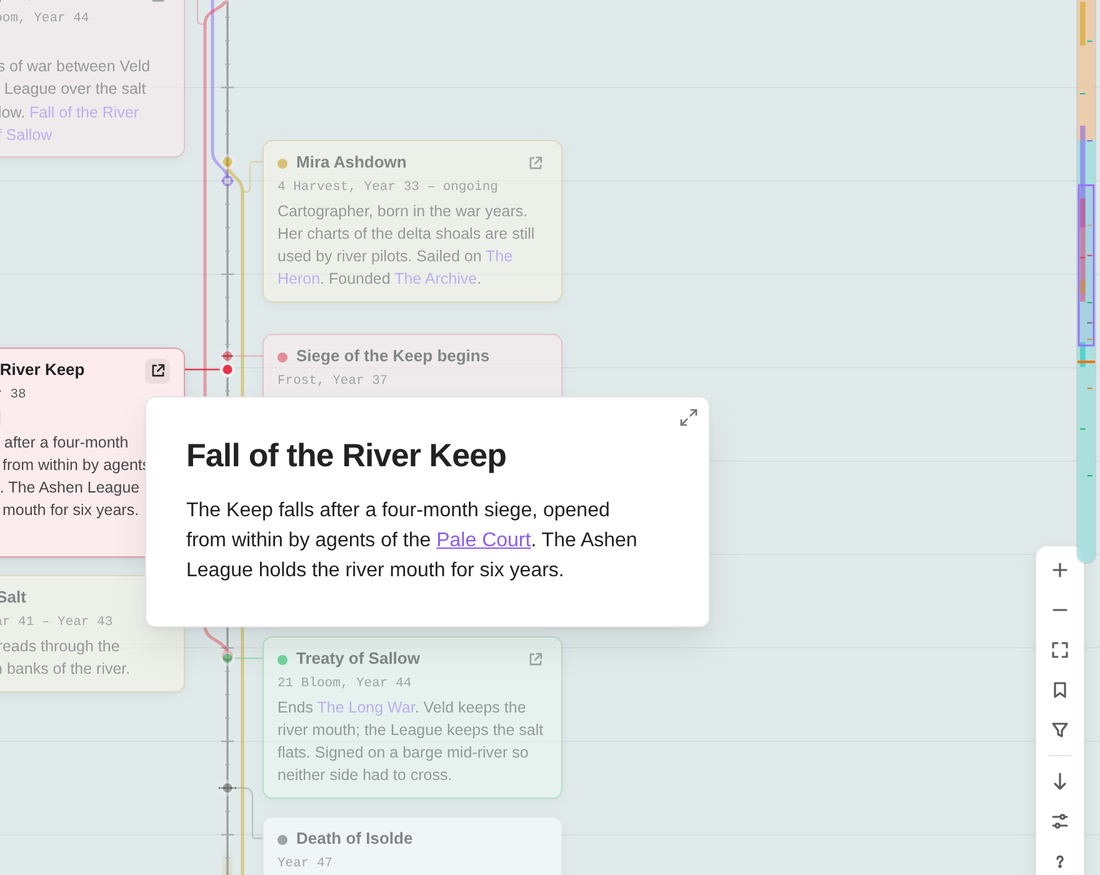
Most timeline tools assume our calendar and our kind of history. Evra is built for the ones you make up: - a calendar with thirteen moons and a festival week; - ages that contain reigns that contain wars; - a history that runs to three thousand years and two thousand events. Each timeline is its own `.evra` file in your vault, and its cards can link to the notes you already have.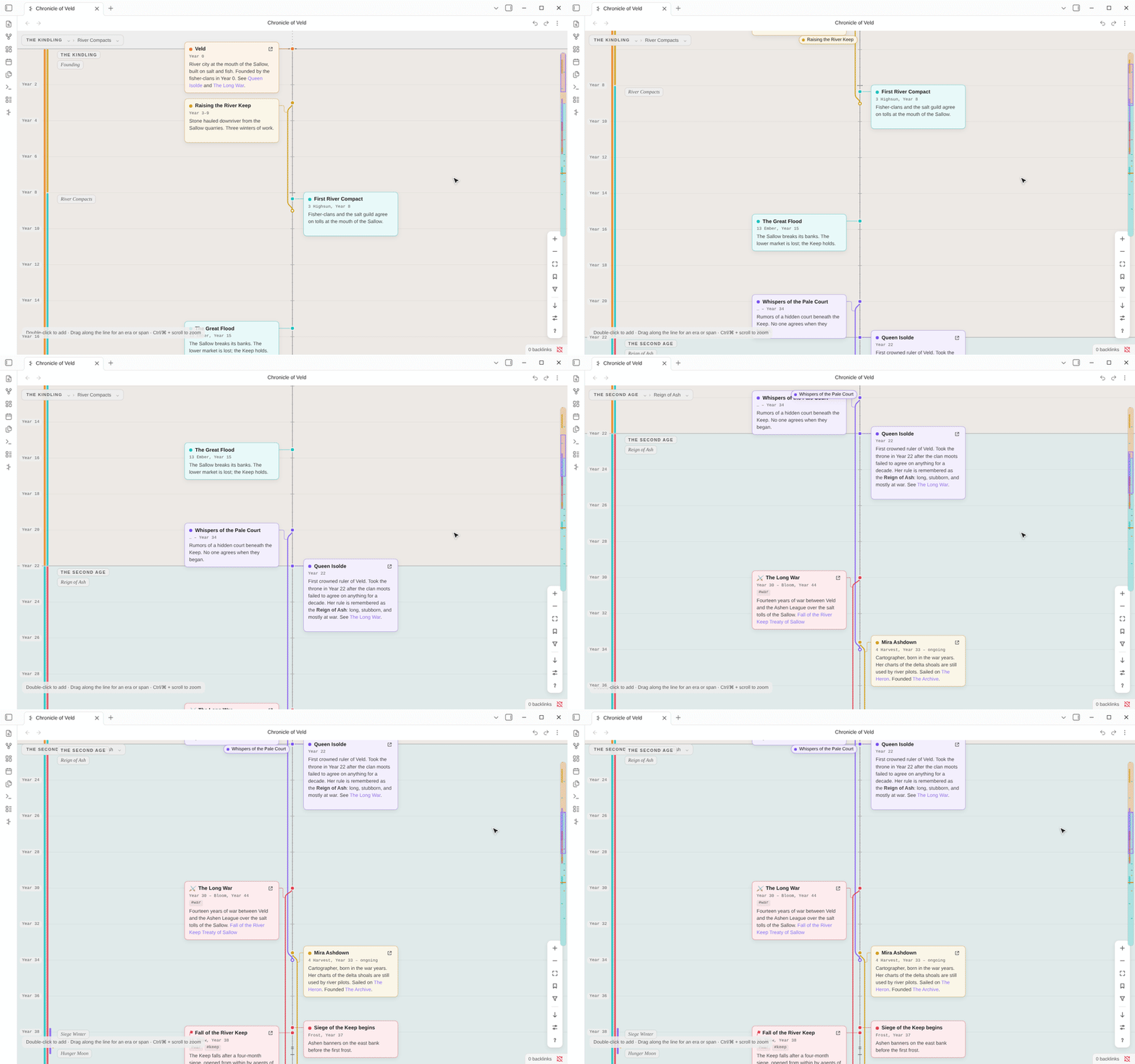
 |
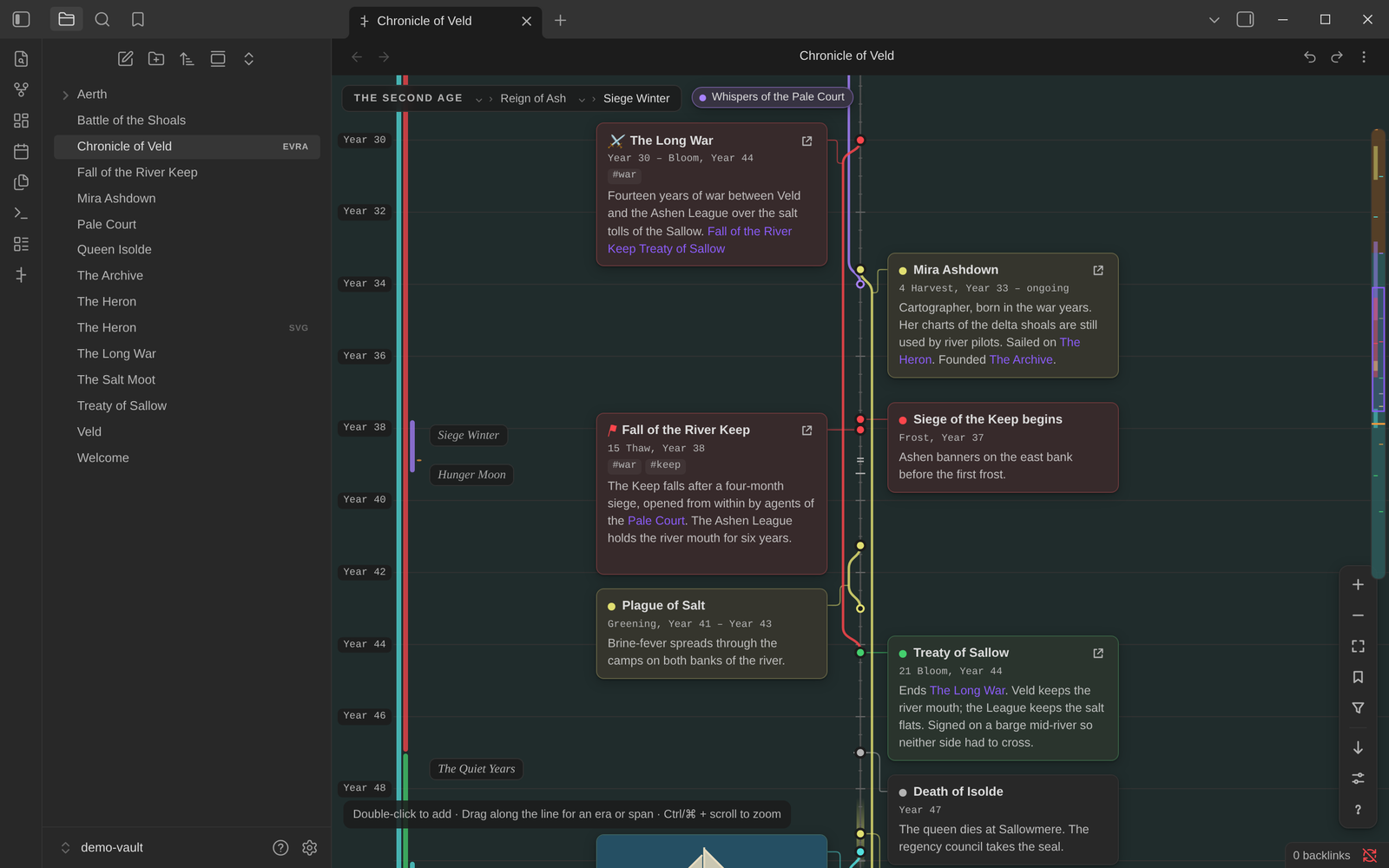 |
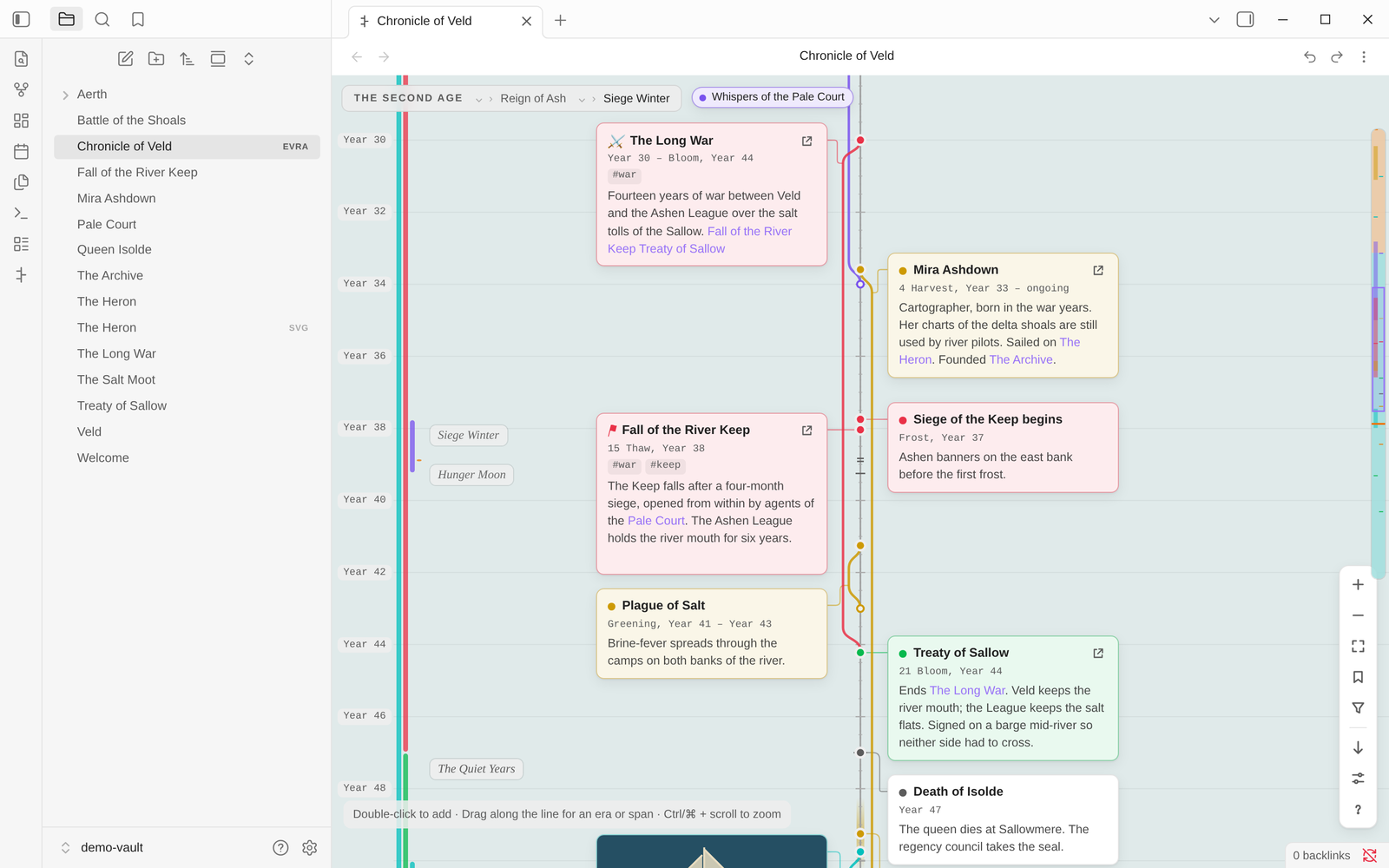
| Light theme | Dark theme |
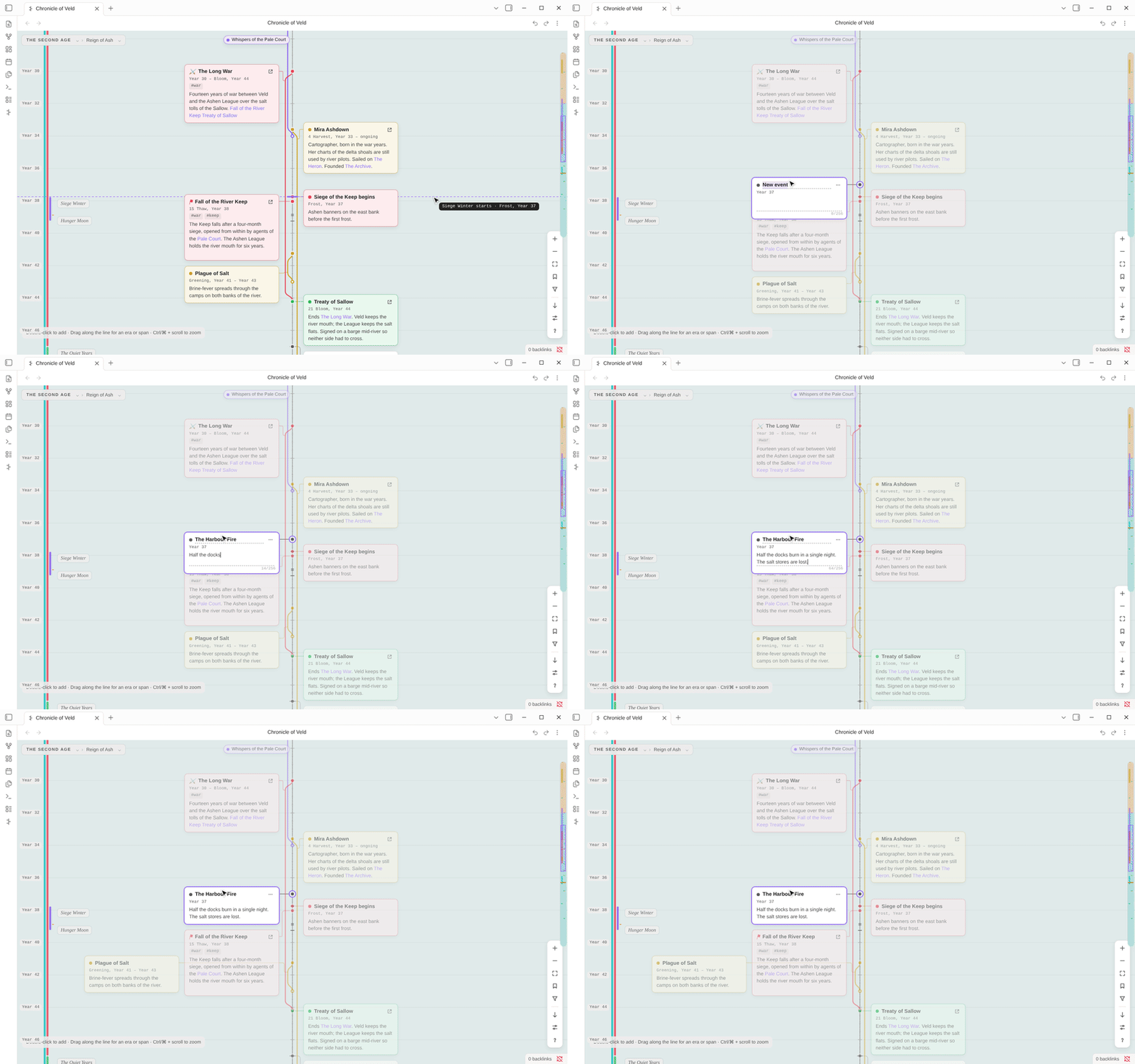
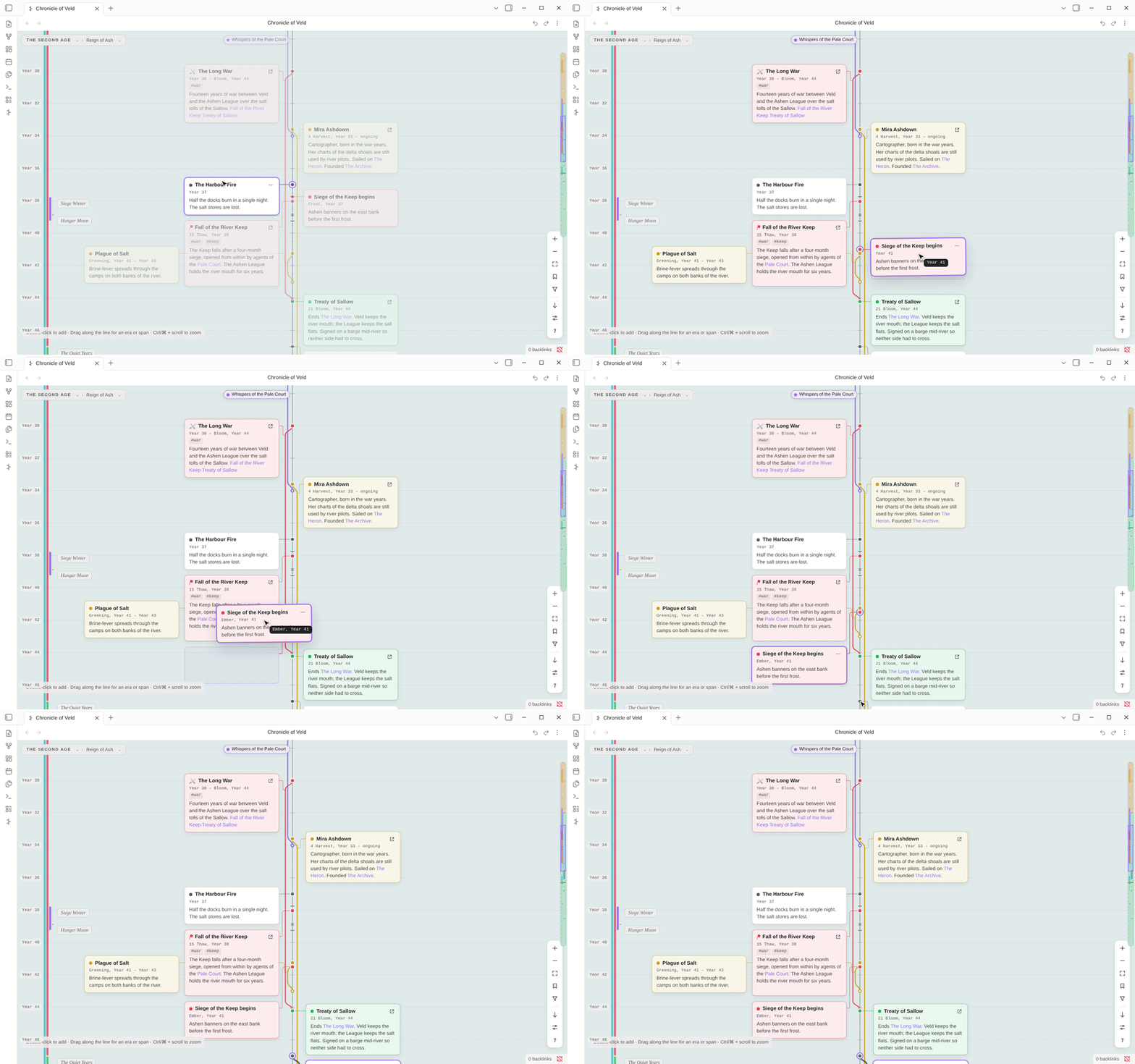
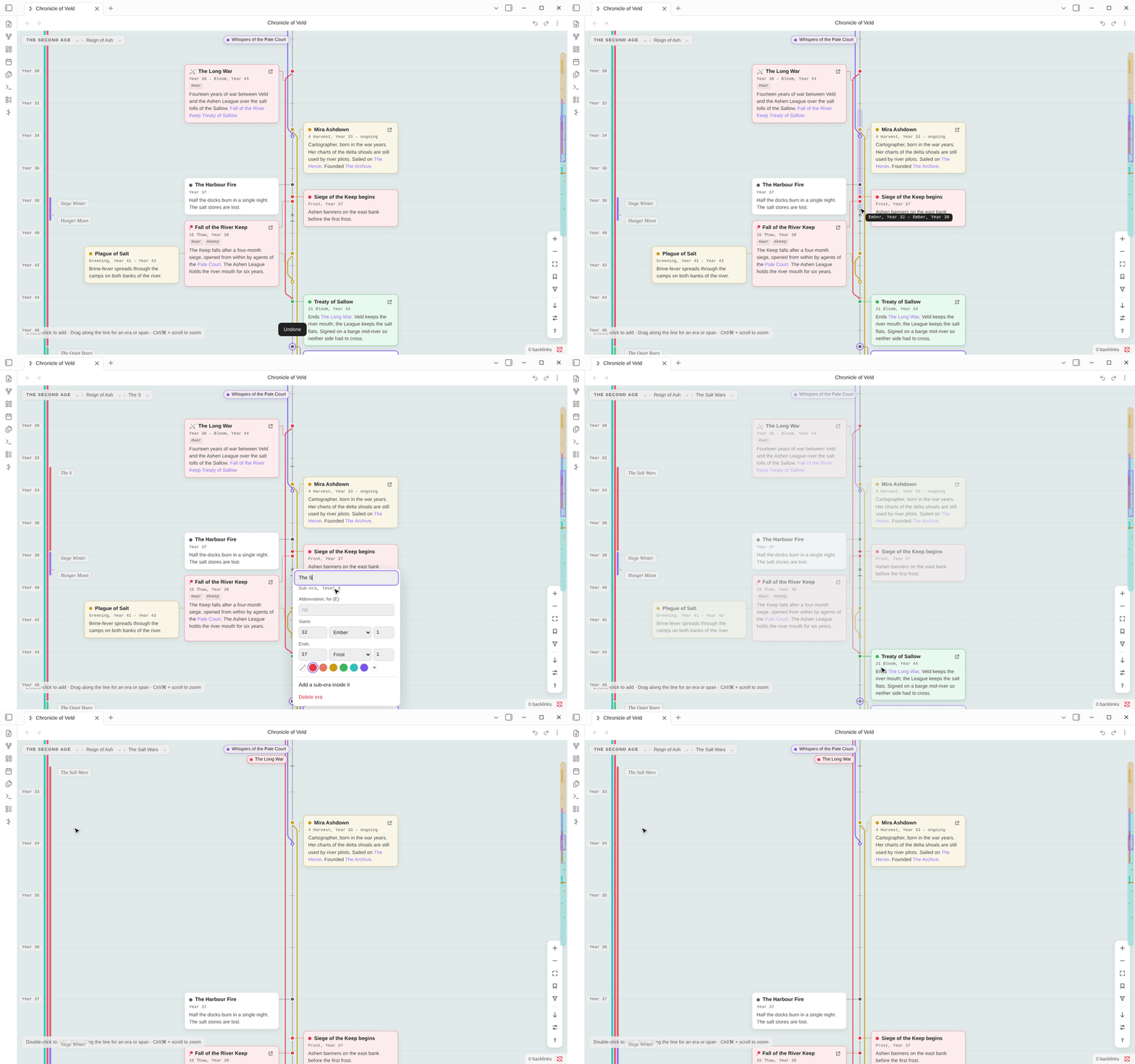
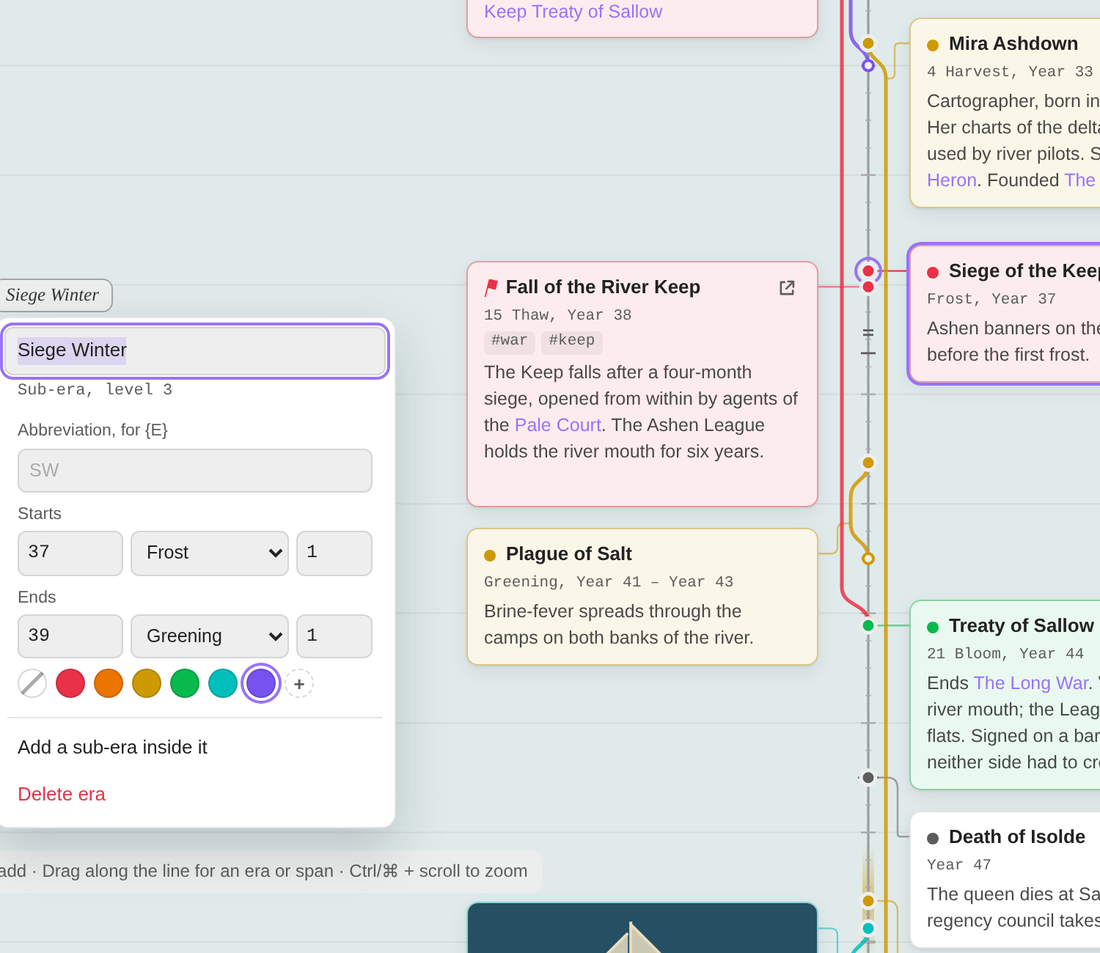 |
**The era editor** sets: - the era's name; - an abbreviation for dates like "12 SA"; - exact start and end dates; - its color. It can also add a sub-era inside it. **Resize an era** by dragging its edge from anywhere across the timeline. Neighbouring eras move with it, or hold **Alt** to split a shared edge. **Right-click** any era to fit it to the screen. Click a name in the breadcrumb to do the same. |
 |
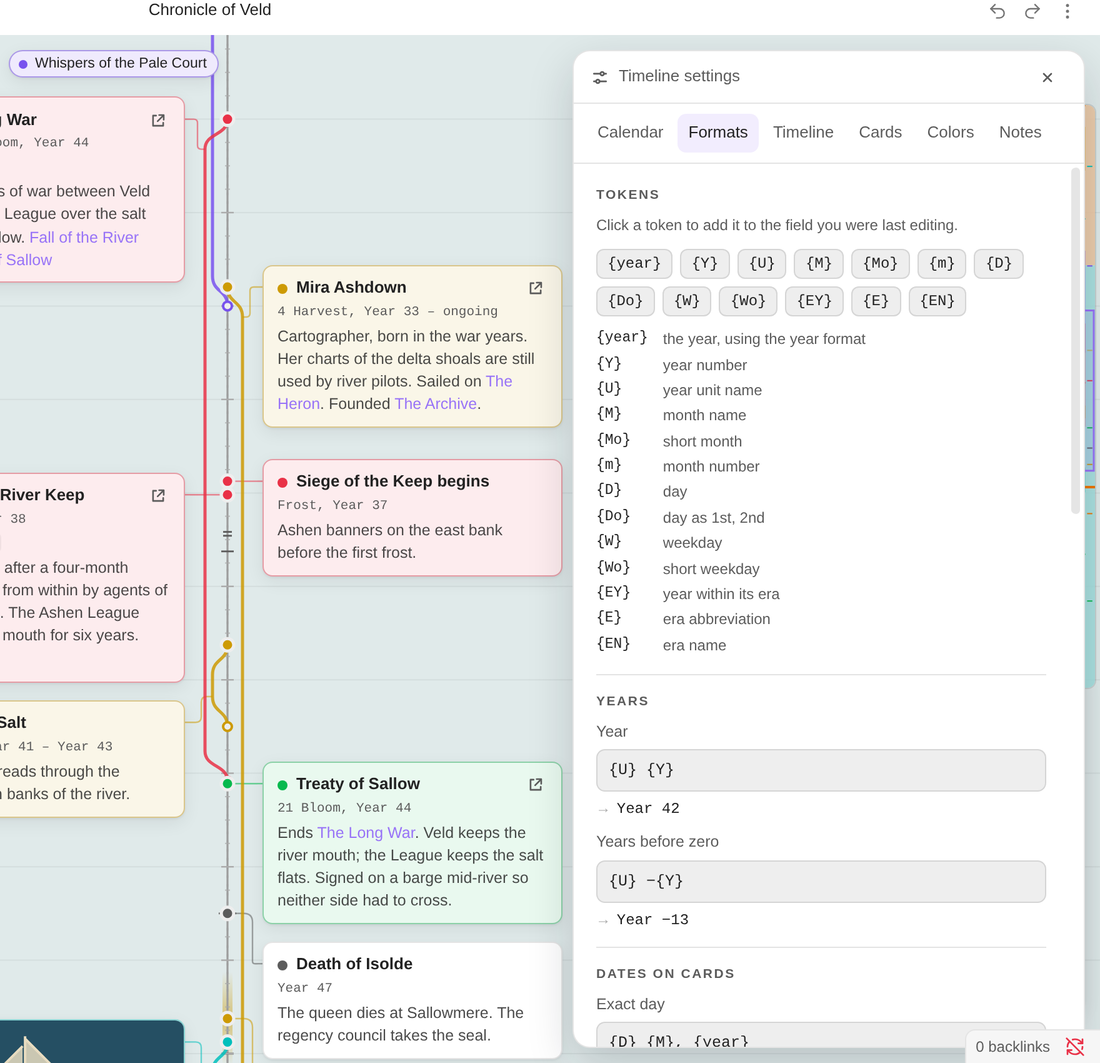 |
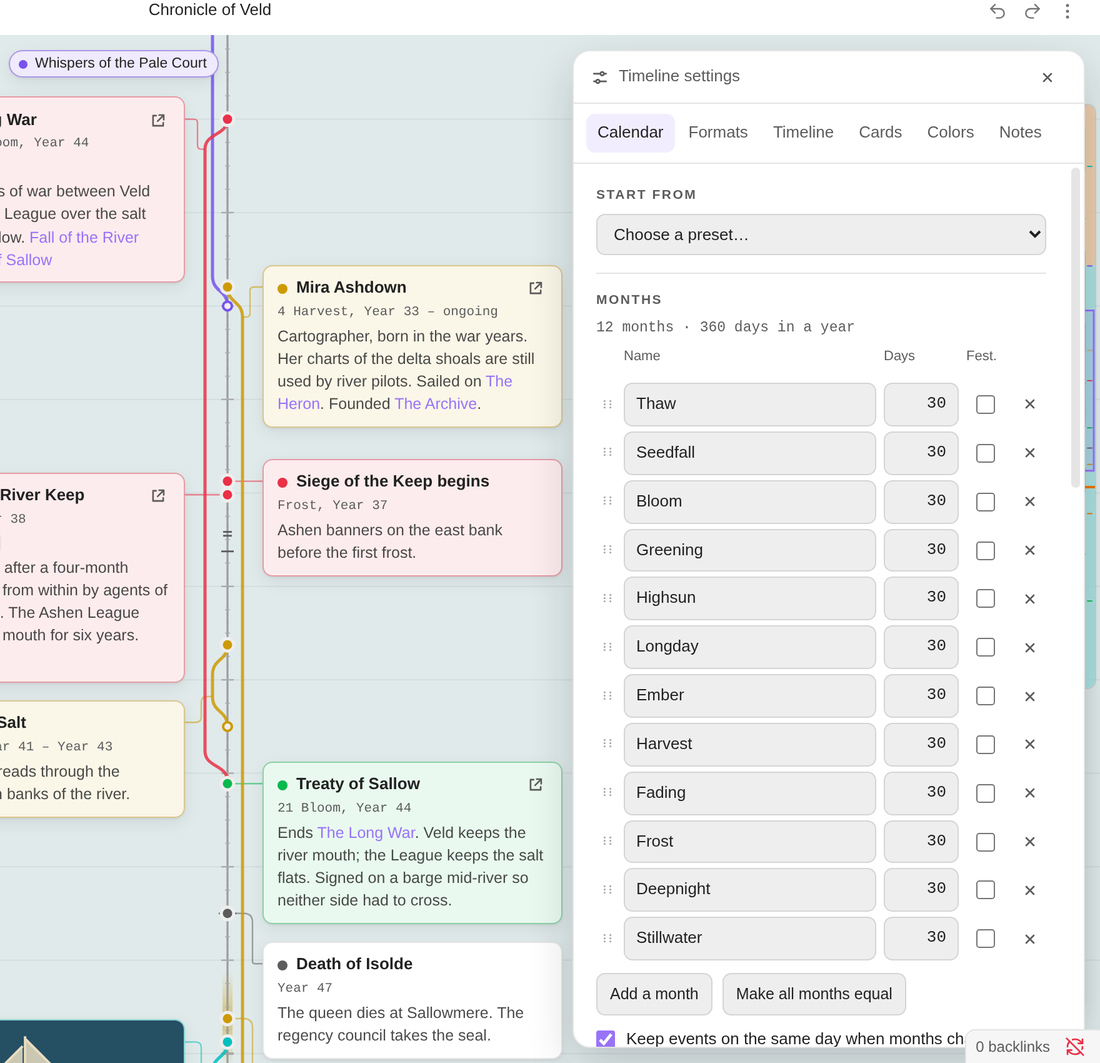
| Months, leap days, weekdays, numbering | Every date label is a template you can edit, with a live preview |
|
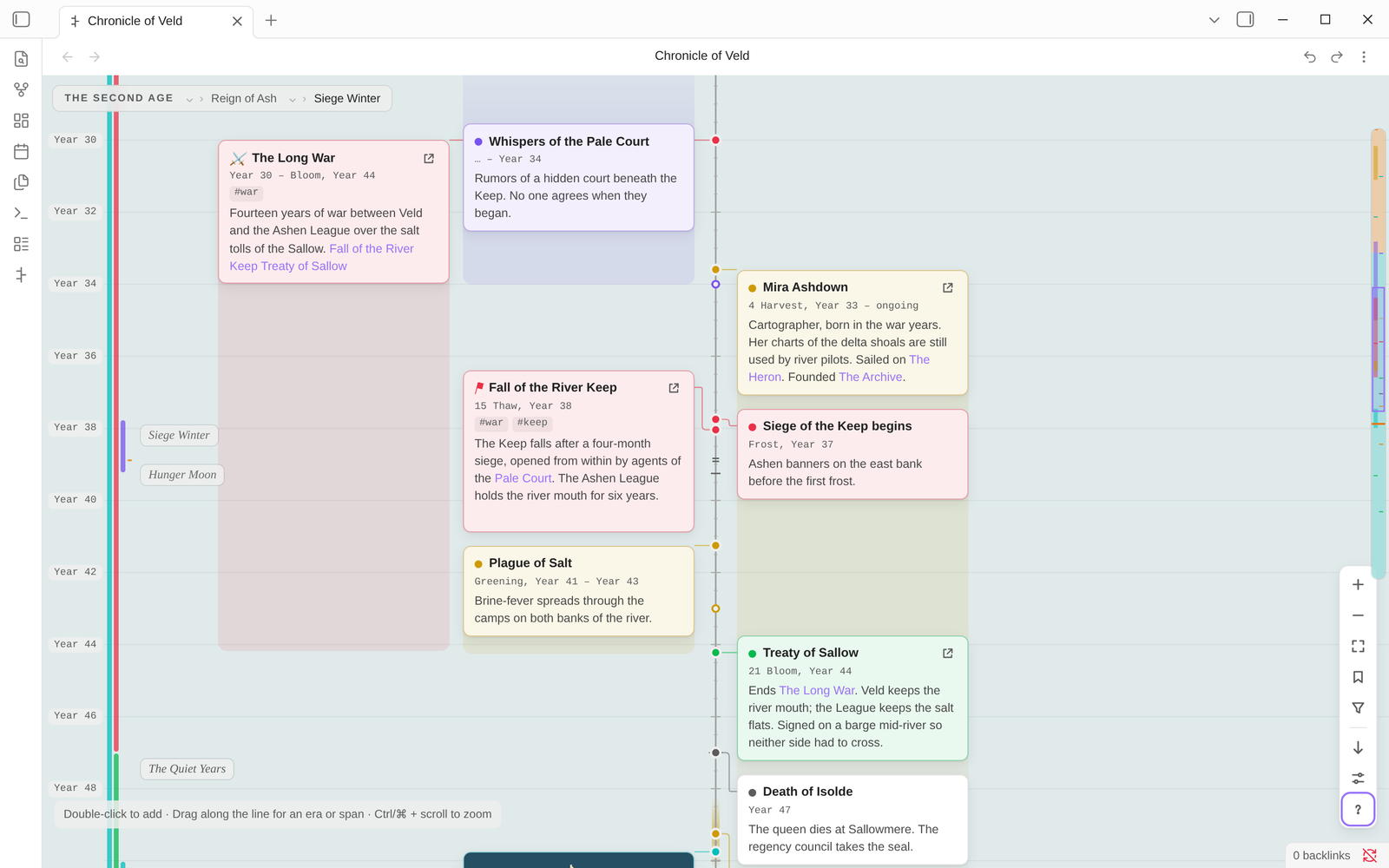 |
| Threads (the default) | Blocks |
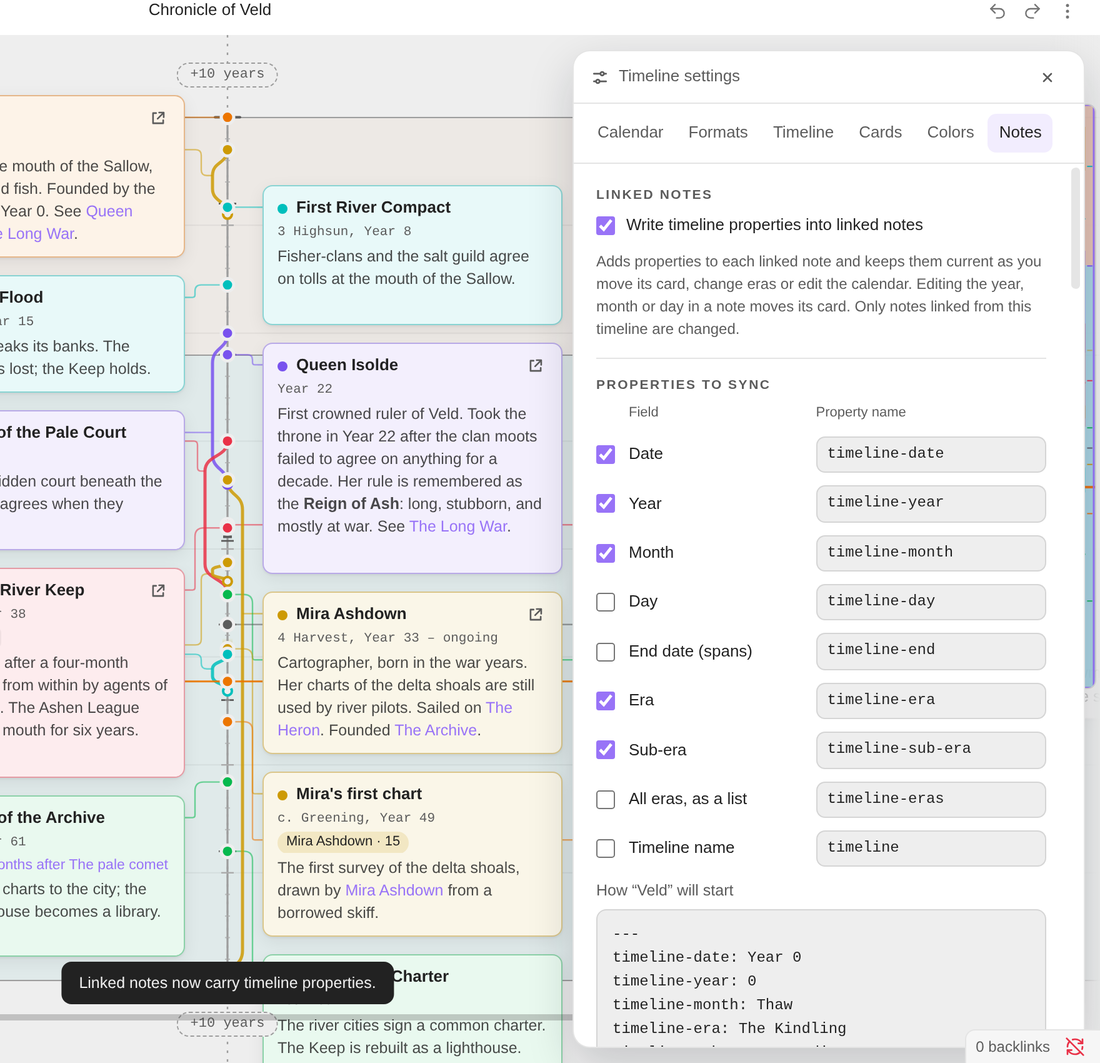 |
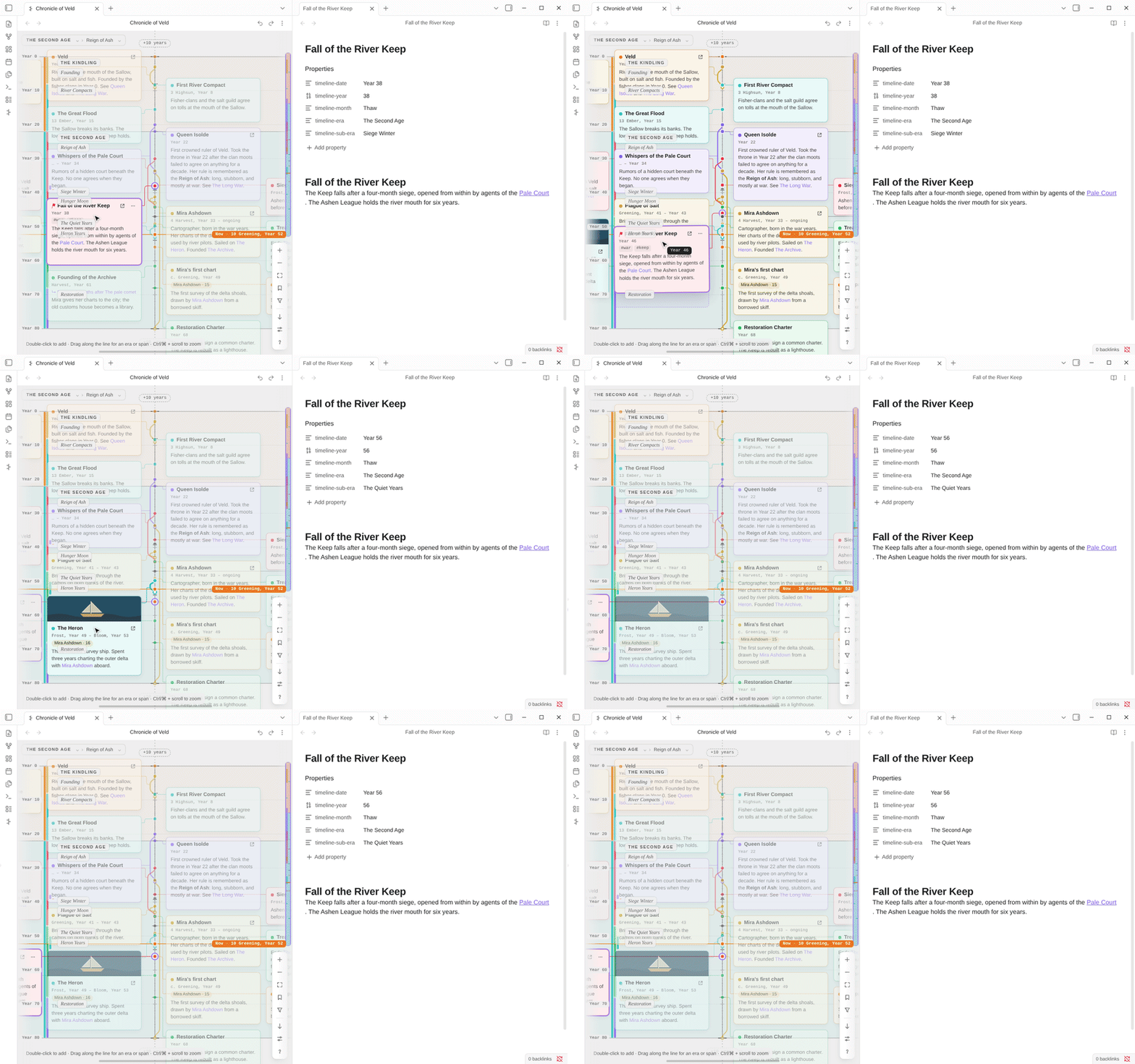
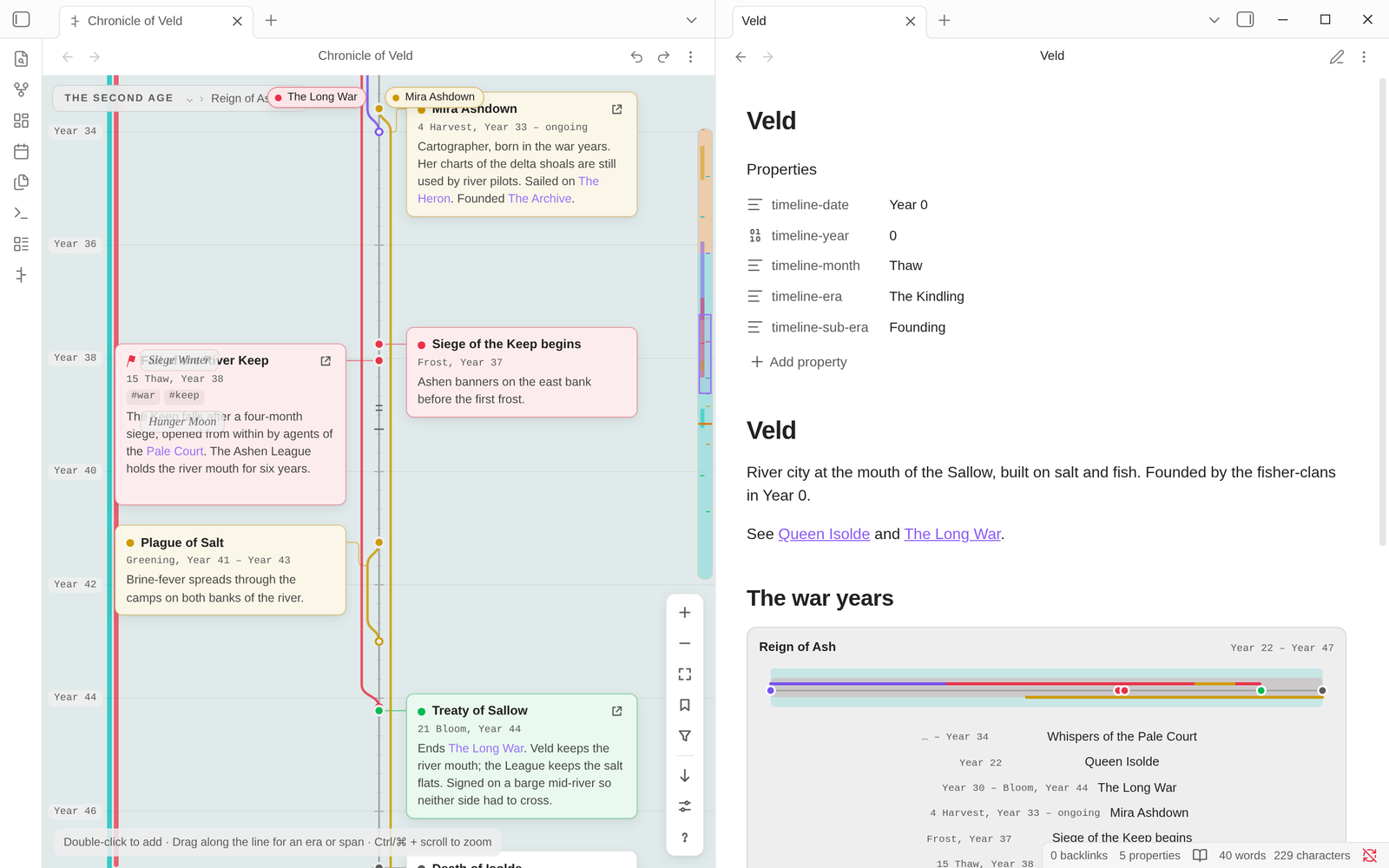
- **Pick the fields:** date, year, month, day, end date, era, sub-era, every era as a list, and the timeline's name. - **Rename them:** use `year` instead of `timeline-year`, for example. - **Preview first:** the panel shows exactly what a note will get. - **Create cards from notes:** Evra finds notes that have a year or a date in their properties but aren't on the timeline yet, and adds the ones you pick. |
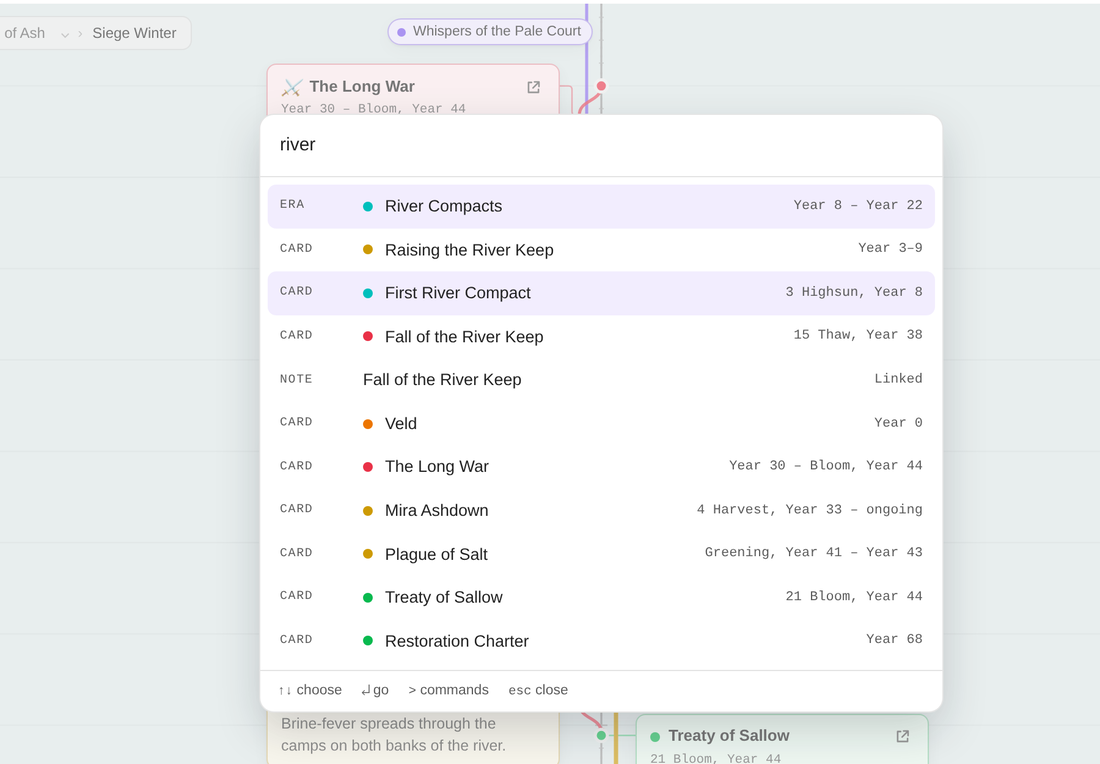 |
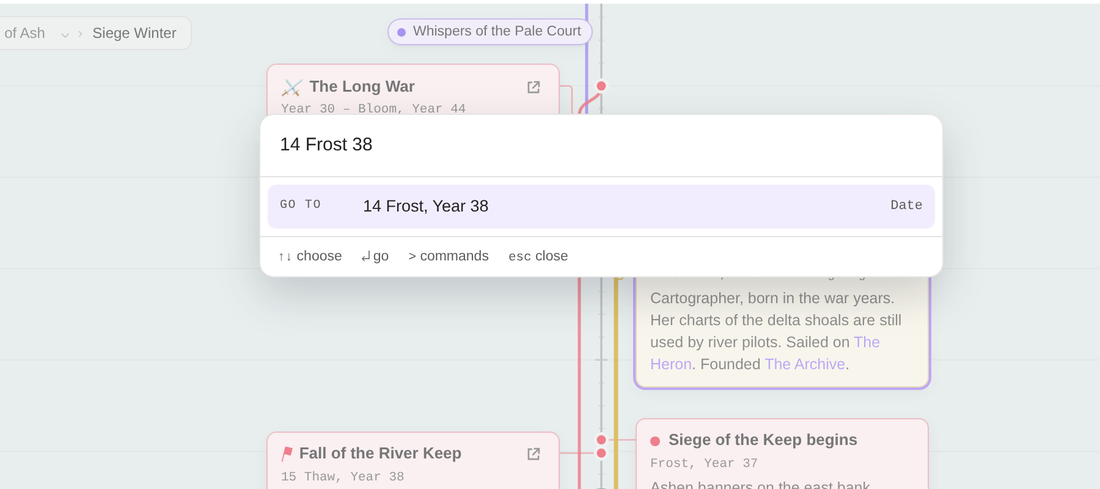 |
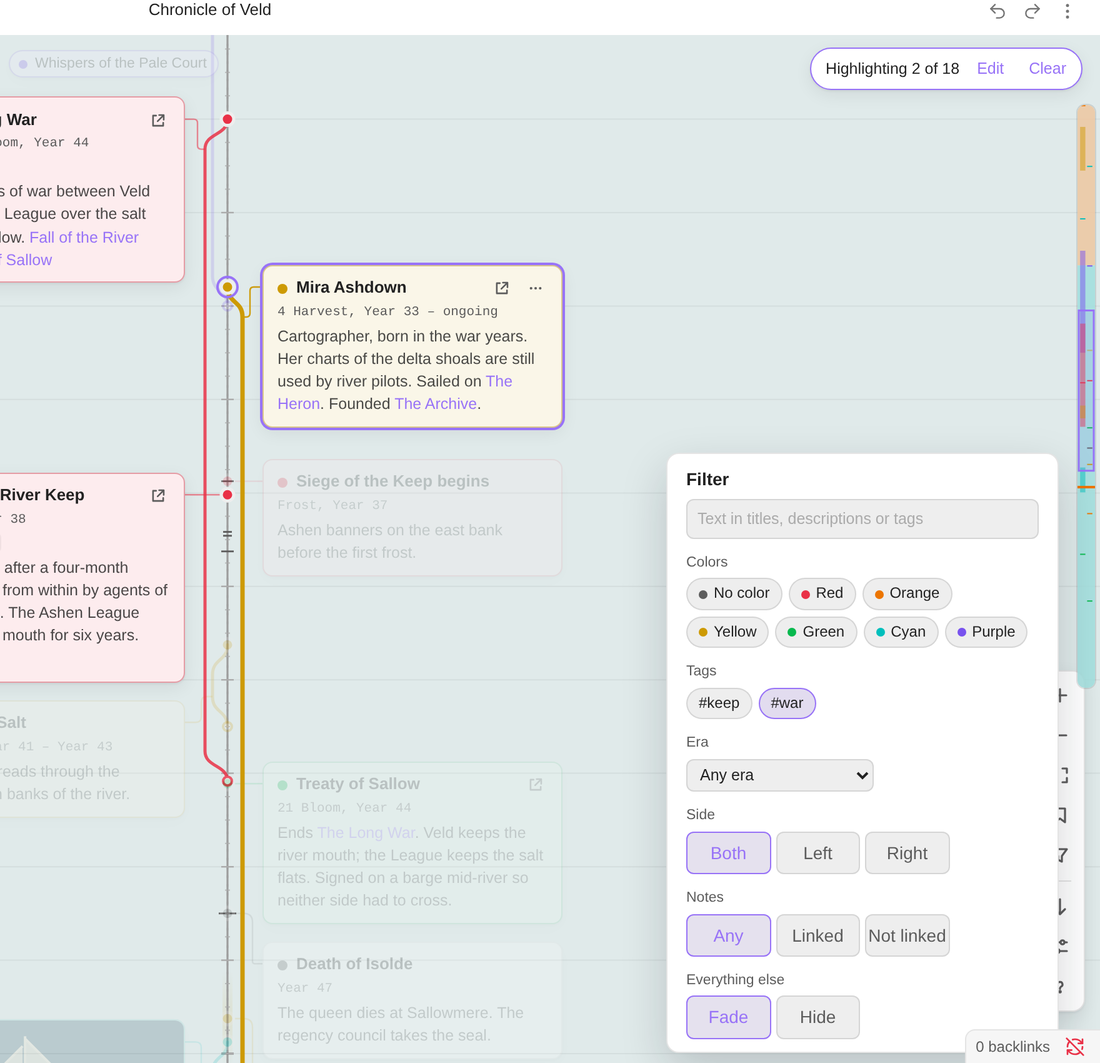 |
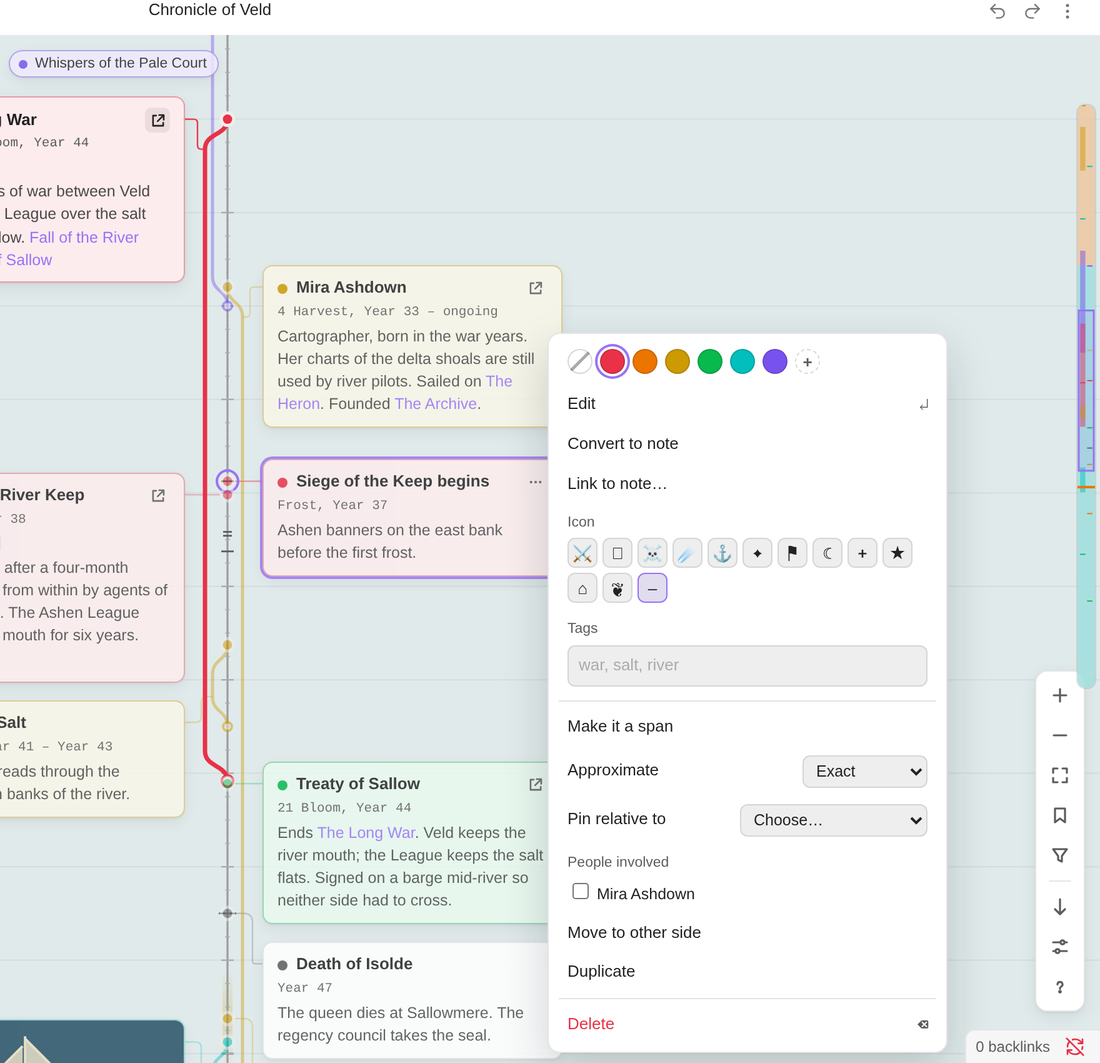 |
| Filter by tag, color, era, side or linked notes | Card options |
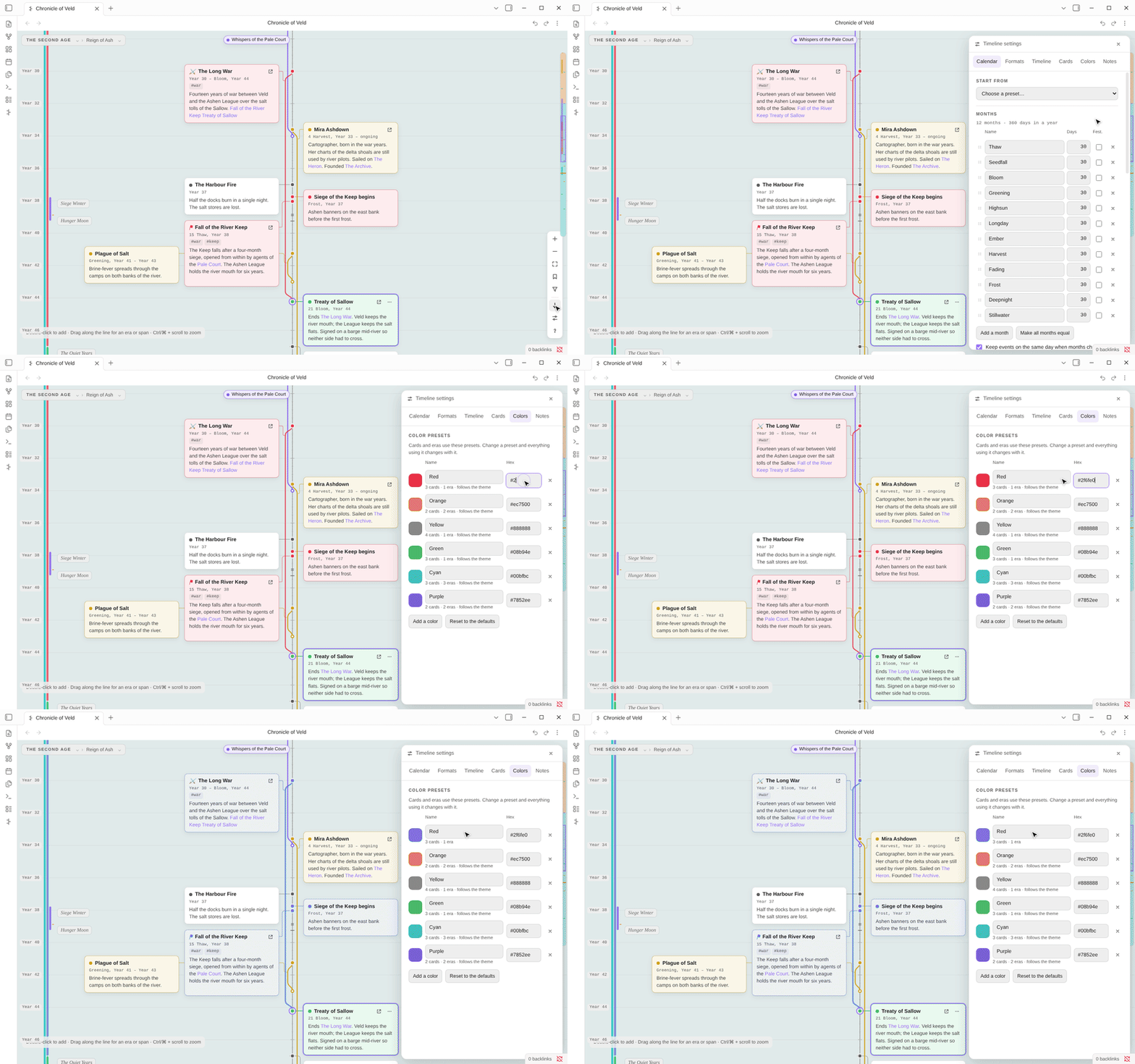
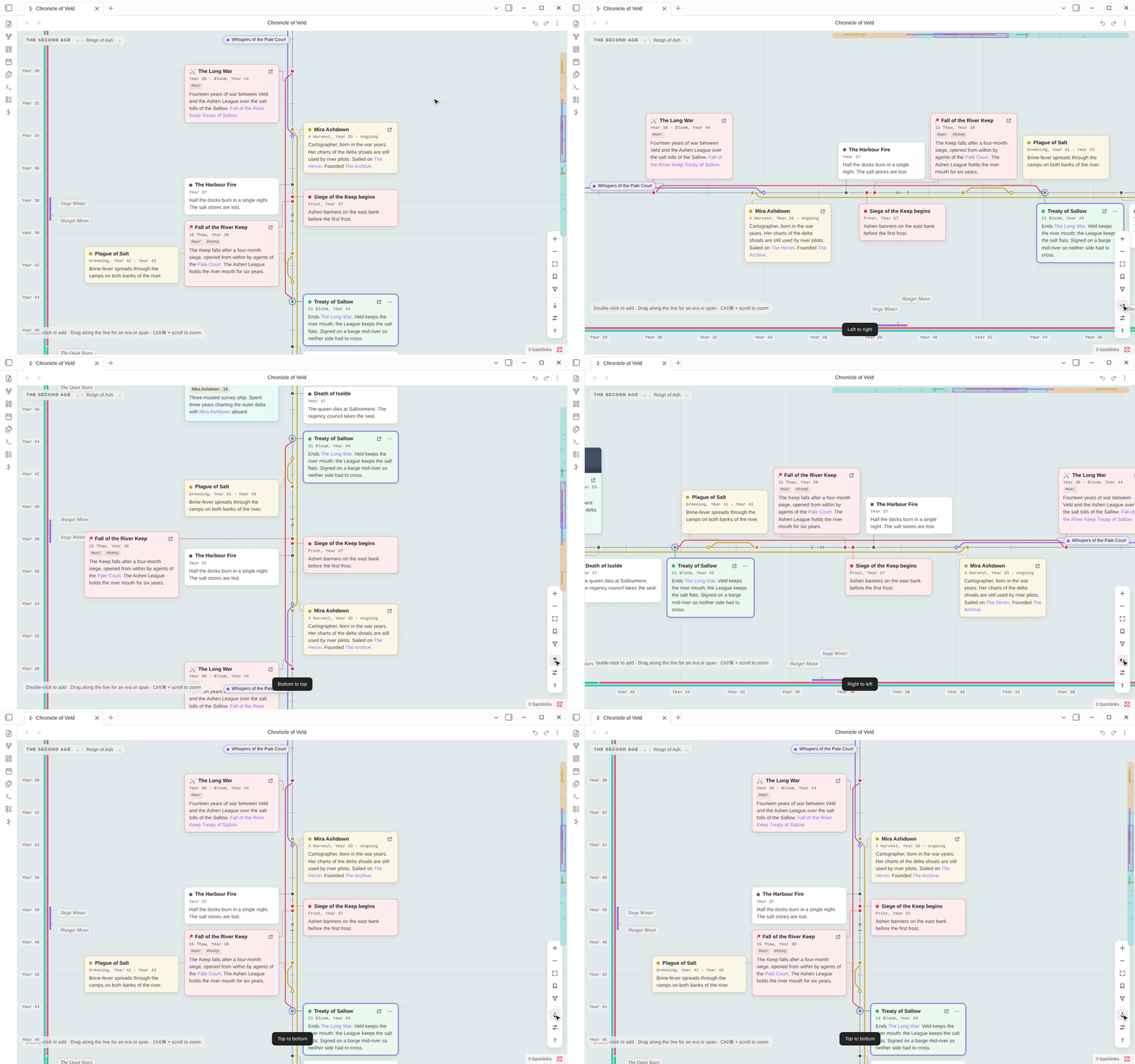
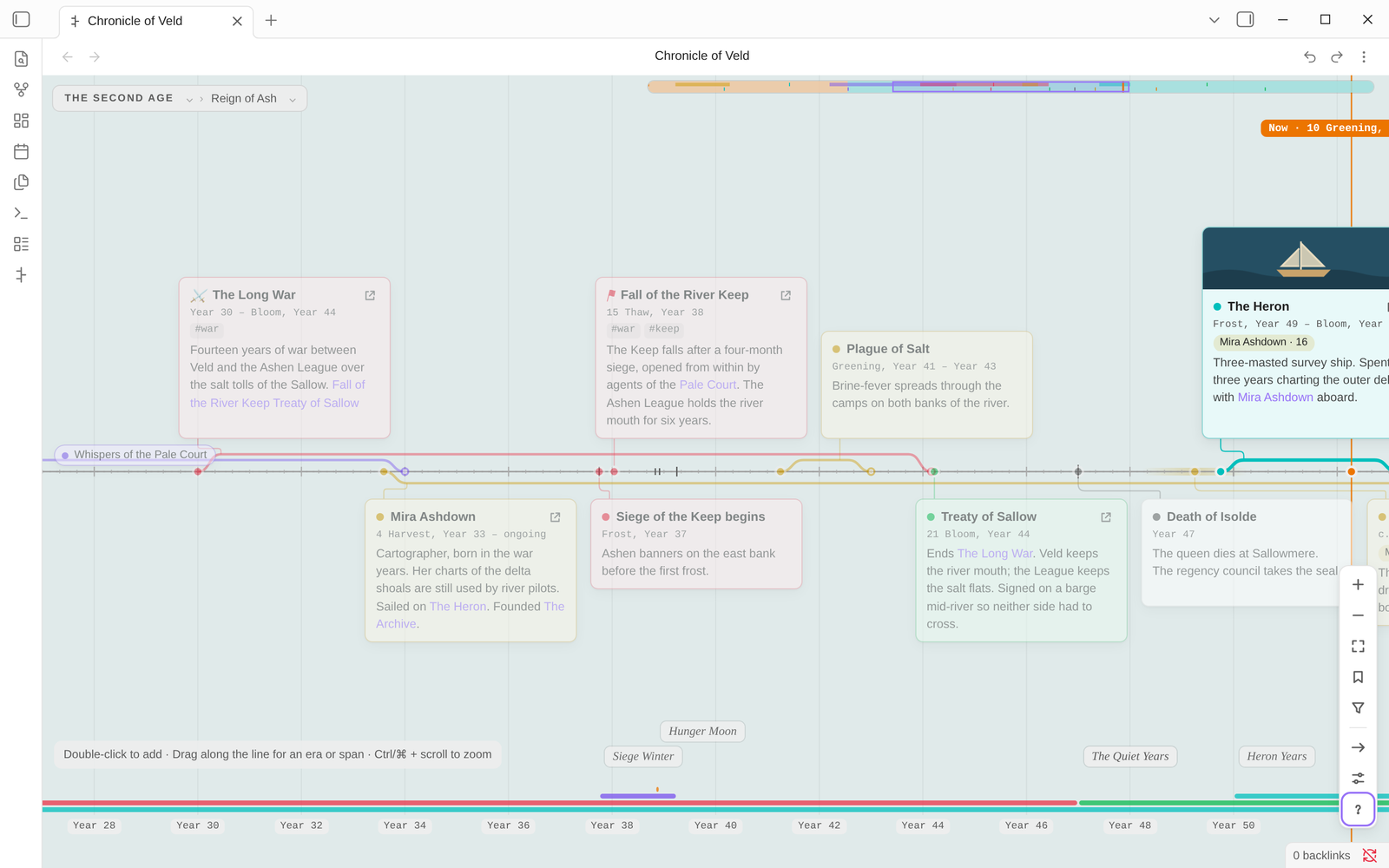
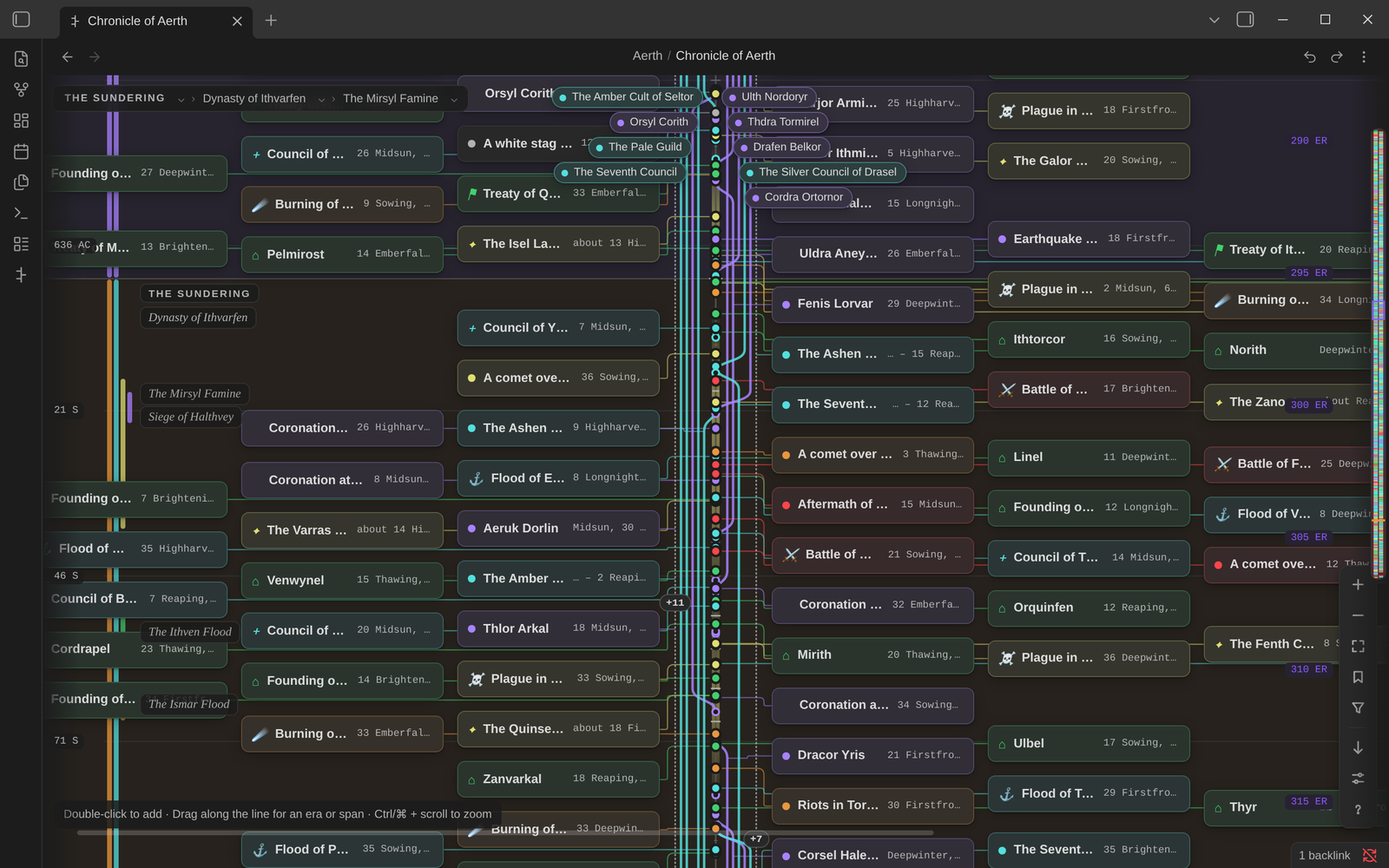 |
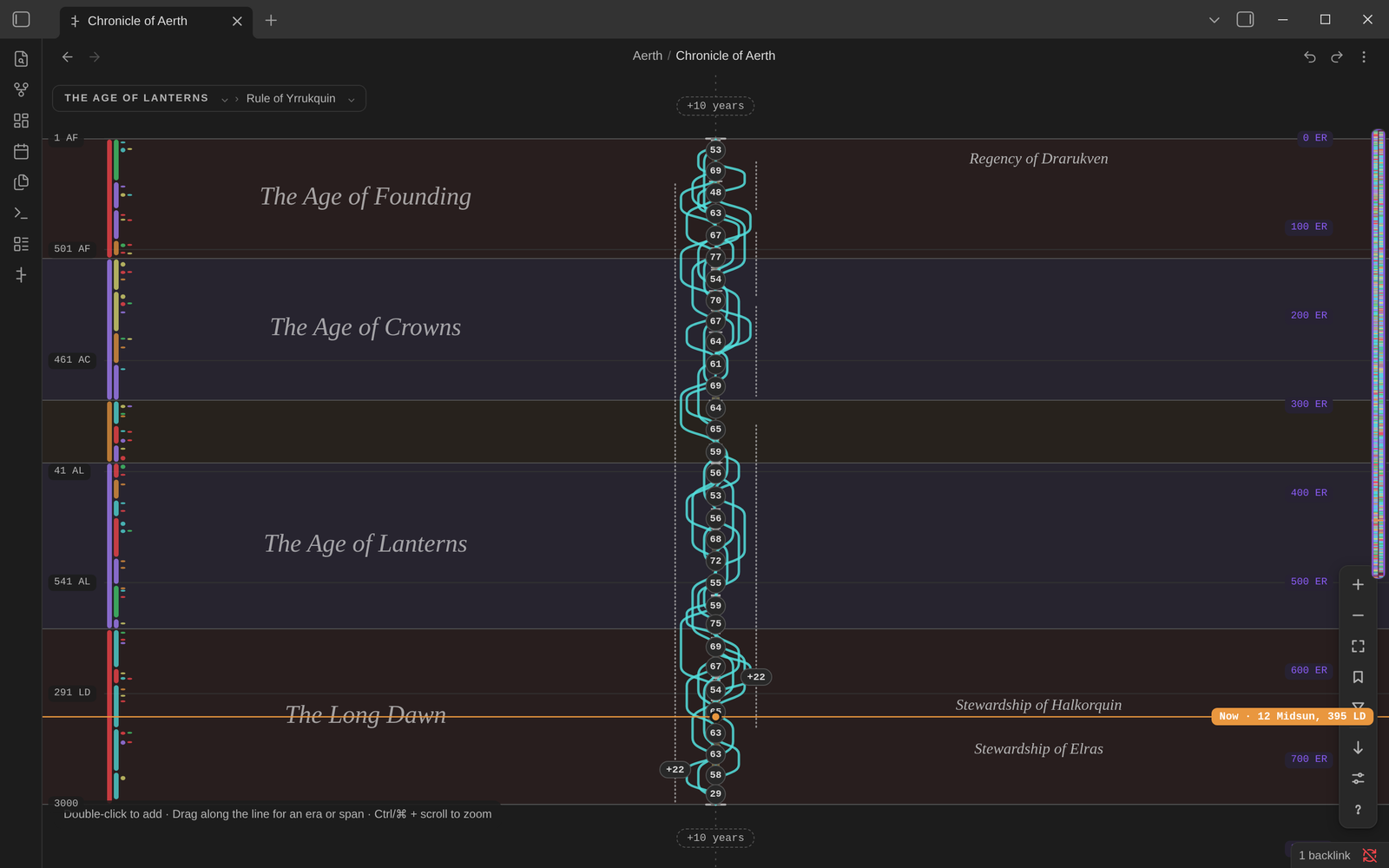 |
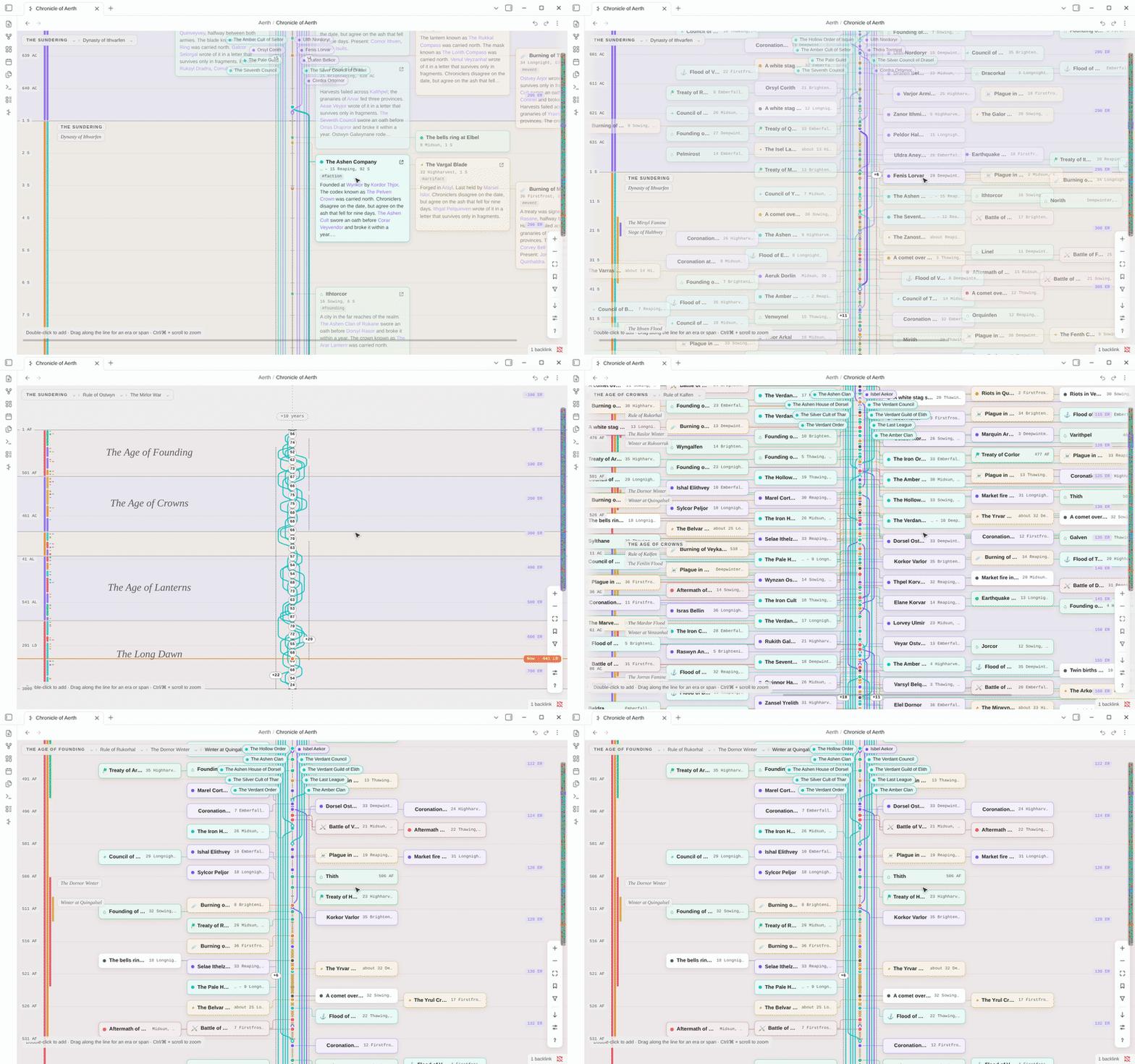
| A century, in compact cards | Three thousand years at a glance |
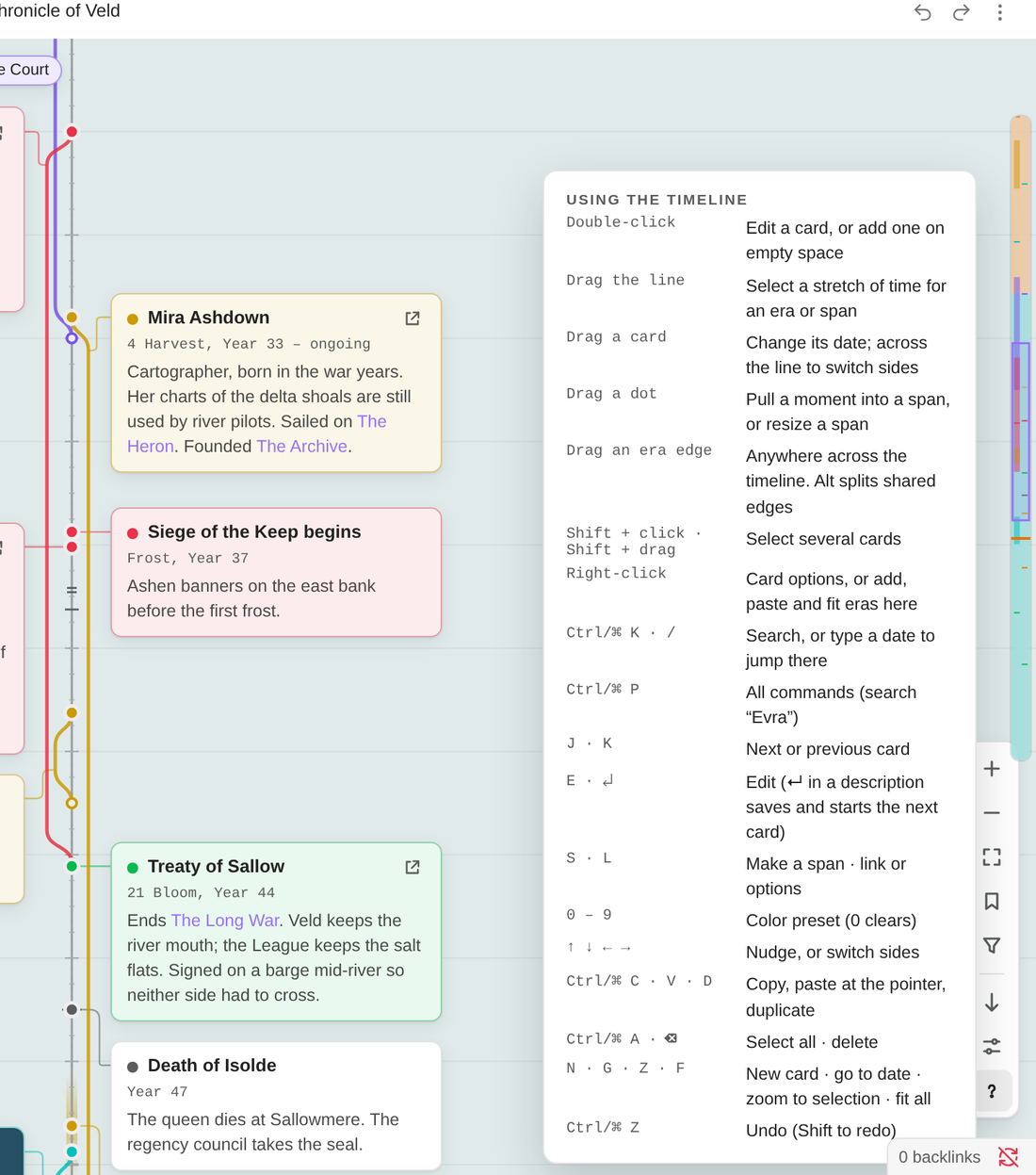 |
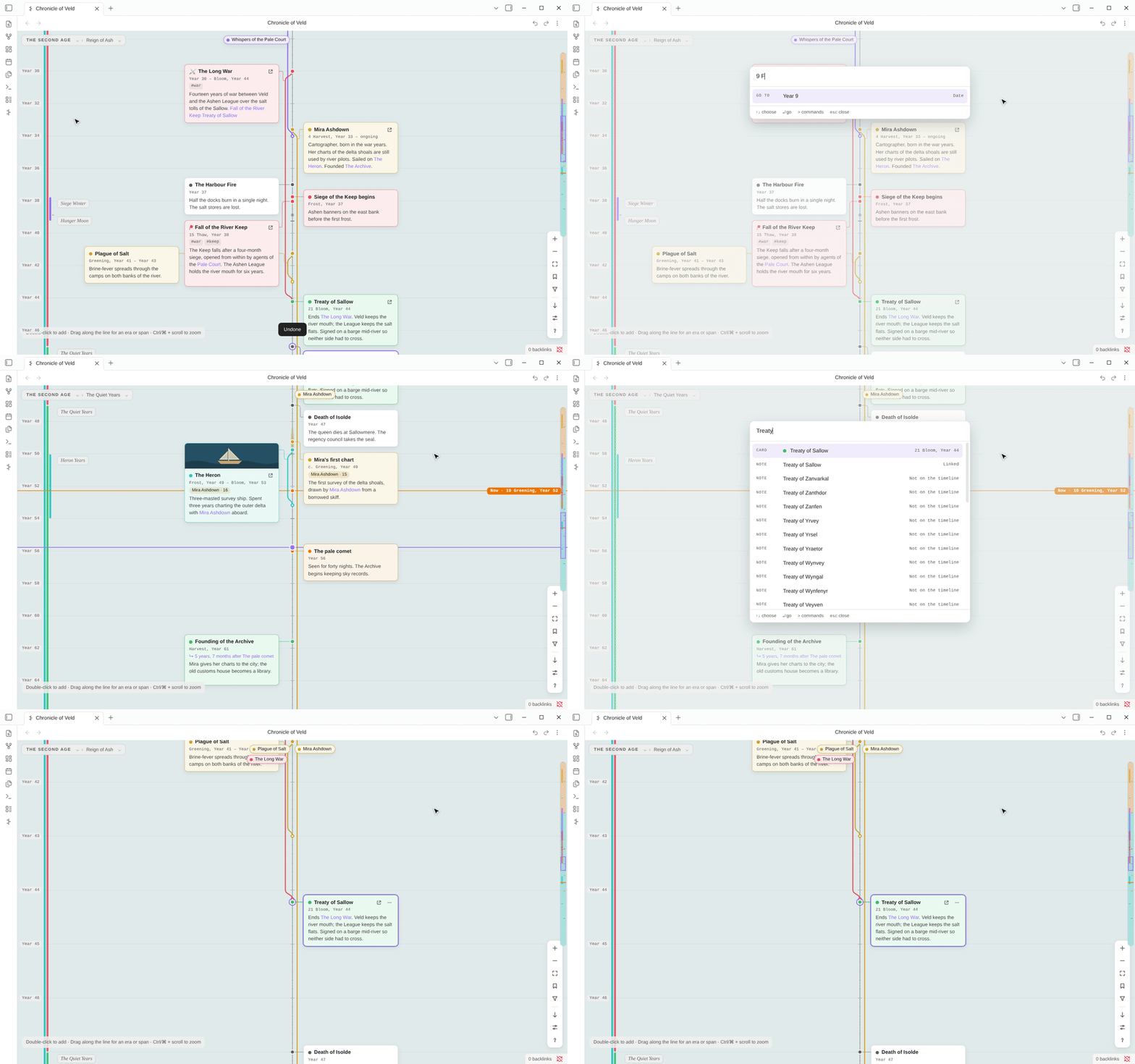
| Keys | Action | |---|---| | **N** | New event at the pointer | | **E** or **↵** | Edit the selected card | | **J / K** | Next or previous card in time | | **↑ ↓** | Nudge the selection along the ruler | | **S** | Make it a span | | **1–9** | Color the selection | | **G** | Go to a date | | **F / Z** | Fit everything / zoom to the selection | | **Ctrl/⌘ C · V · D** | Copy · paste at the pointer · duplicate | | **Ctrl/⌘ Z** | Undo (Shift to redo) | Every timeline command is also in Obsidian's command palette. None of them have default hotkeys, so you can set your own. |