English | [فارسی](https://github.com/fardm/obsidian-book-clipper/blob/master/README-fa.md)
# Book Clipper
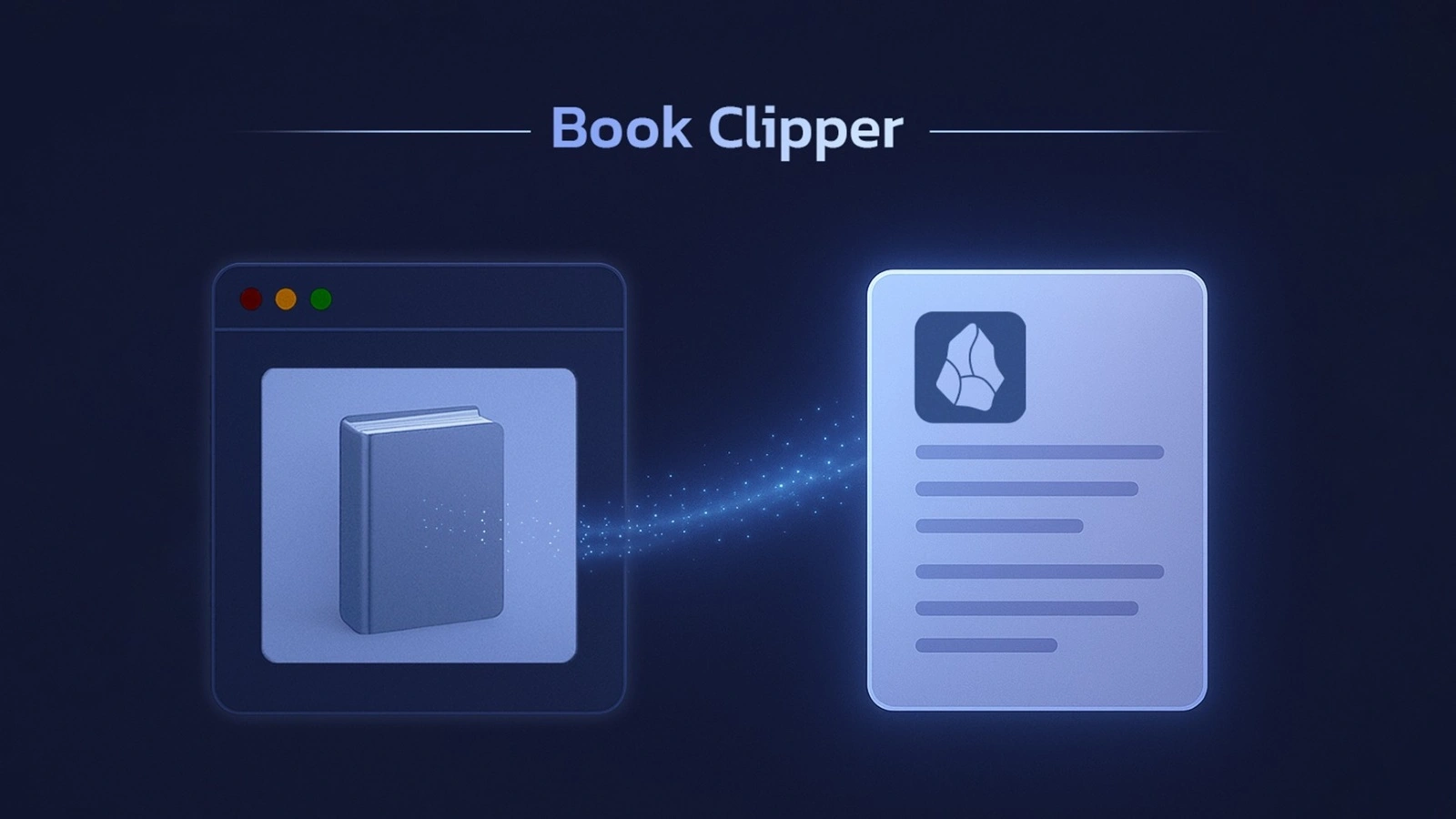
This plugin imports book information from these websites into Obsidian:
-  [goodreads.com](https://www.goodreads.com/)
-
[goodreads.com](https://www.goodreads.com/)
-  [amazon.com](https://www.amazon.com/)
-
[amazon.com](https://www.amazon.com/)
-  [taaghche.com](https://taaghche.com/)
-
[taaghche.com](https://taaghche.com/)
-  [fidibo.com](https://fidibo.com/)
**Available Variables**
- {{title}}
- {{author}}
- {{translator}}
- {{pages}}
- {{cover}}
- {{publisher}}
- {{datepublished}}
- {{ISBN}}
- {{url}}
- {{language}}
⚠️ On Goodreads `{{translator}}` isn’t returned because authors and translators aren’t properly separated in the JSON-LD we use for web scraping. As a result, both end up in the `author` field.
## ⚙️ Installation
1. Open [this link](https://obsidian.md/plugins?id=book-clipper).
2. Select **Open Obsidian**.
3. Click the **Install** button.
## 🛠️ Usage
1. Create a template note (e.g. `book-template.md`) and insert the variables above in the properties or content.
2. Place the template in a folder like `templates`.
3. Create a folder for your books (e.g. `my books`).
4. In plugin settings:
- **Template note path** → `templates/book-template`
- **Save folder path** → `my books`
5. Open the **Command Palette** and run `Add book from link`.
6. Enter the book link and confirm.
https://github.com/user-attachments/assets/4664c45e-e177-40b9-aa0d-d0c7f0bc8a60
## ⚠️ Disclaimer
This plugin is designed solely for personal and non-commercial use. The developer is not responsible for any potential misuse.
## ☕ Support
This project is offered for free so everyone can use it without restrictions.
If you found this tool useful, you can support its continuous development and improvement through donations.
[Donate via Coffeete](https://www.coffeete.ir/ifard)