# Vanity Windows
An Obsidian Notes plugin for changing the window color on a per vault basis. Handy for when you have multiple vaults open and need an easy way to tell them apart.
Inspired by the [Peacock VS Code extension](https://marketplace.visualstudio.com/items?itemName=johnpapa.vscode-peacock).
## Setup
1. Add the plugin to Obsidian and ensure it's enabled.
2. In Settings, go to Community Plugins -> Vanity Windows.
3. Select your desired theme.
## Themes
Bubblegum
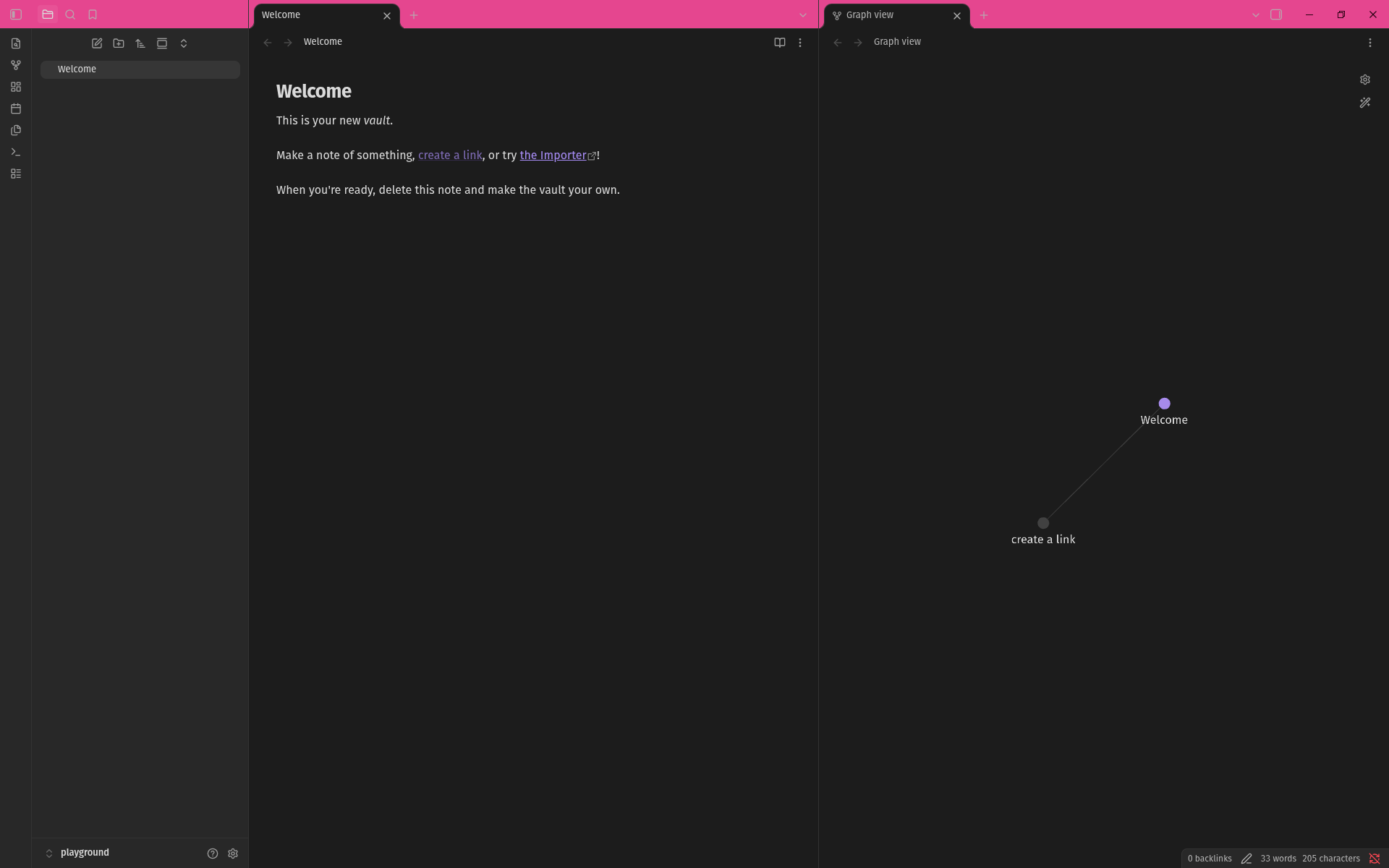 Tangerine
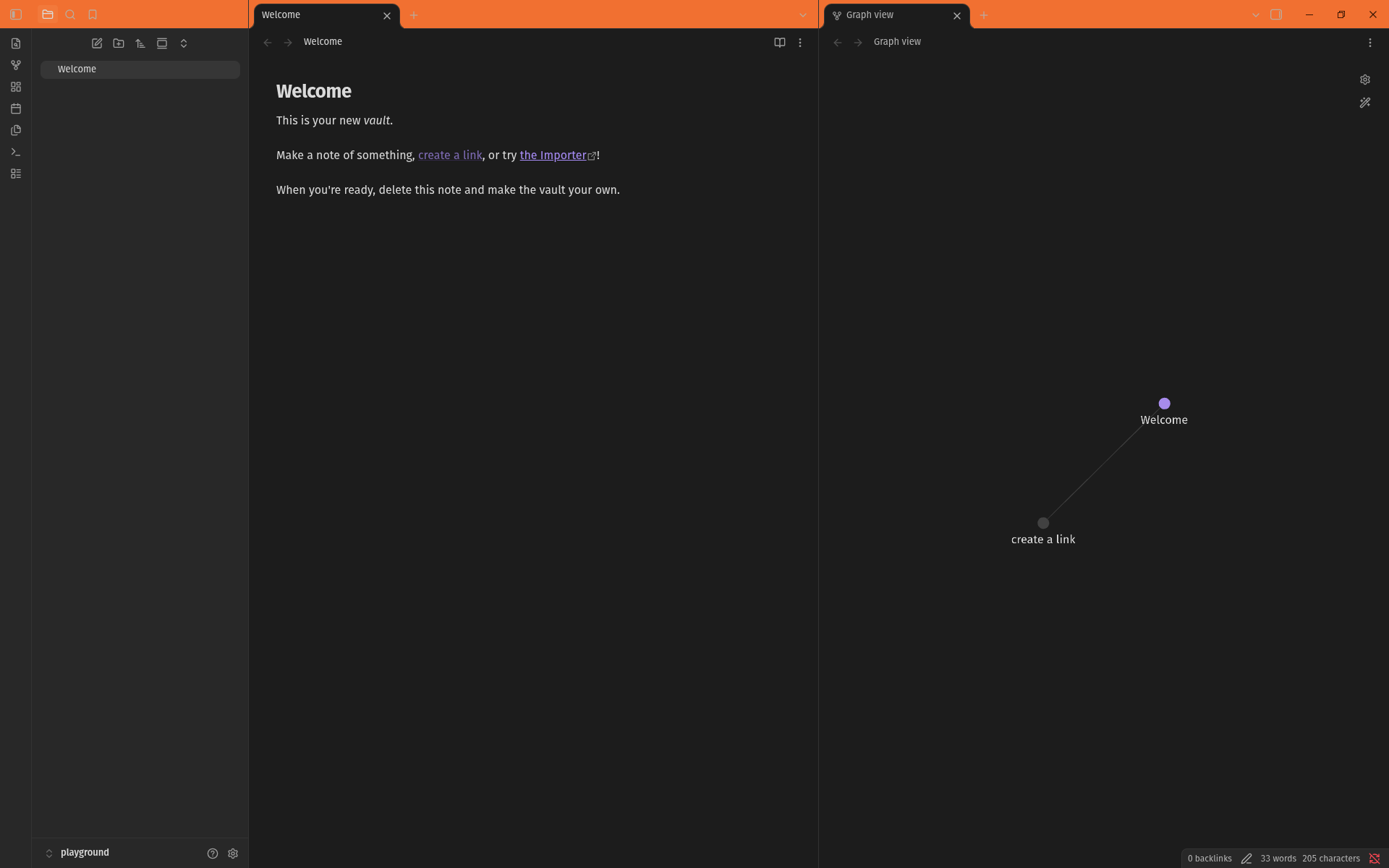 Lemonade
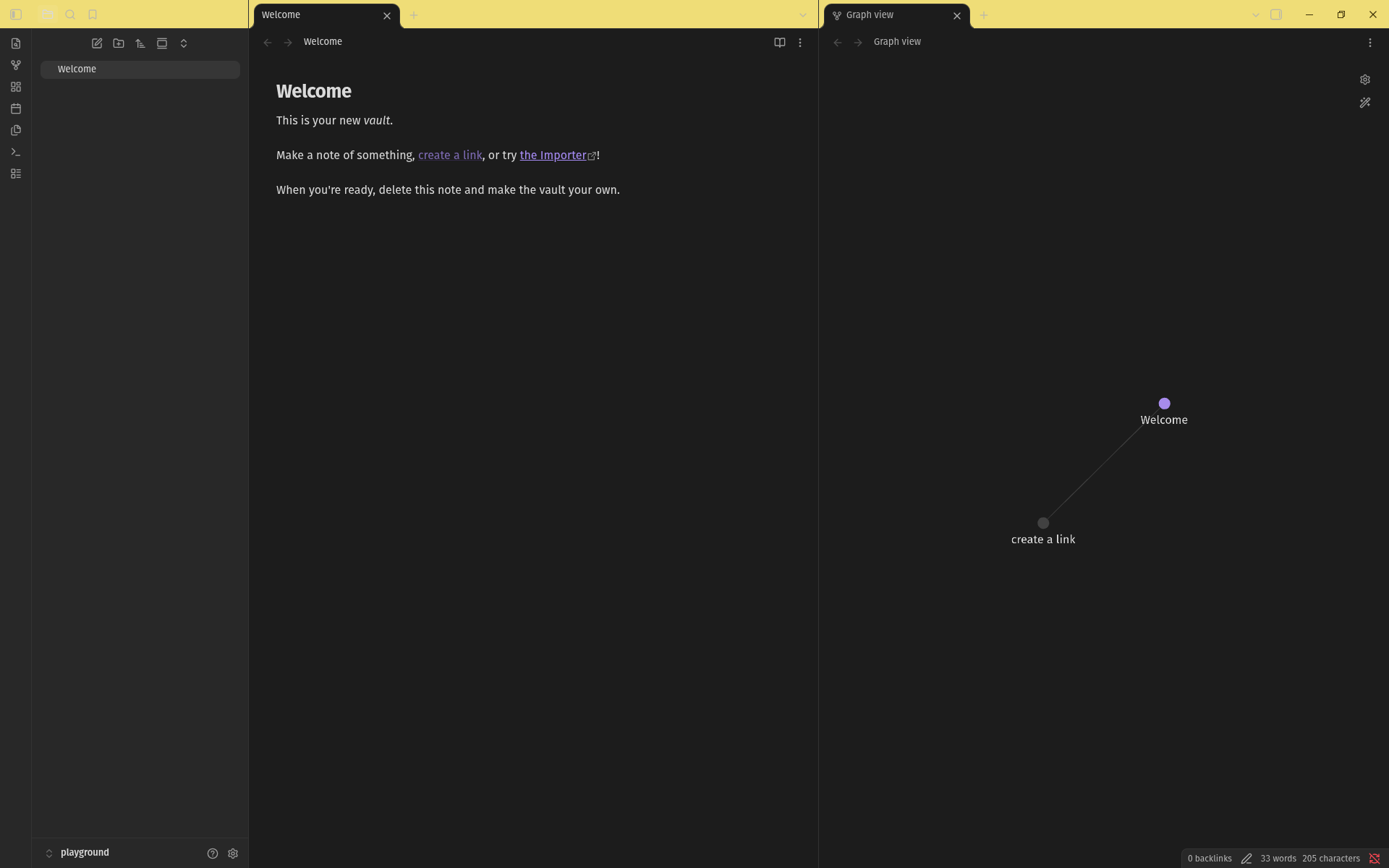 Lime Soda
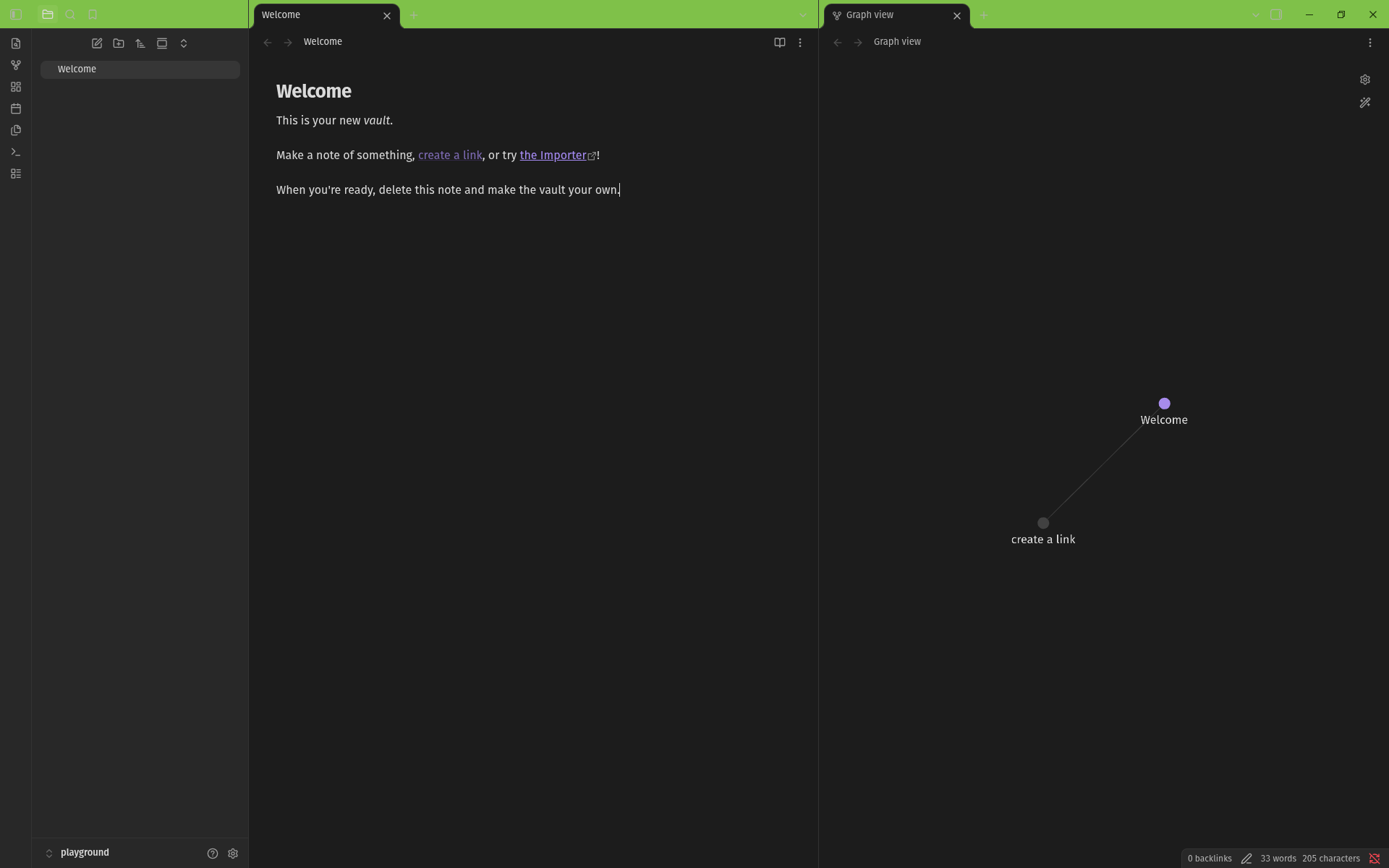 Aqua
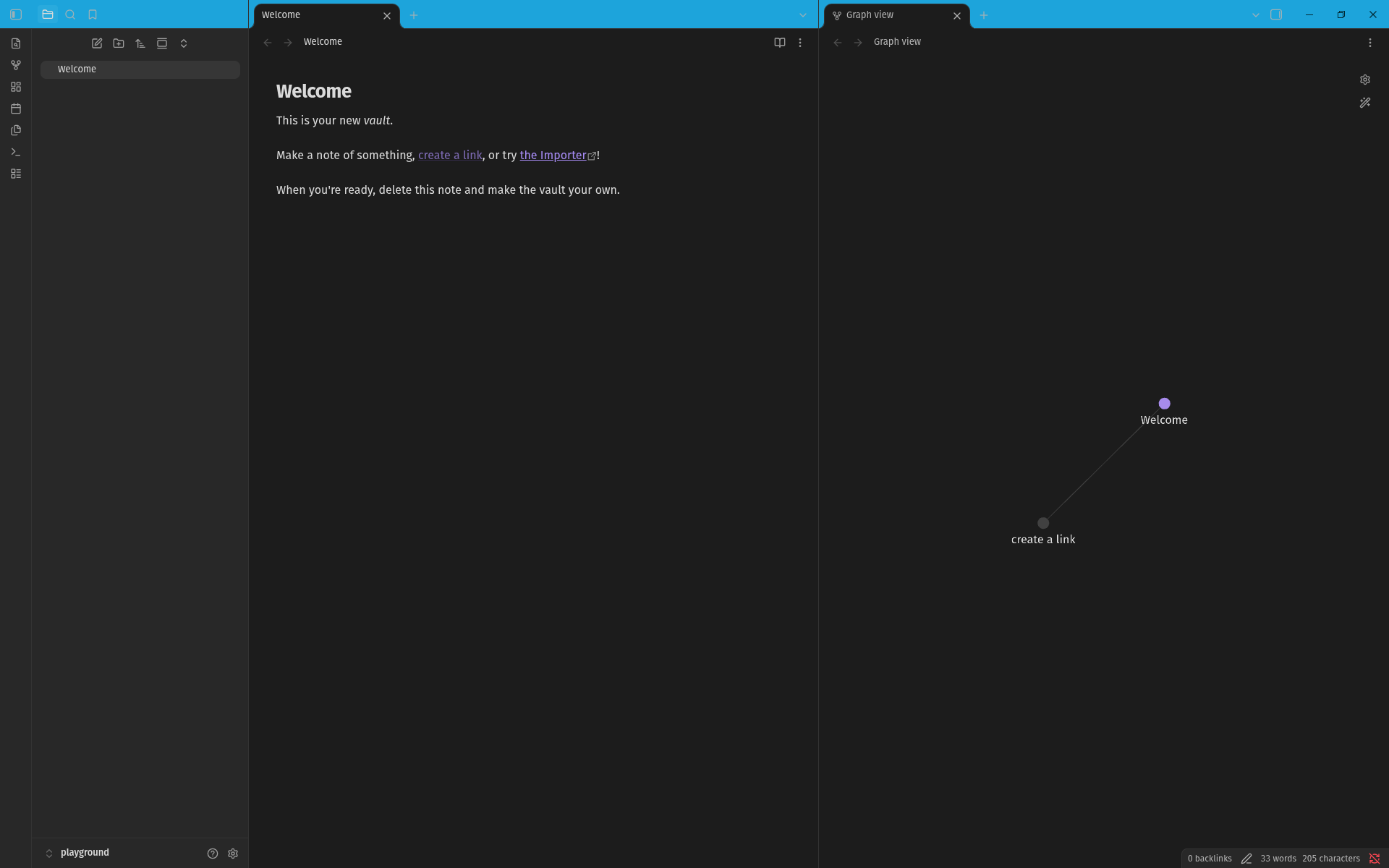 Electric Blue
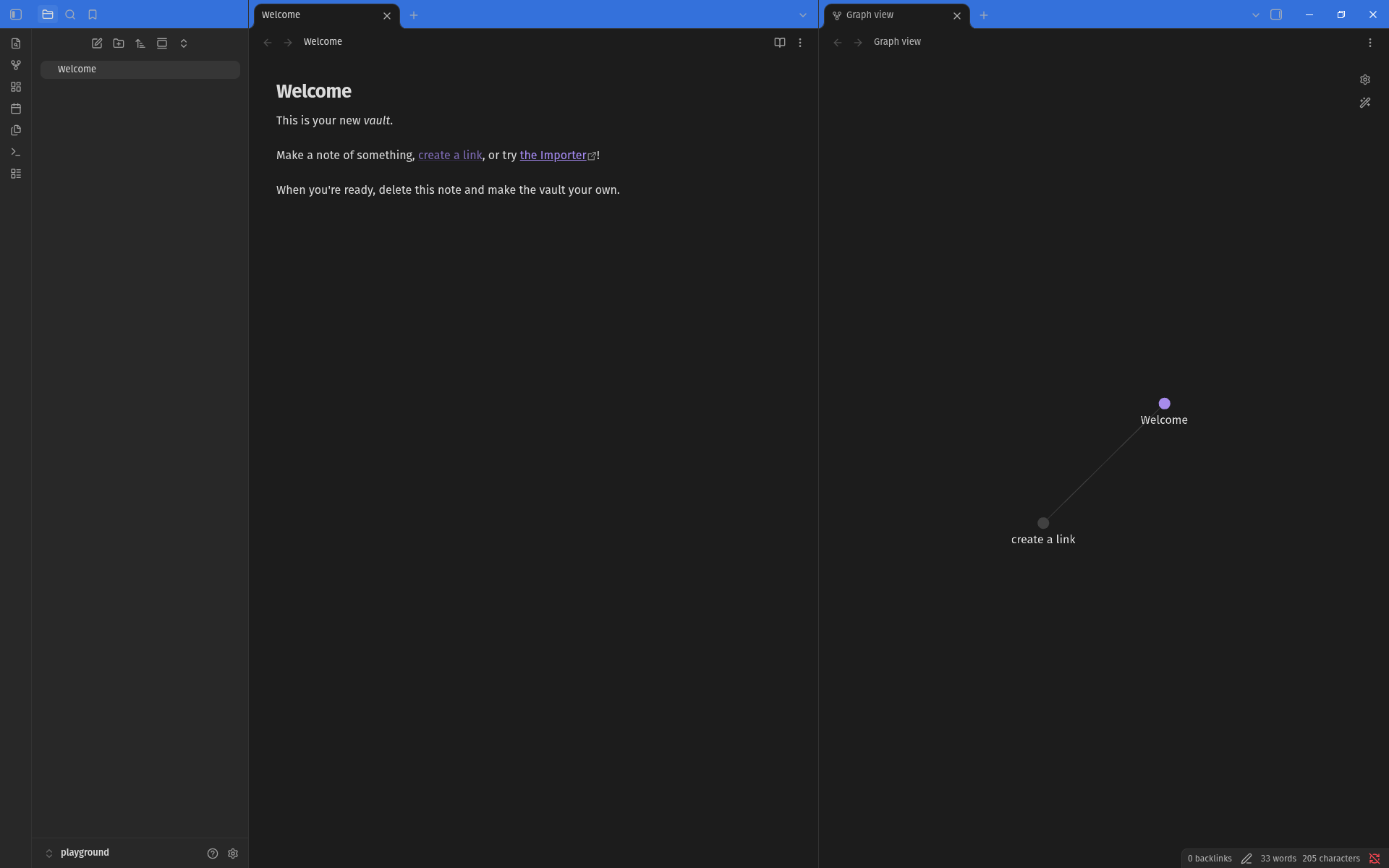 Grape
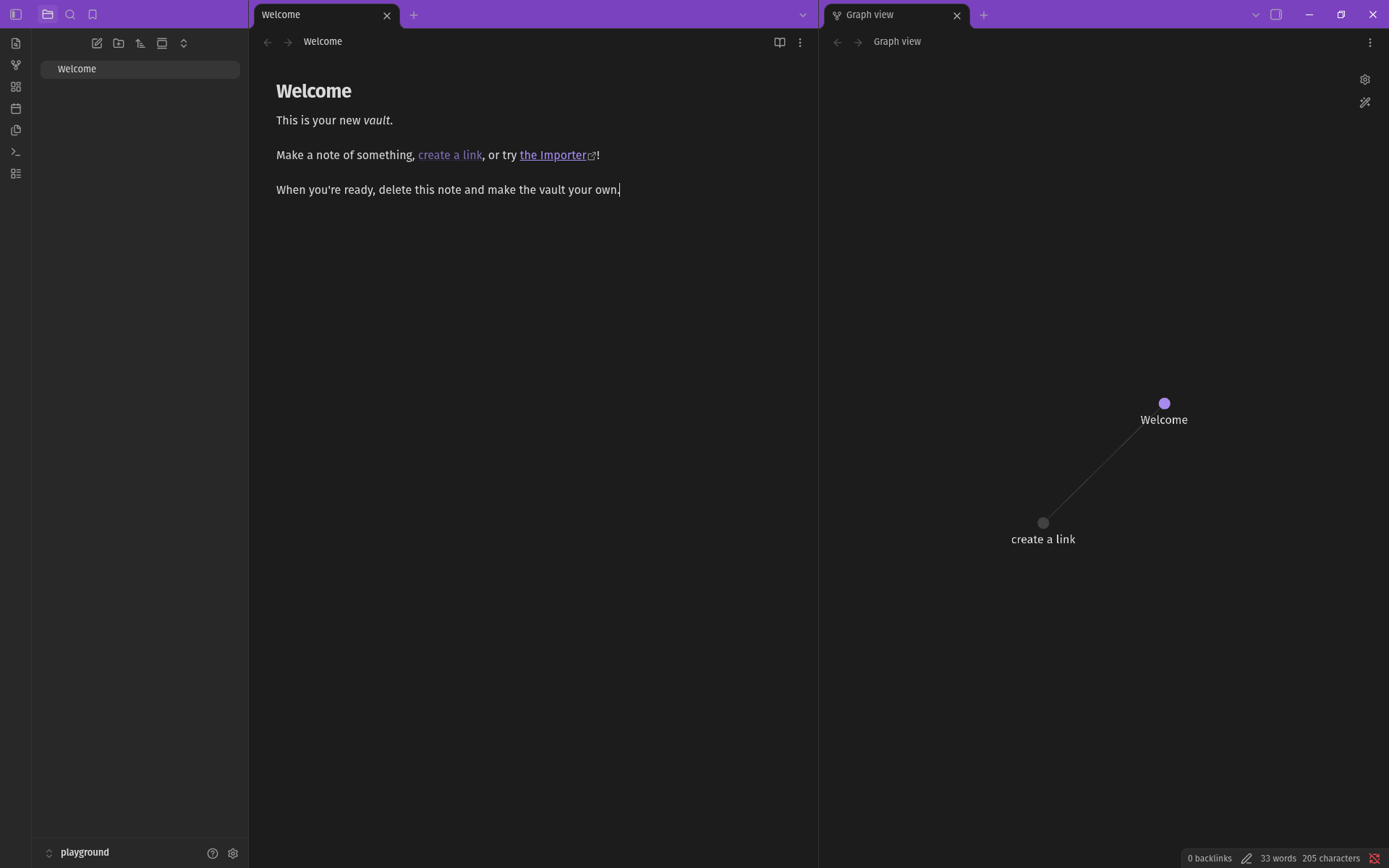 Coral
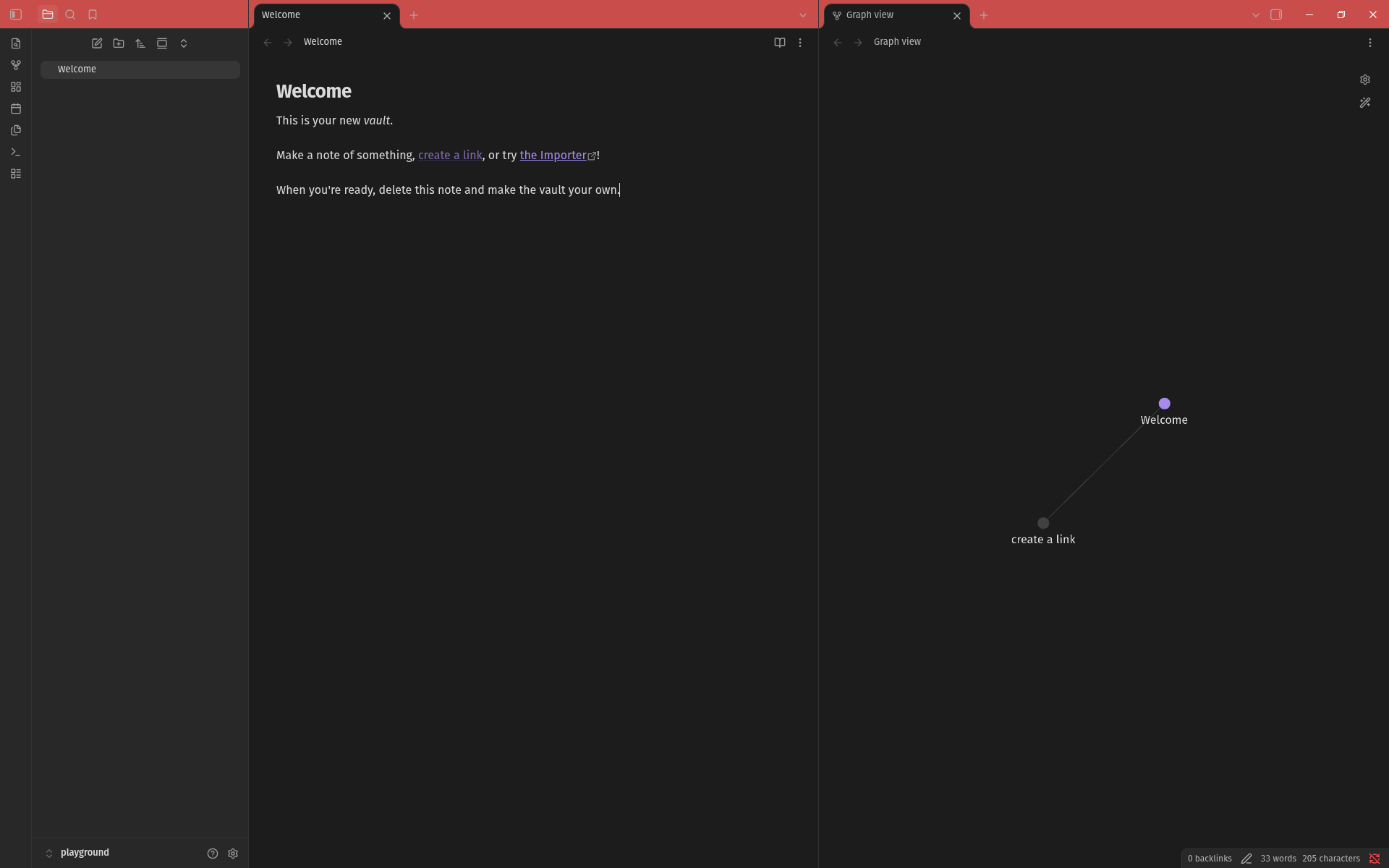 ## Development
1. Basic steps: `npm install; npm run dev`
2. Set up a symlink to your test vault: `ln -s "$PWD" /.obsidian/plugins/vanity-windows`
Open settings and it'll show up under Community plugins.