English · Deutsch · Español · Français · Italiano · 日本語 · 한국어 · Nederlands · Polski · Português · 简体中文 · 繁體中文
# TileLineBase > **The Native Plain-Text Database for Obsidian** 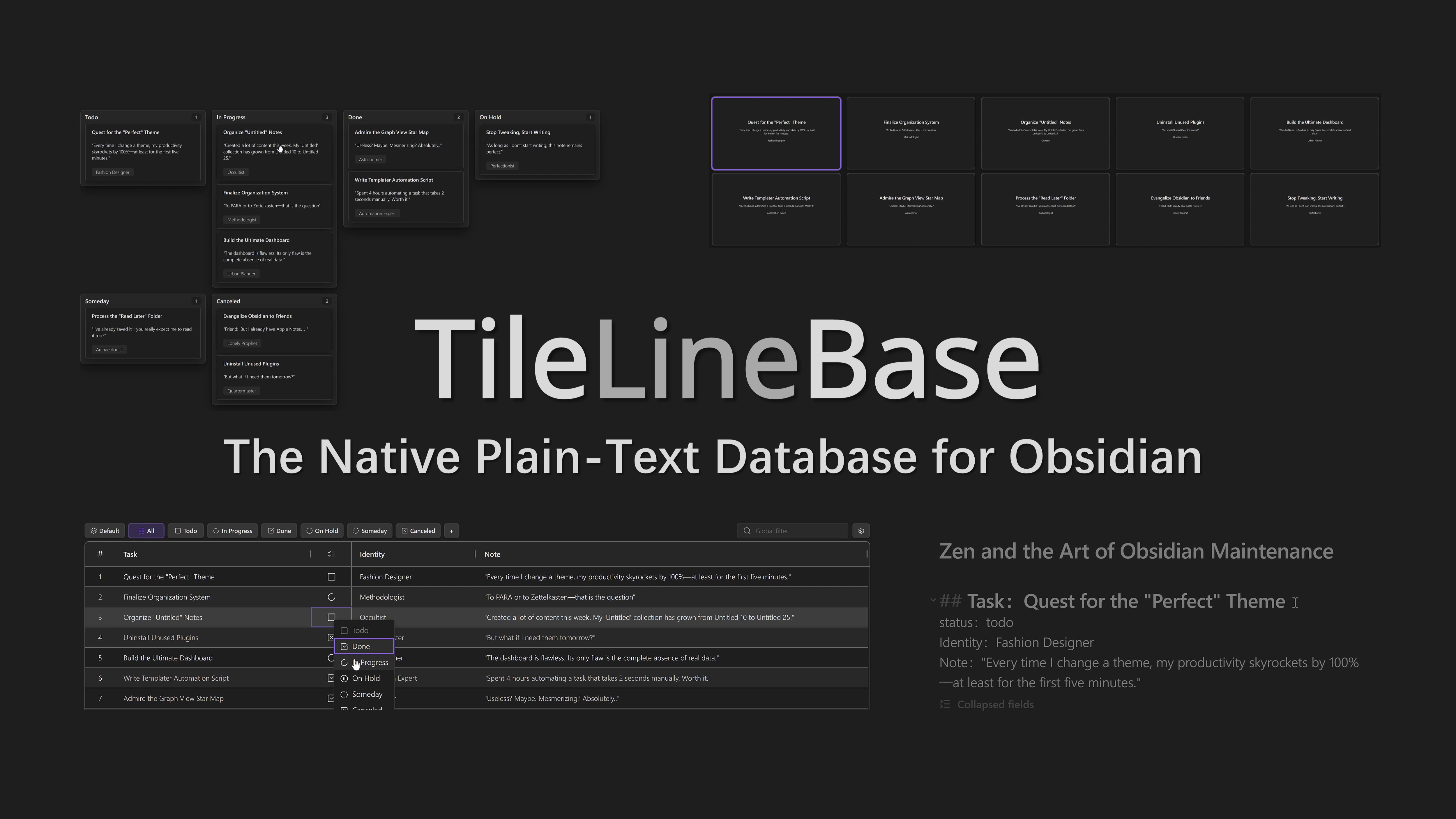 Build **multidimensional tables** right inside your Markdown notes. **Zero Frontmatter. Zero code.** ## Quick Preview [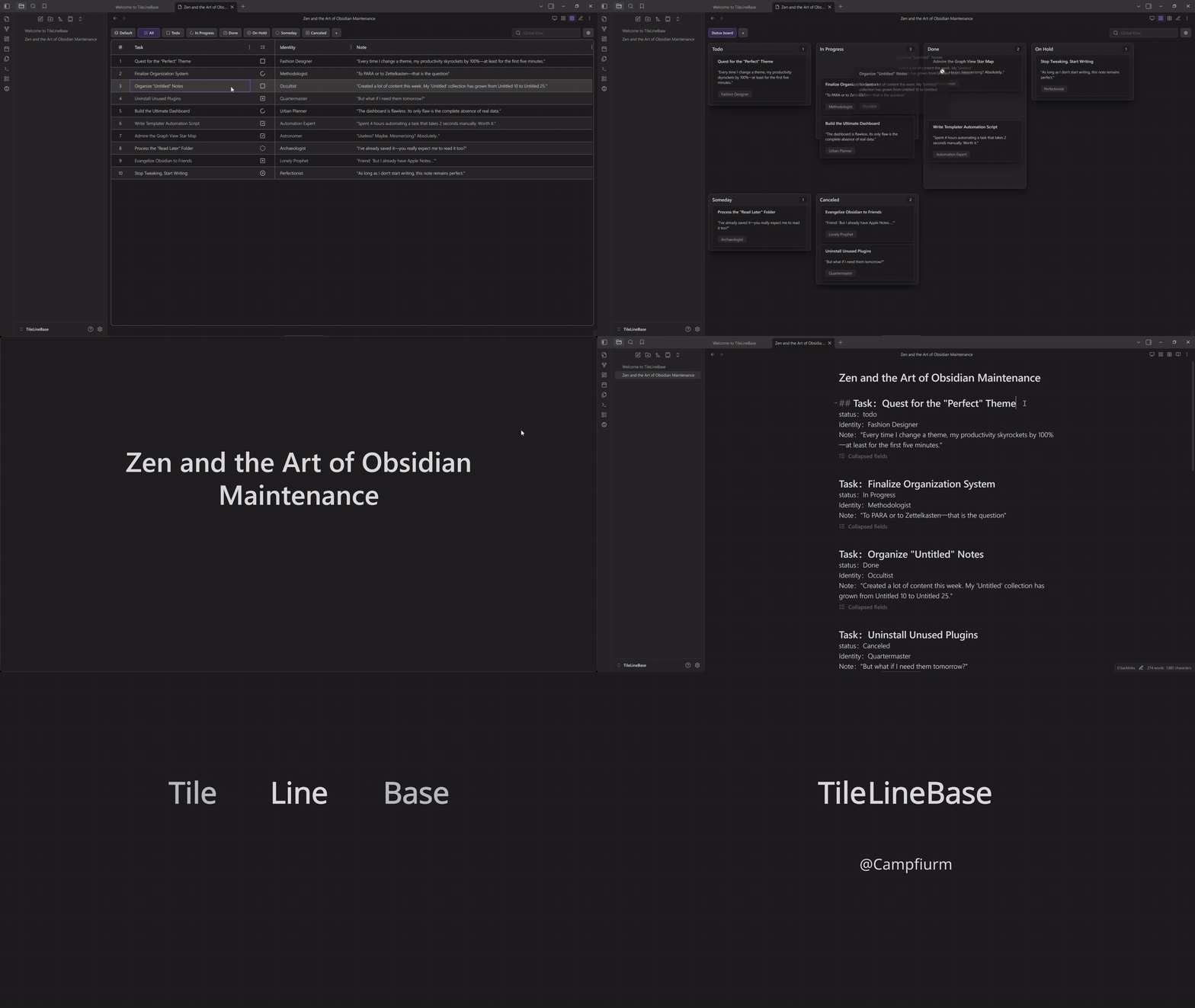](https://youtu.be/8uoVBkD2--A) _Click the preview above to watch in higher quality on YouTube._ ## Features ### A Powerful & Intelligent Table Create structured data tables directly within your Markdown notes, flexibly supporting various scenarios. #### Flexible Views: Table, Kanban, Gallery & Slides One set of records, four powerful ways to interact: - **Filtered Table:** Freely combine **Filter** and **Sort** rules into saved views. Slice your data by project or status, and enjoy full **multiline text editing** support. 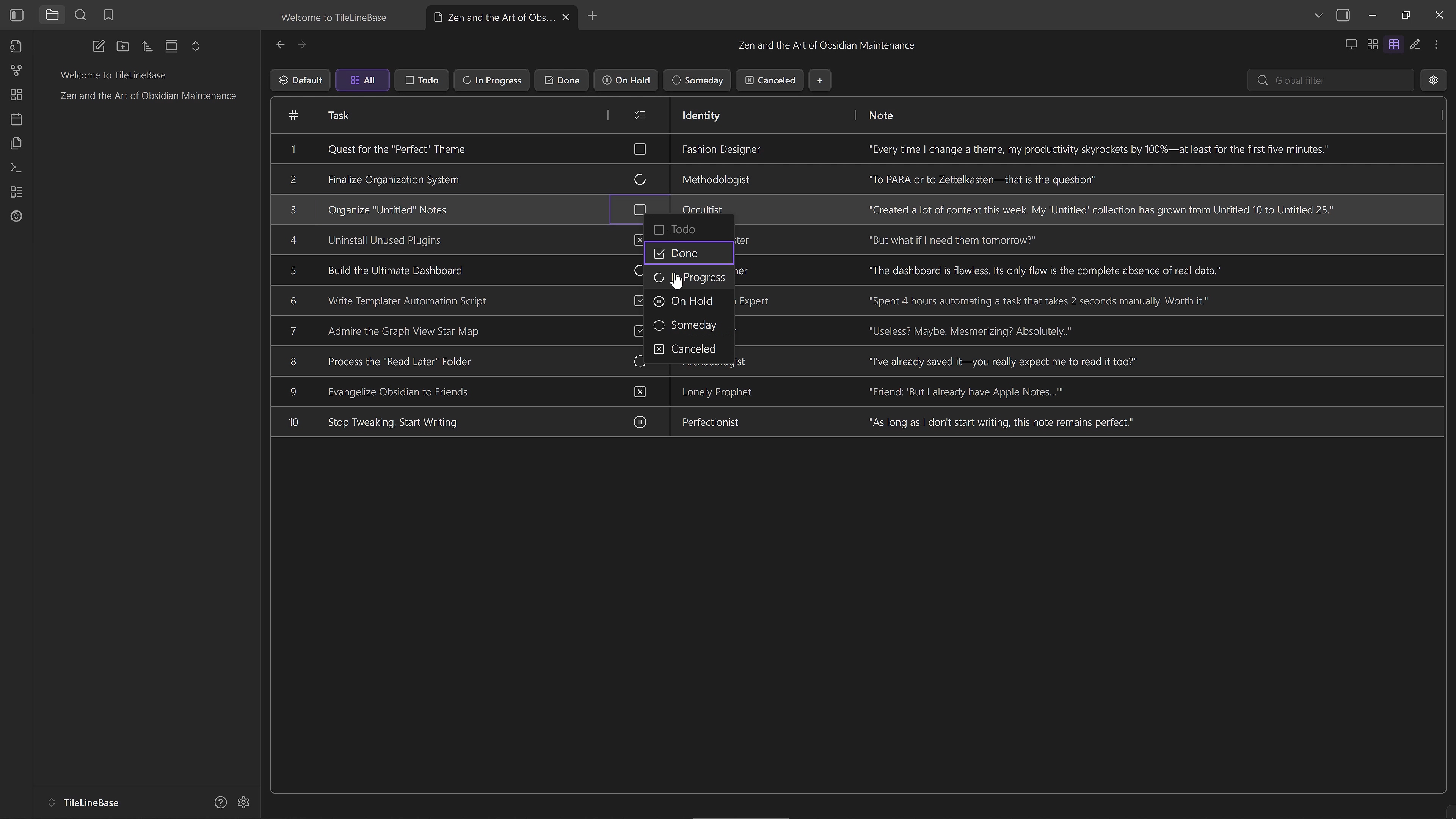 - **Kanban Board:** Map **any Select or List field** to lanes—not just Status. Easily regroup your data by Priority, Tags, or Author to see a different dimension of your notes. 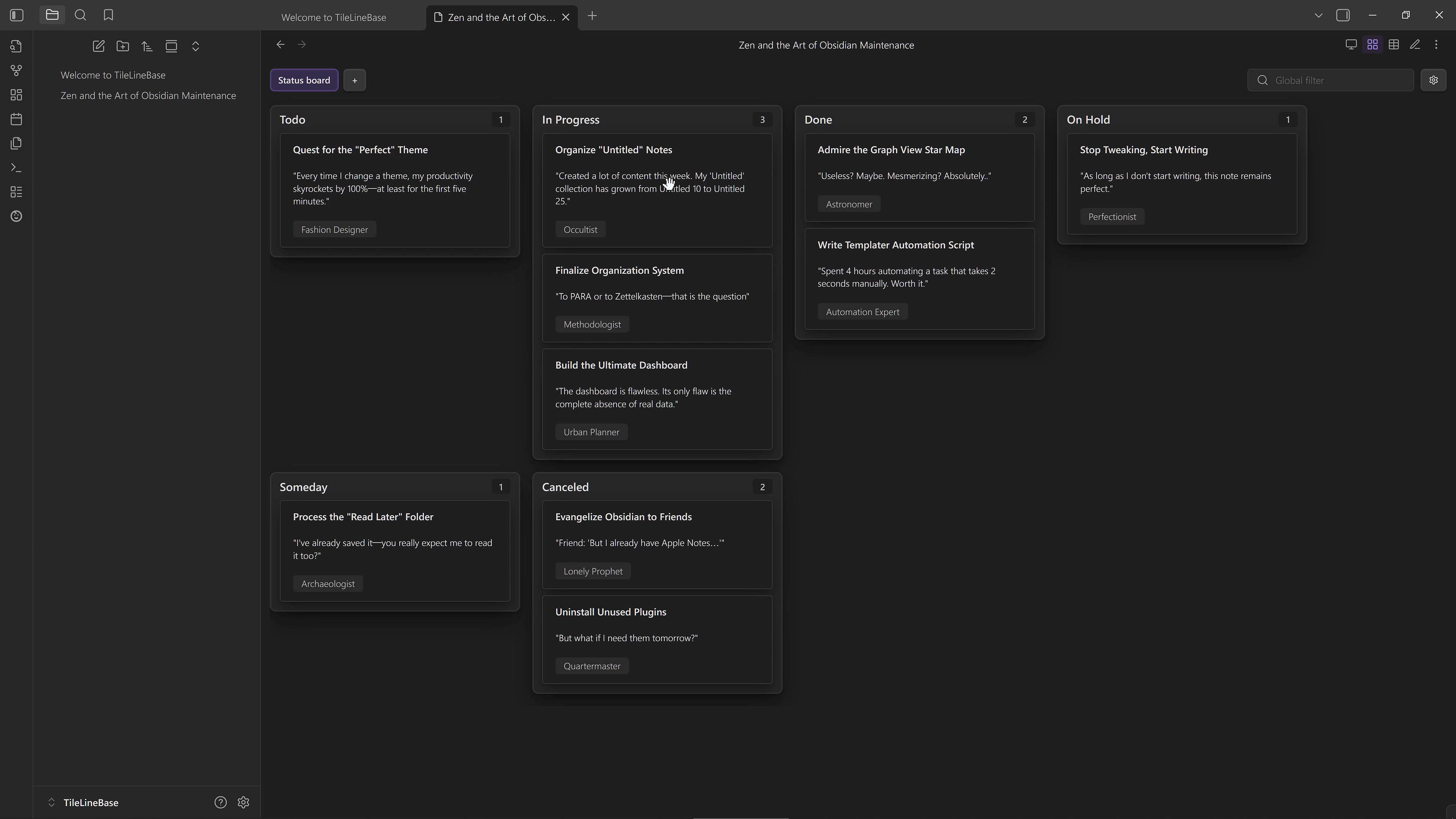 - **Gallery View:** Visualize notes as fully customizable cards. **Design custom layouts** with the **Template Engine**, and streamline organization via **View Groups** and **Right-click actions**. 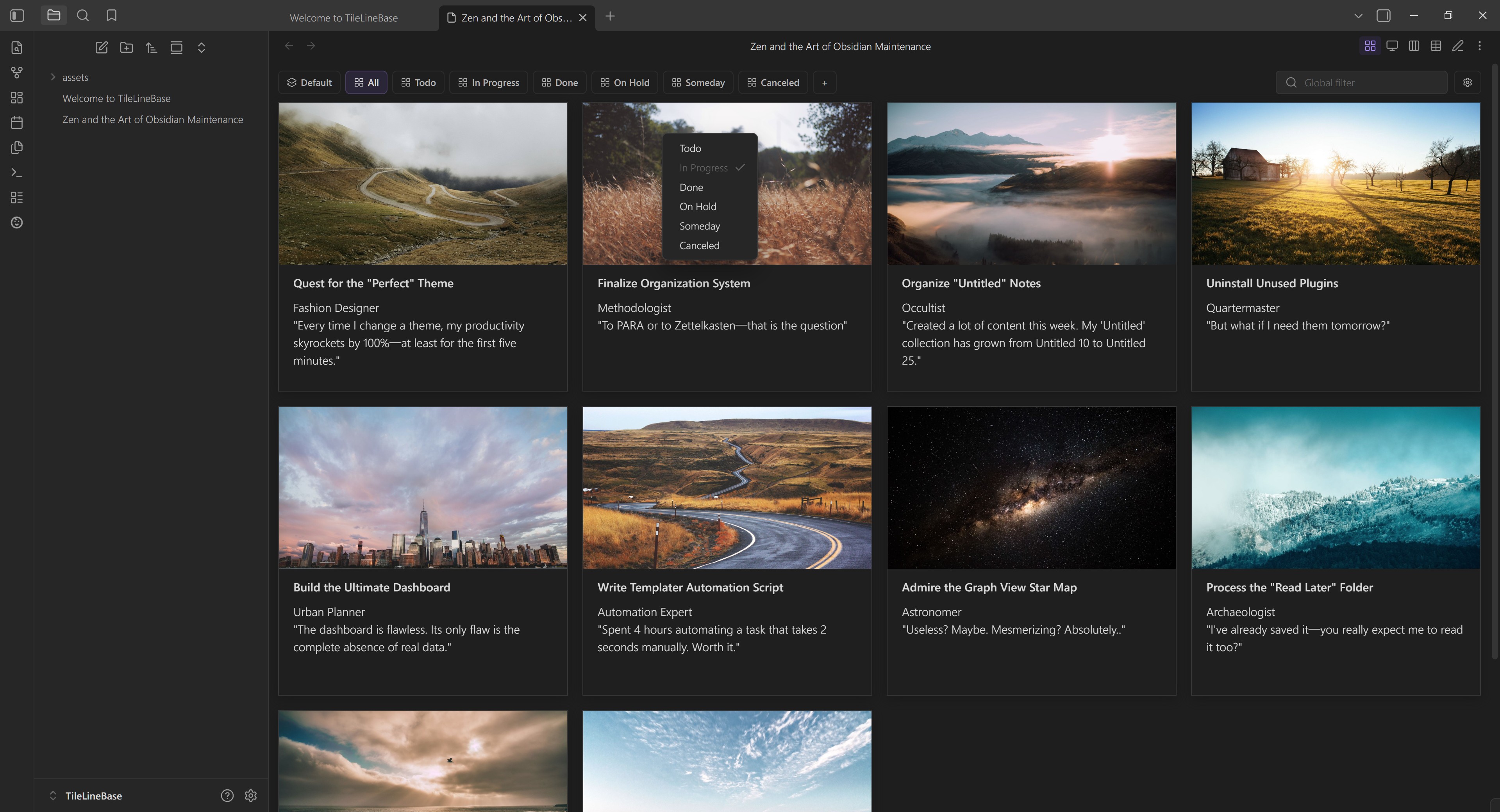 - **Slide View:** Turn rows into focused slides—perfect for distraction-free thinking or simple presentations. Easily **customize layouts**, with built-in support for **inline images** and **live previews**. 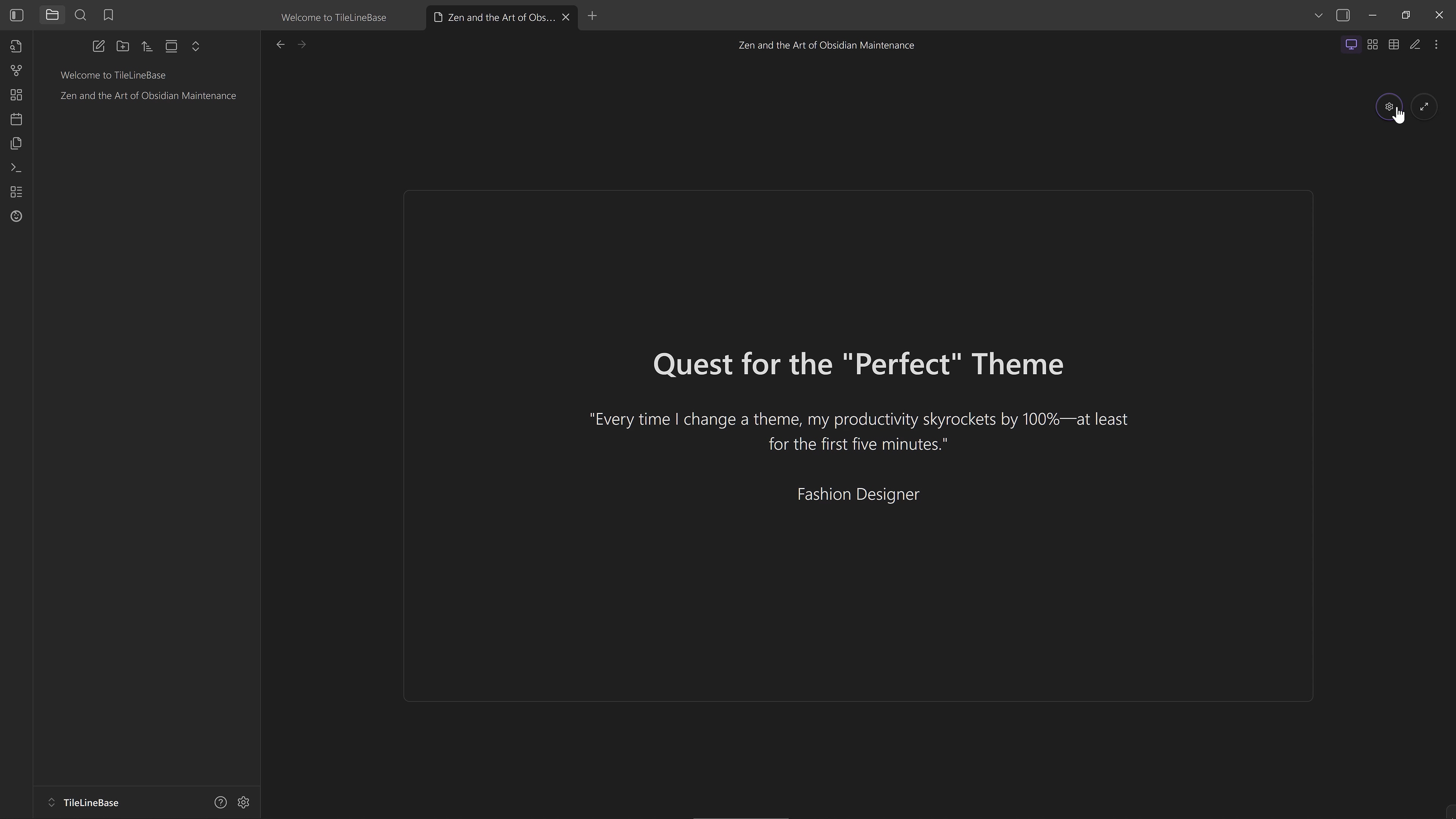 #### Hierarchical Rows Use **Parent-Child Row Mode** to keep related records grouped in a two-level hierarchy, while still working naturally with filtered table views. #### Smart Fields Basic **inline formulas** (simple arithmetic), **intelligent date/time parsing**, and **automatic linking** of notes and references—all seamlessly integrated and continuously refined. #### Built-in GTD Workflow Comes with **built-in task status fields** (Todo, In Progress, Done, On Hold, Someday, Canceled), providing corresponding filtered view groups and Kanban views by default, enabling **immediate and easy task management**. ### A Database Native to Text Fully text-based, free from complex data formats and extra markup, intuitively supporting structured content. 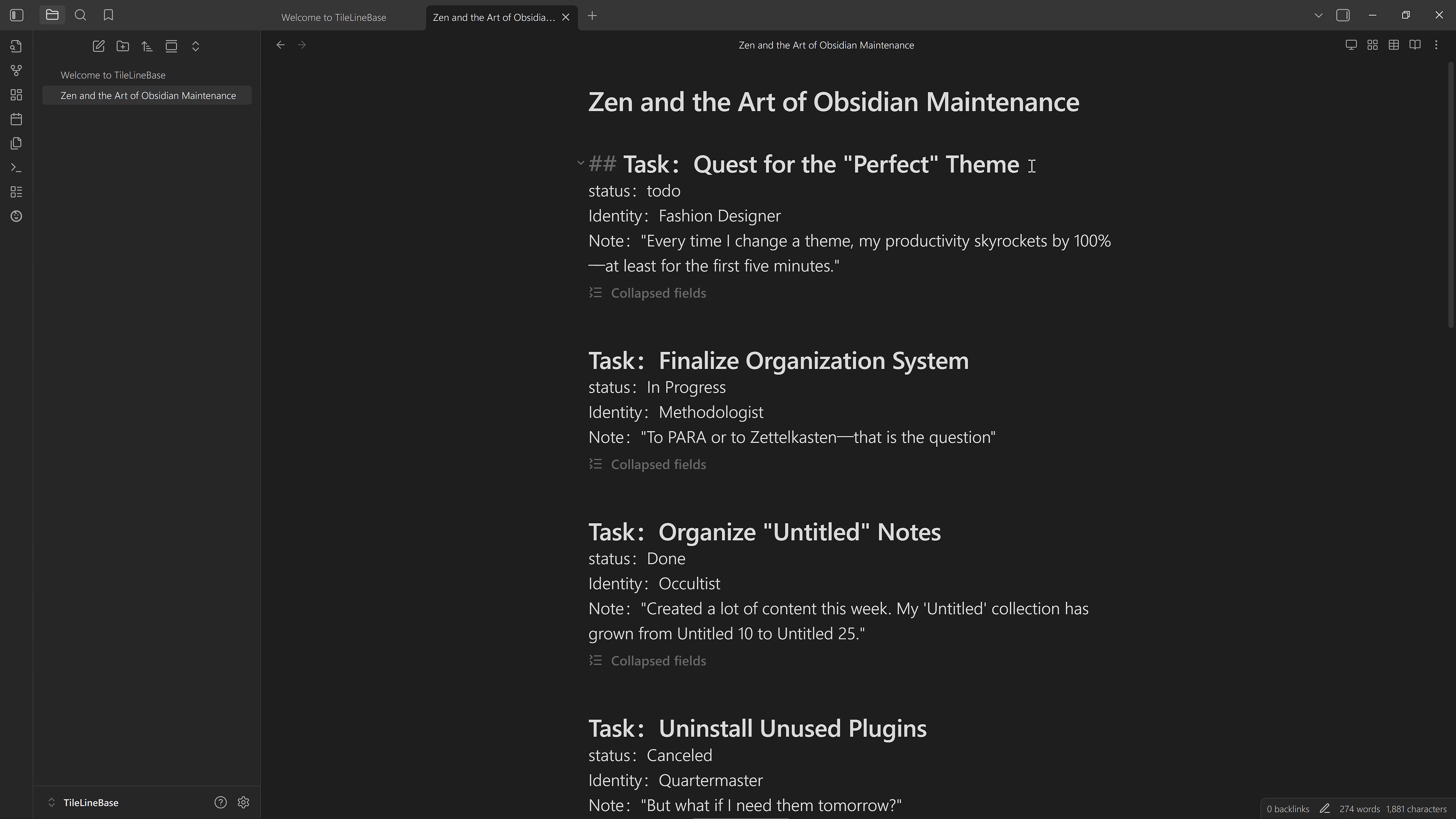 #### Single Note as Database Aggregate all related structured records tightly within a **single `.md` note**. This maintains **contextual associations**, reduces management overhead, and effectively facilitates overall review and thinking. #### Implicit Structuring No Frontmatter, no code markup. The data structure is **implicitly contained** within plain text, providing a **human- and machine-friendly** data representation that lets you read and write naturally. ### Open Data Interaction Supports convenient data interaction and movement across various internal and external platforms, enabling more flexible organization and utilization of information. #### Text Import Wizard Quickly transform text blocks into valid TileLineBase records. Define simple patterns to map content to fields, **instantly generating the required structure** without manual formatting. #### Seamless Obsidian Integration Records can move flexibly across different table notes or be converted into **standalone Obsidian notes**; table notes can also be **migrated across Vaults** with all configurations intact. #### Easy Spreadsheet Sync Supports **CSV import/export**, compatible with mainstream spreadsheet software, allowing **batch editing** and data organization. #### Efficient LLM Communication Uses a **clear, self-contained plain-text format** that can interact seamlessly with **Large Language Models (LLM)** without additional processing. ## Safety & Architecture * **Isolation:** The plugin **only** processes the specific file where you switch to the TileLineBase view. It never scans your other notes. * **Decoupling:** Your data stays in the `.md` file. View settings stay in the plugin. Your notes remain standard Markdown, even if you uninstall the plugin. * **Protection:** Built-in auto-backup keeps a history of file snapshots, preventing accidental data loss. ## Installation Install TileLineBase from the [Obsidian Community Plugins page](https://community.obsidian.md/plugins/tile-line-base) or open it directly in Obsidian with `obsidian://show-plugin?id=tile-line-base`. TileLineBase is desktop-only. ## Development For local development, install dependencies with `npm ci`. Use `npm install