# Tasky
Tasks as notes for Obsidian: a sidebar panel with a mini calendar, Bases list/board/calendar views, and a pomodoro timer. Modelled on [TaskNotes](https://github.com/callumalpass/tasknotes), without sync, recurrence, an API or webhooks.
## Use
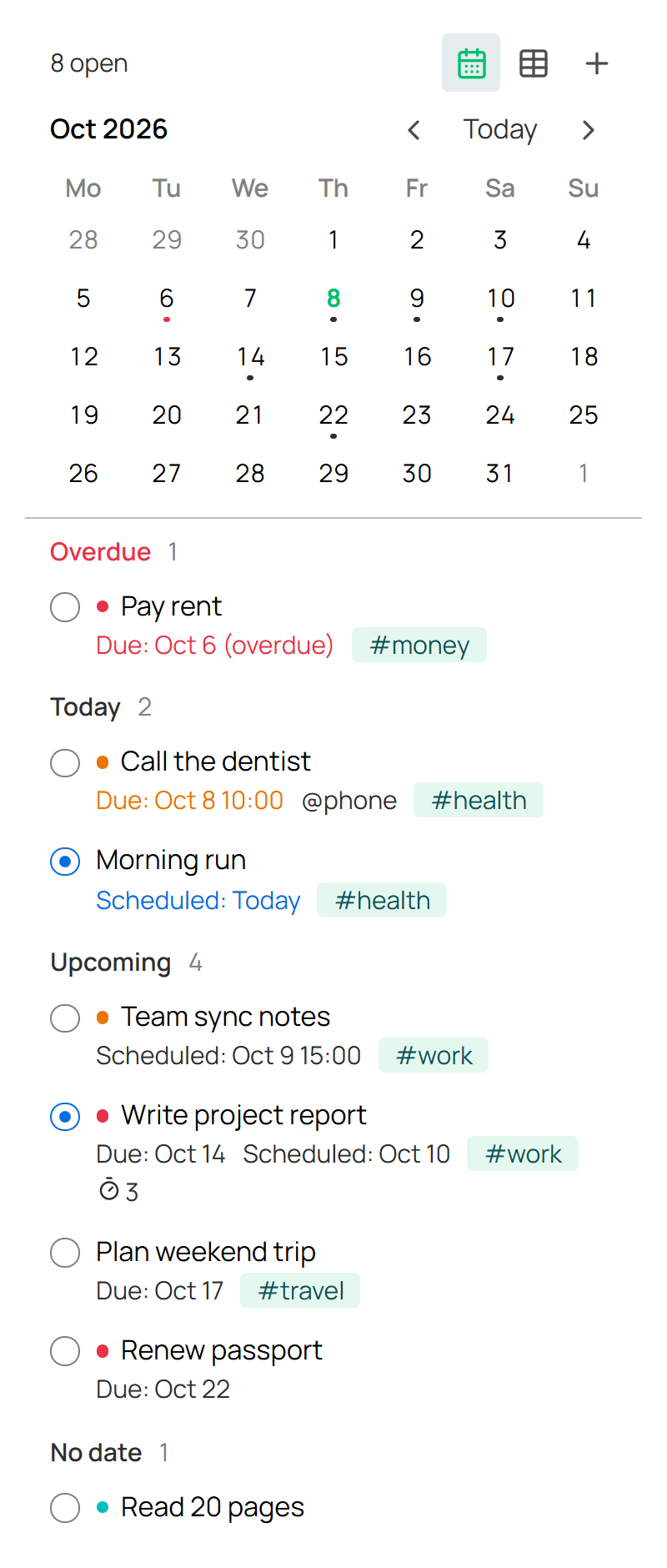
- **Ribbon checklist icon:** Tasks panel. **+** adds a task.
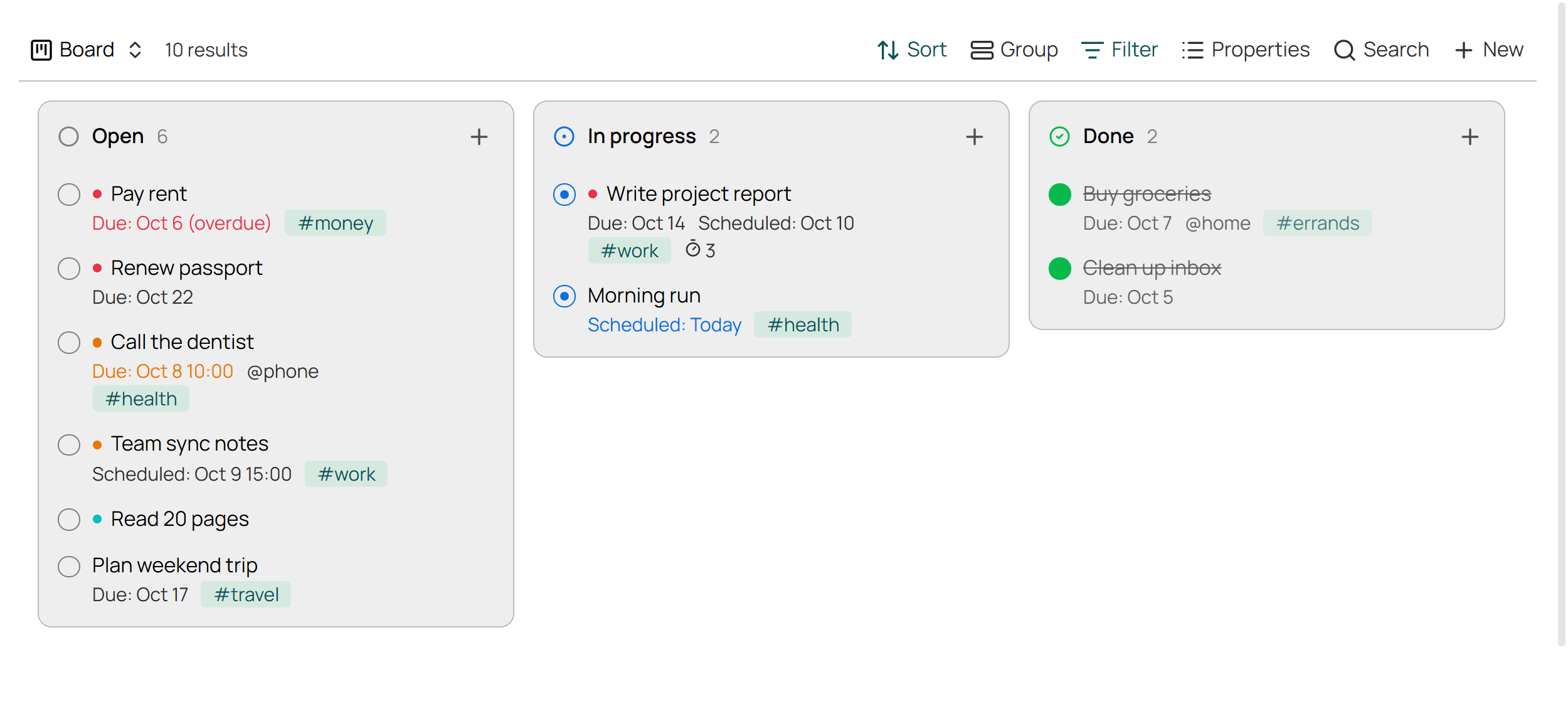
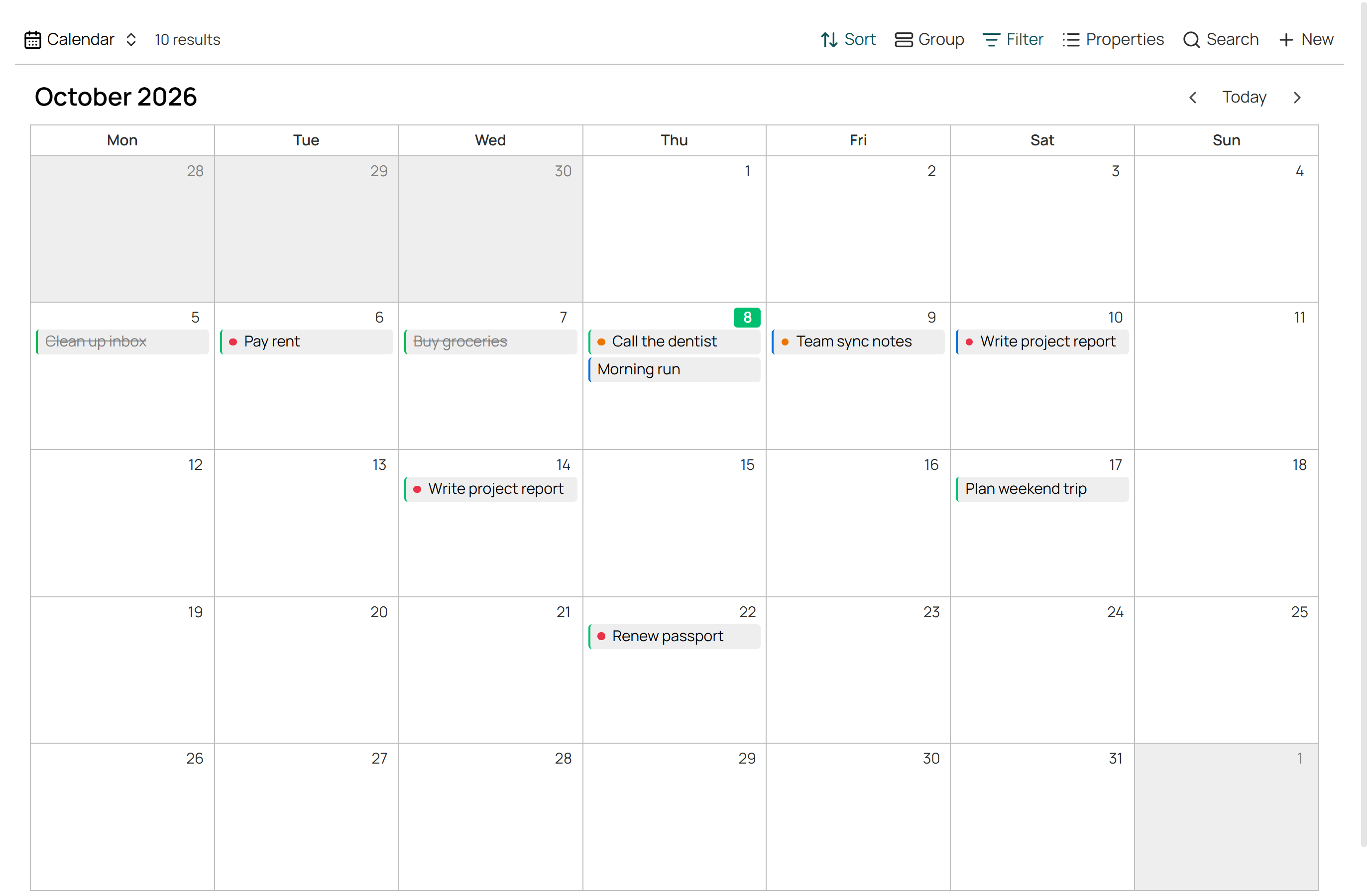
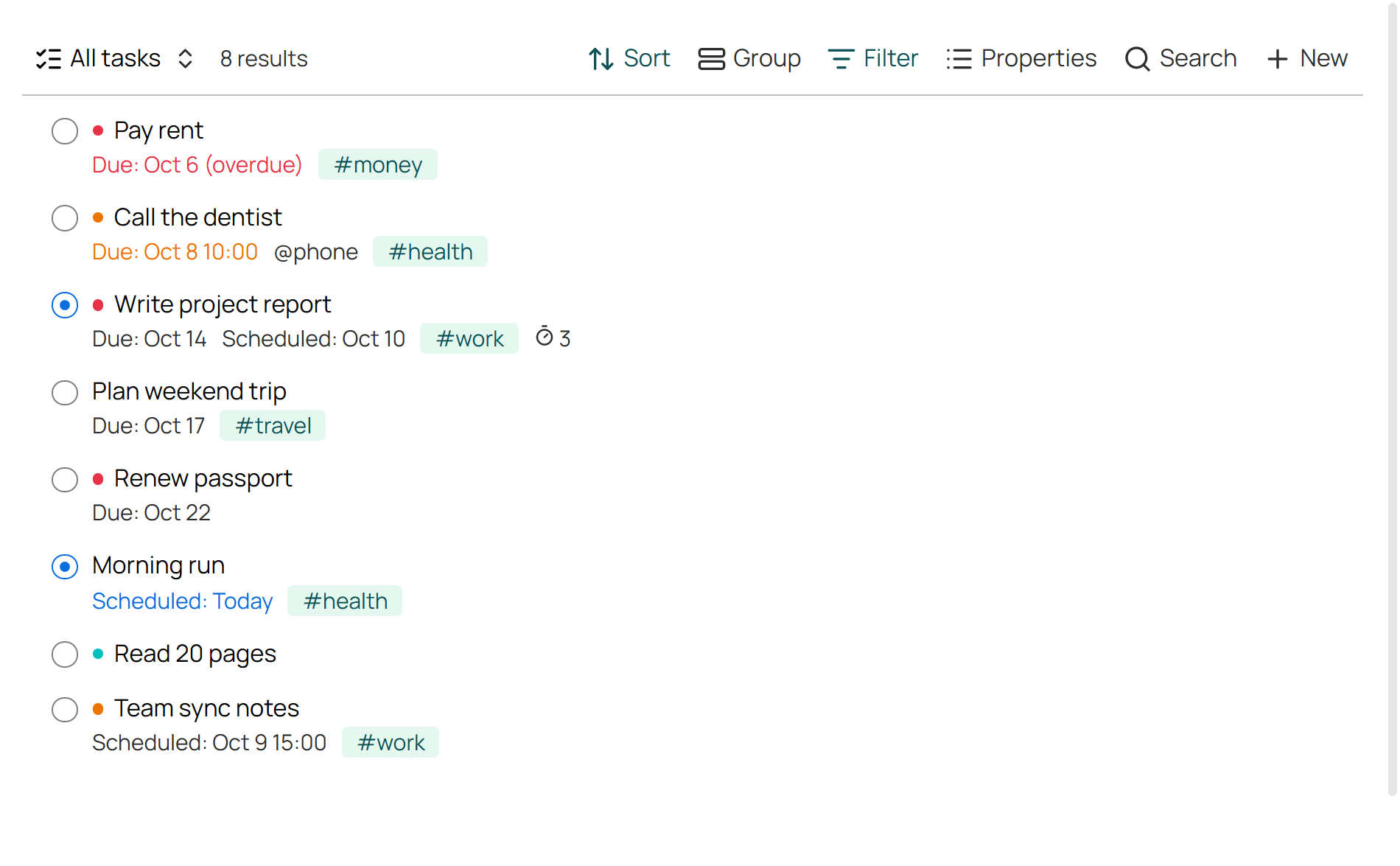
- **Tasky: Open task views:** creates `Tasks/Tasks.base` (Today, All, Board, Calendar, Done).
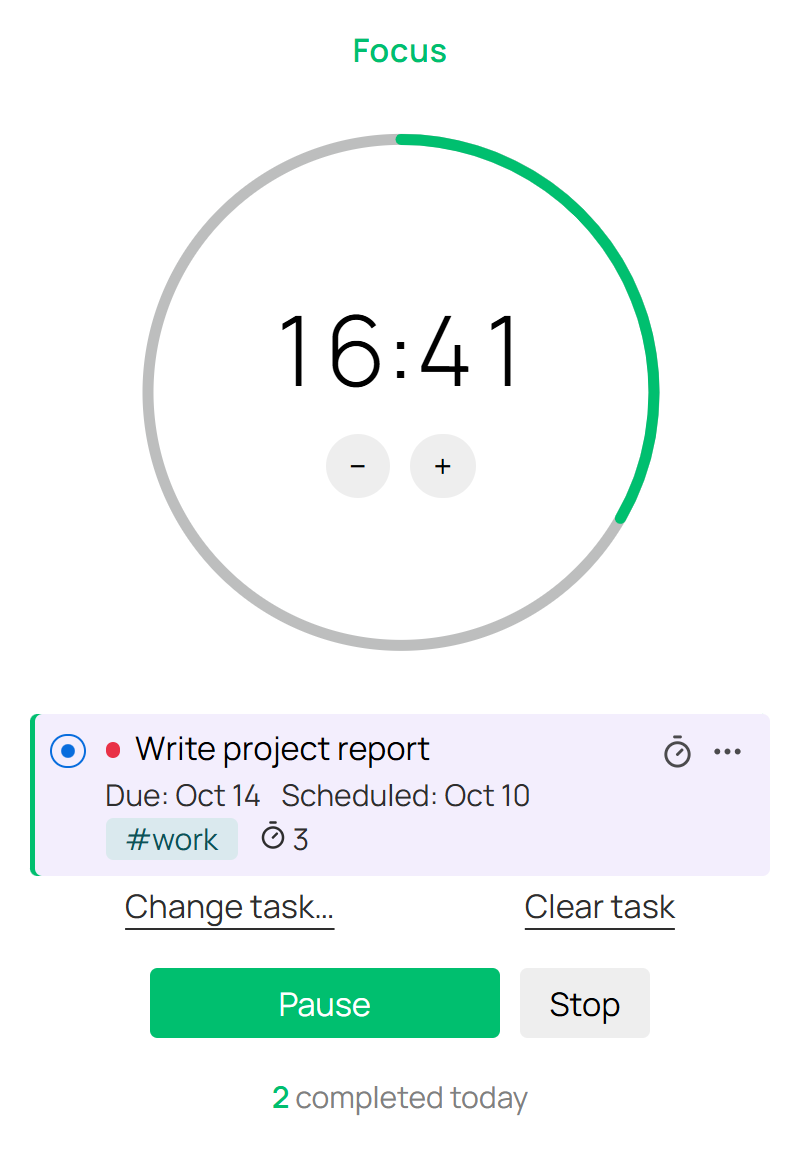
- **Ribbon timer icon:** pomodoro. Add several tasks; finished sessions count on the top one, and ticking the last one done stops the timer.
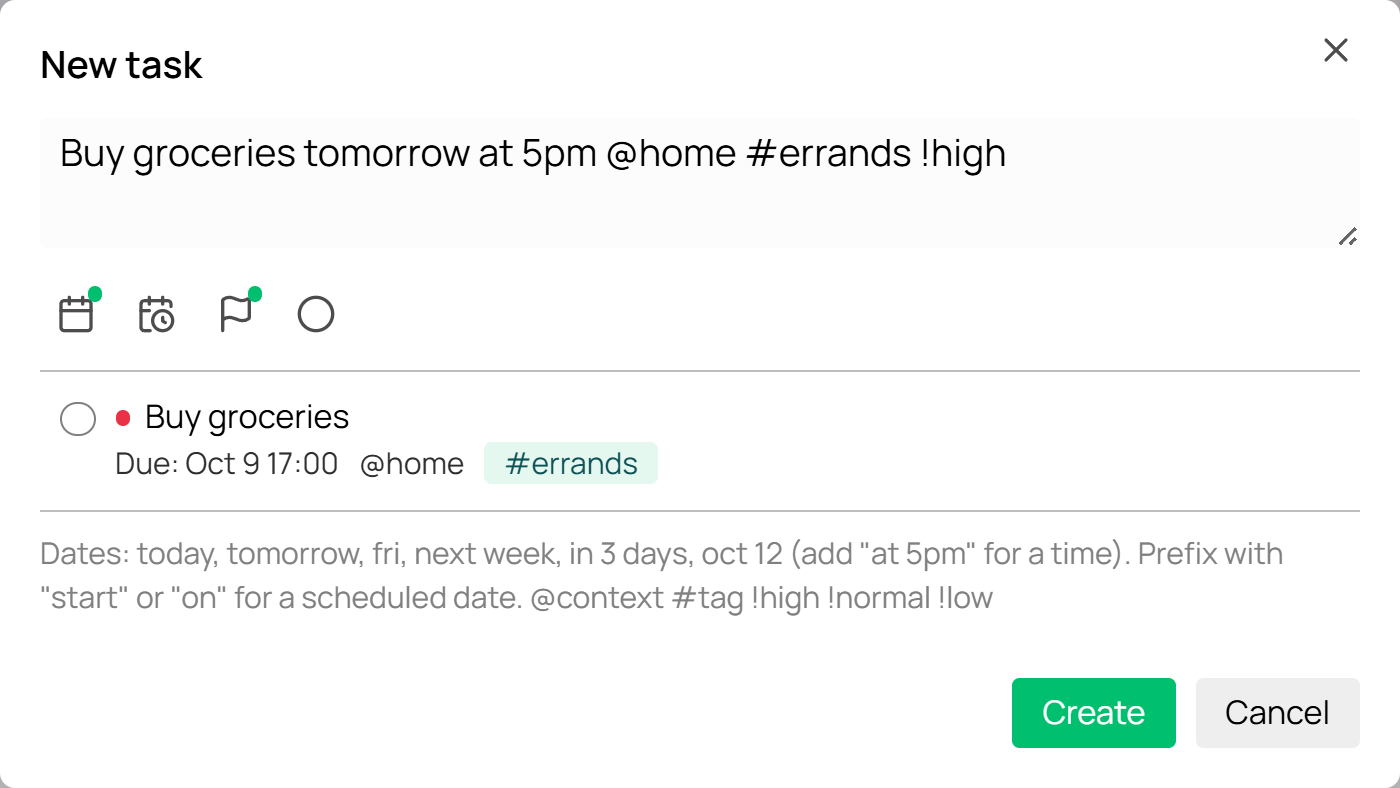
Quick add: `Buy groceries tomorrow at 5pm @home #errands !high` → due date, time, context, tag, priority. `start fri` sets the scheduled date instead. With no date, a new task is due today (turn off in settings).
A task is a note in `Tasks/` tagged `task`, with `status`, `priority`, `due`, `scheduled`, `contexts` and `pomodoros` in its frontmatter.
## Install
```sh
npm install && npm run build
```
Copy `main.js`, `manifest.json`, `styles.css` to `/.obsidian/plugins/tasky/` and enable it. Needs Obsidian 1.13+ with Bases on.
To release: bump `manifest.json`, push a matching tag (`1.0.2`), publish the draft release.
MIT