# Media Archive
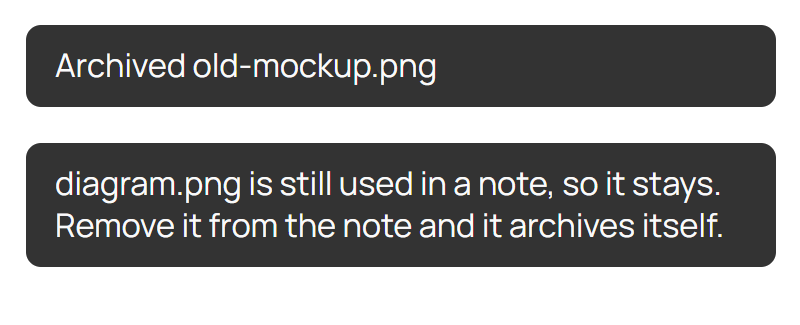
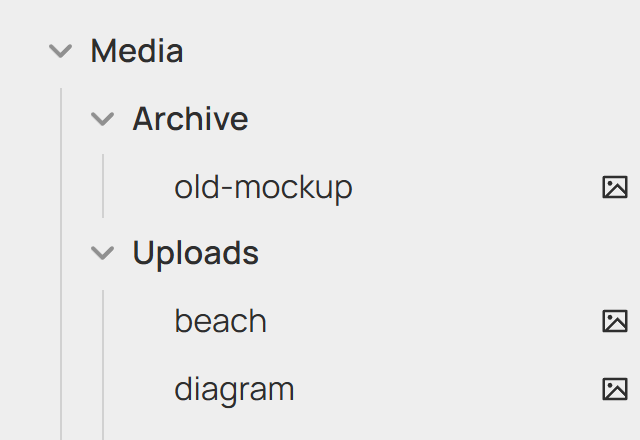
Deleting media in Obsidian moves it to `Media/Archive` instead of the trash. Deleting it from the archive removes it for real.
It also sorts on its own: unused files in `Media/Uploads` move to the archive, and archived files a note uses again move back. New files get 60 seconds before they can be archived.
- **Media:** images, video, audio, PDF.
- **Used** means linked or embedded in a note, named in frontmatter, or on a canvas.
- **Still in use?** Deleting does nothing and says so.
- **Restore:** use it in a note, or copy it into Uploads. Links follow every move, without the "Update links?" prompt.
- **Settings:** the two folder paths. Point Obsidian's attachment folder at Uploads. Changing one doesn't move existing files.
- **Command:** *Sort media by usage now.*
## Install
```sh
npm install && npm run build
```
Copy `main.js` and `manifest.json` to `/.obsidian/plugins/media-archive/` and enable it. Needs Obsidian 1.13+.
To release: bump `manifest.json`, push a matching tag (`1.0.1`), publish the draft release.
MIT